Channel control, Source side, Method a: push button – Atlona AT-HD88M-SR User Manual
Page 15: Method b: ir remote control
13
CHANNEL CONTROL
Source Side
Method A: Push Button
1. Use the “«” or “
—“ channel button on output port to select which port to be changed.
“«”: change selected output port in ascending order
“
—“: change selected output port in descending order
2. Push the “«” or “
—“ channel button on Input channel to select the HDMI
™
input source
you want to display on this selected output port in step 1 in sequential order. Once you
reach the desired input channel you want to display on this selected output port, leave it
and the setting will be effective in a few seconds.
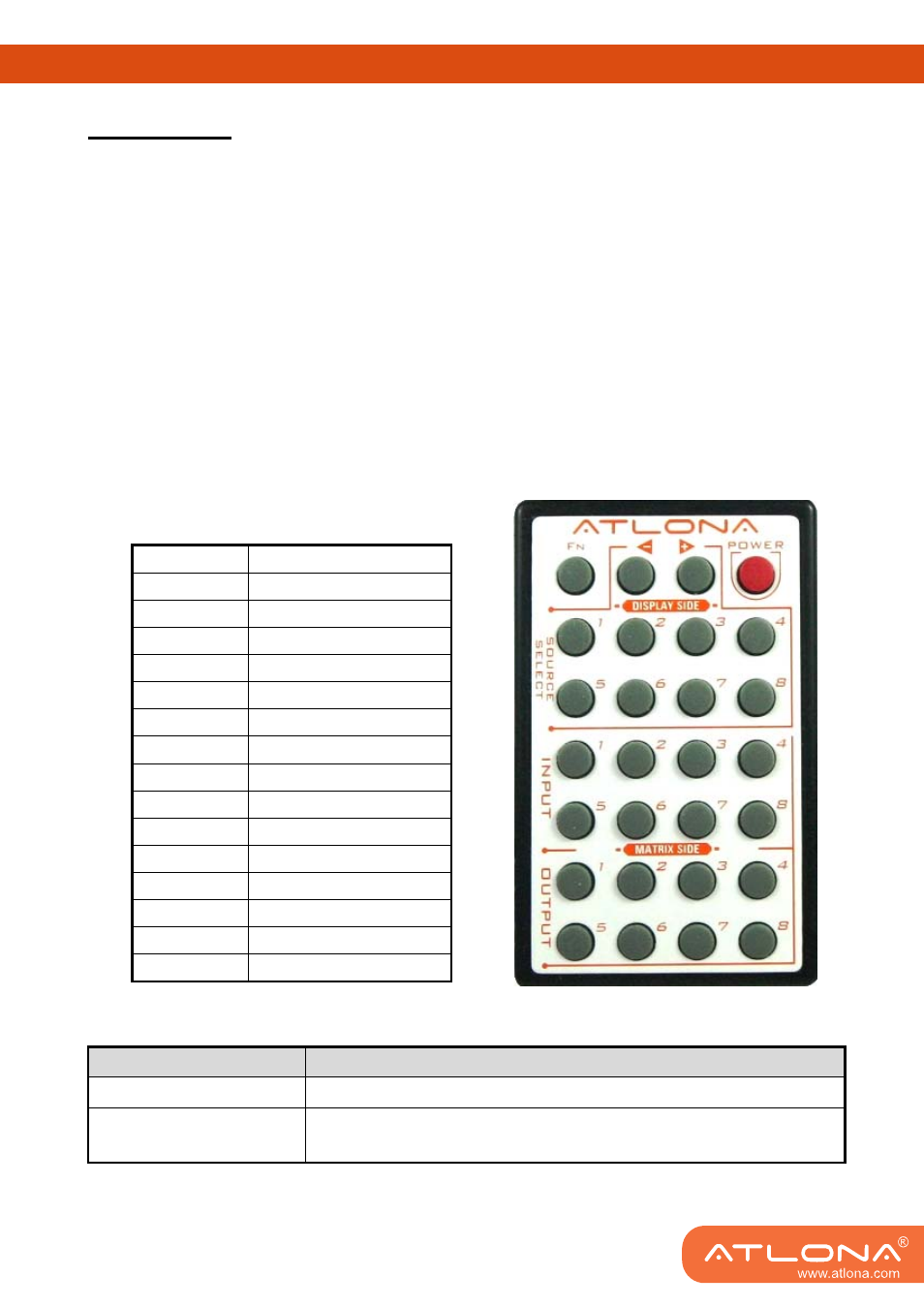
Method B: IR Remote Control
Please push one of the INPUT buttons to choose which HDMI
™
input source you are going to
setup. After that, you can have multiple outputs playing the same content from the selected
INPUT 1
— INPUT 8 by pushing the corresponding OUTPUT buttons. The setting will be
effective in a couple of seconds.
INPUT & OUTPUT MAPPING
INPUT 1
HDMI
™
input port #1
INPUT 2
HDMI
™
input port #2
INPUT 3
HDMI
™
input port #3
INPUT 4
HDMI
™
input port #4
INPUT 5
HDMI
™
input port #5
INPUT 6
HDMI
™
input port #6
INPUT 7
HDMI
™
input port #7
INPUT 8
HDMI
™
input port #8
OUTPUT 1
HDMI
™
output port #1
OUTPUT 2
HDMI
™
output port #2
OUTPUT 3
HDMI
™
output port #3
OUTPUT 4
HDMI
™
output port #4
OUTPUT 5
HDMI
™
output port #5
OUTPUT 6
HDMI
™
output port #6
OUTPUT 7
HDMI
™
output port #7
OUTPUT 8
HDMI
™
output port #8
FUNCTION KEY
FUNCTION
FN
+
SOURCE SEL. 1
Escape System LOCK
FN
+
SOURCE SEL. 2
Enter System LOCK (most buttons, IR control, and RS-232 control
become inactive, except Escape System LOCK command )