Trouble shooting tips – Zilog S3F80QB User Manual
Page 14
UM026703-1014
Trouble Shooting Tips
S3F80QB Development Kit
User Manual
11
This Output Checksum message is an example and may not match the actual checksum of
the project for a particular release of the ZDS installation software.
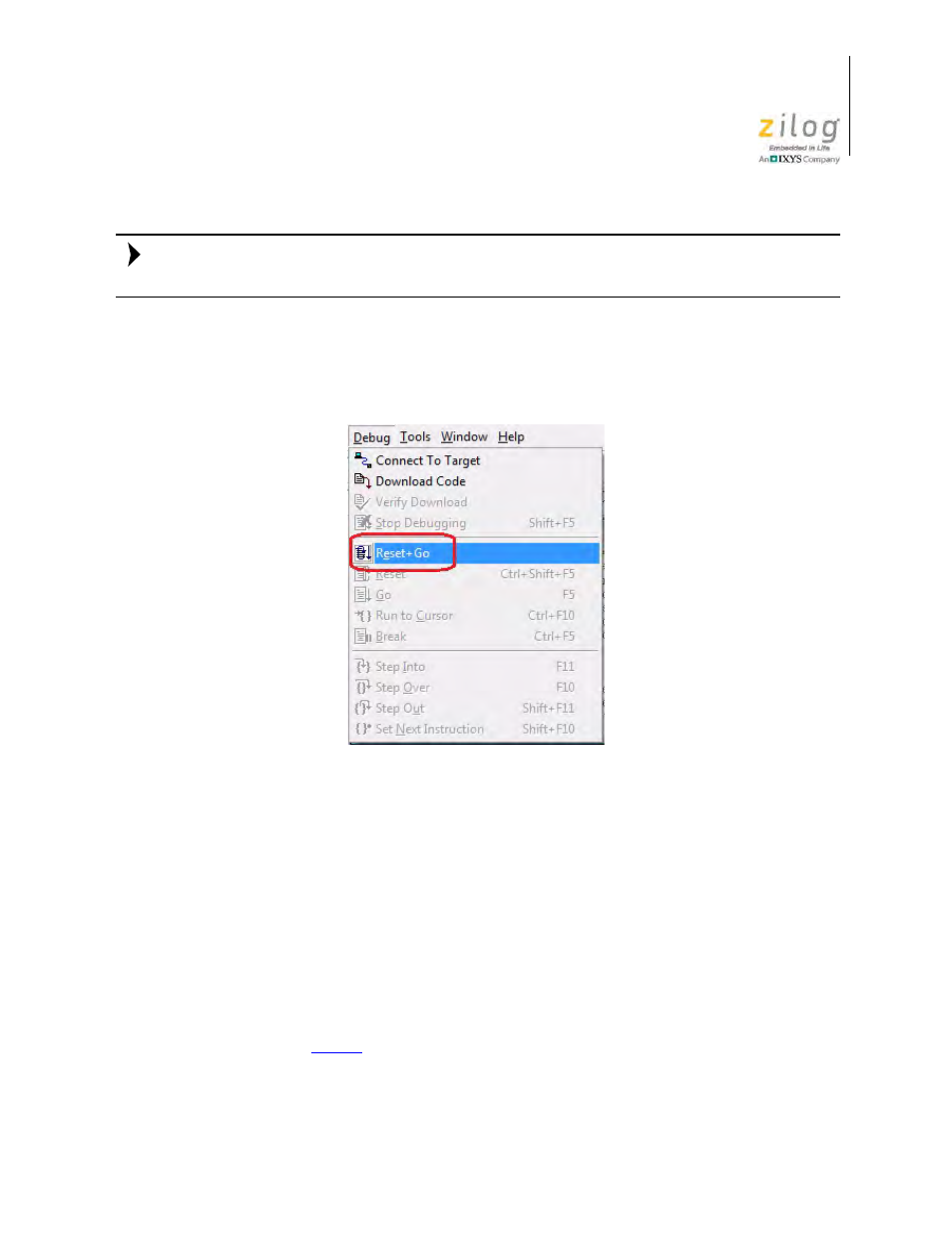
12. To run the application, select
Reset+Go
from the
Debug
menu, as indicated in
Figure 11. As a result, LEDs D7, D8, and D9 will blink in sequence.
Trouble Shooting Tips
The following trouble-shooting tips are useful when starting the S3F80QB Ledblink sam-
ple program.
•
Ensure that the LED indicator on the S3 Flash ISP lights up upon connecting to the
USB port of your PC.
•
Navigate to
Project
→
Settings
→
Debugger
→
Debug Tool
→
Setup
. Upon click-
ing
Setup
on the Setup USB Communication dialog box, verify that S3FlashIsp is dis-
played.
•
Remove and reconnect the ISP on the USB port of your PC.
•
on page 14 to learn more about the jumper settings for the S3F80QB
Development Board.
Figure 11. Select Reset+ Go from the Debug Menu
Note: