Data setup – OpenEye Gen6 RADIUS-PC User Manual
Page 36
Advertising
37
See the
Data Features
section of this manual for information on configuring Data options.
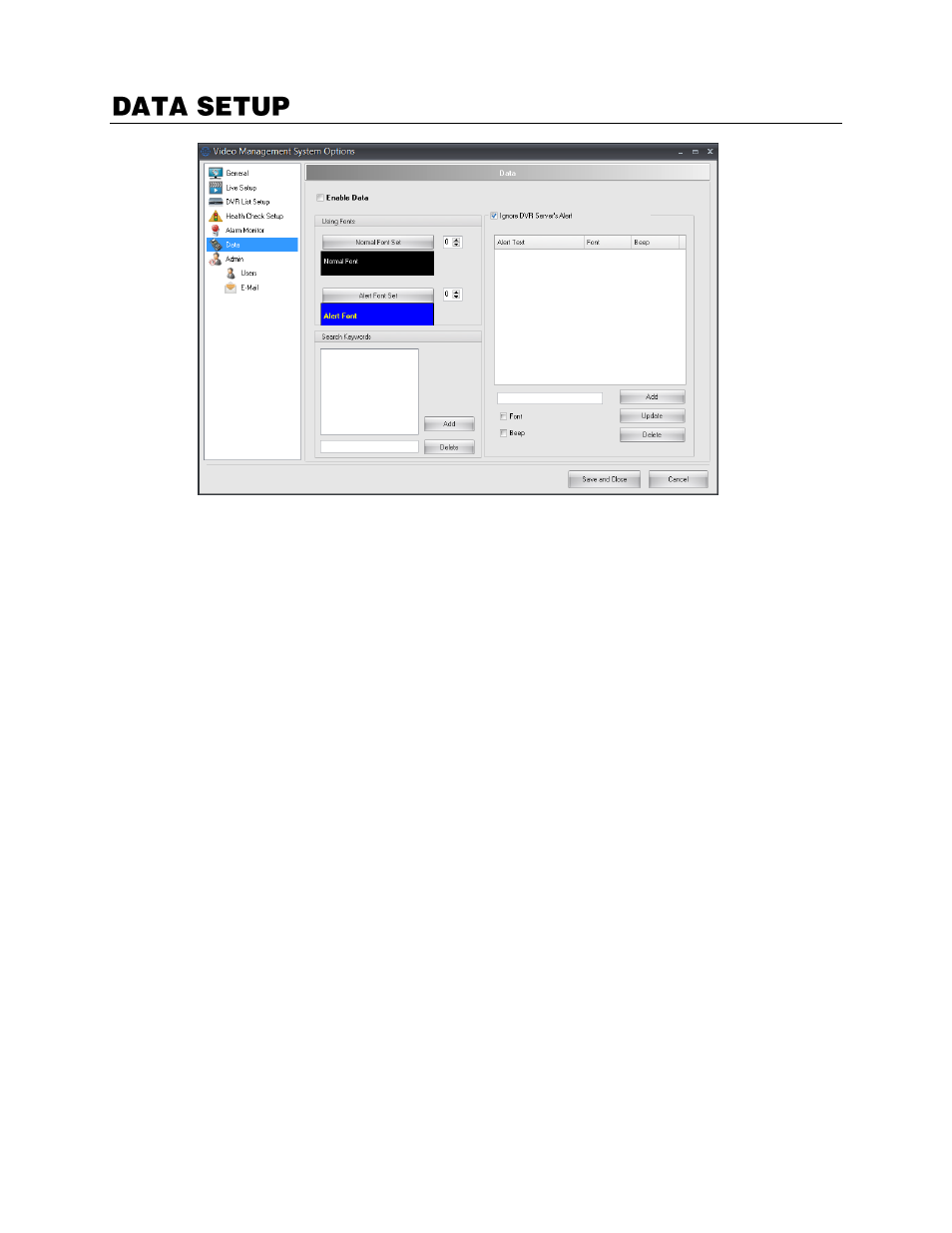
Enable Data
–
Enable to utilize Data functions such as searching and displaying Data text on screen.
Using Fonts
–
Configure the Font Set for Normal and Alert text.
Search Keywords
–
Configure for commonly searched Data items.
Ignore DVR Server’s Alert
–
Allow custom alerts for RADIUS notification while ignoring DVR alerts.
Advertising
This manual is related to the following products: