Rear panel, Iber, Ransceivers – Amer Networks SS2GD8I User Manual
Page 10
4
LINK/ACT: Lights up green when connected to a device, flashes when transmitting data.
10/100/1000Mbps: Lights up green when connected at 1000Mbps, amber when connected at 100Mbps,
and is off when connected at 10Mbps or not connected.
SFP: Lights up green when connected to a device, blinks when transmitting data.
1.5.2 Rear
Panel
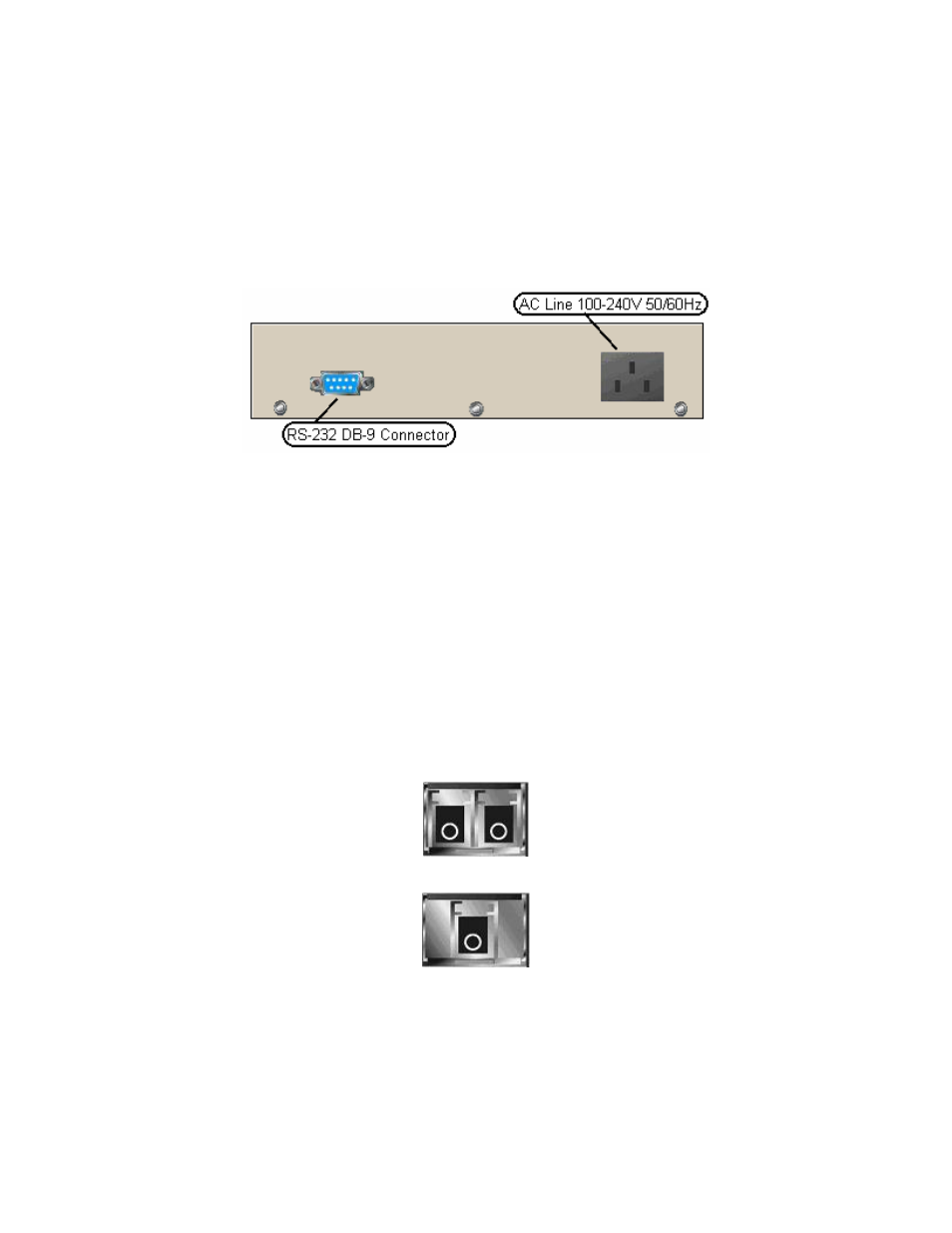
The RS-232 port used for command line management and the power outlet are on the rear of the unit.
Figure 1-3: Rear Panel
1.6 Fiber
Transceivers
Ports 7 and 8 on the switch are combo ports which support two types of media, copper Ethernet cable
(recommended Cat 5e or higher) and fiber using an SFP (mini-GBIC) transceiver. These ports can only
support one type of connection at a time. The switch supports most types of SFP transceivers including:
•
1000Mbps LC, multi-mode, SFP Fiber transceiver
•
1000Mbps LC, single mode, 10km, SFP Fiber transceiver
•
1000Mbps LC, single mode, 30km, SFP Fiber transceiver
•
1000Mbps LC, single mode, 50km, SFP Fiber transceiver
•
1000Mbps BiDi LC, single mode, 20km, 1550nm SFP Fiber WDM transceiver
•
1000Mbps BiDi LC, single mode, 20km, 1310nm SFP Fiber WDM transceiver
Figure 1-4: 1000Base-SX/LX LC SFP Fiber Transceiver
Figure 1-5: 1000Base-LX BiDi LC SFP Fiber Transceiver