Connecting the cable – H3C Technologies H3C SR6600-X User Manual
Page 77
69
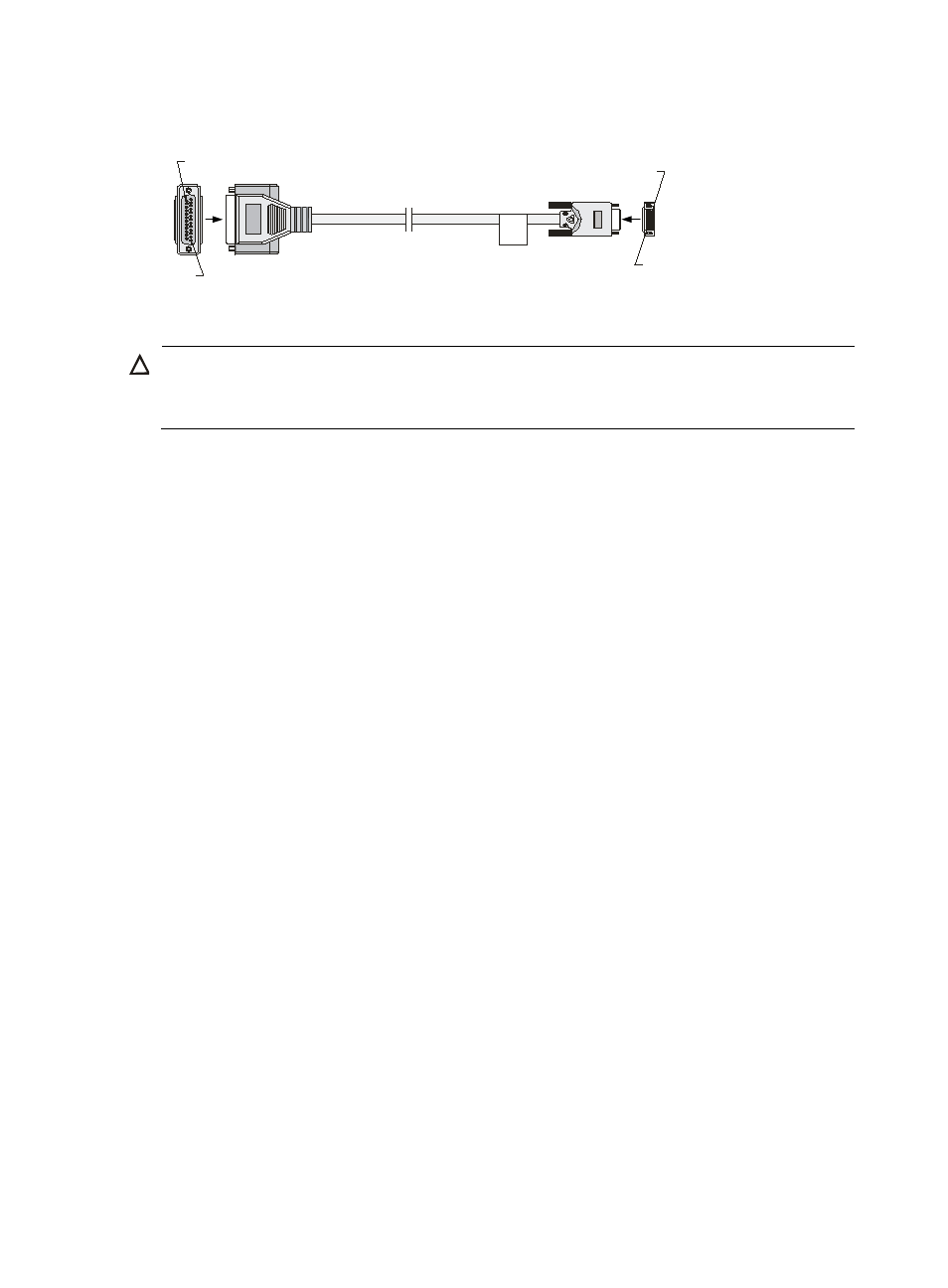
Figure 60 RS-530 DCE cable
Connecting the cable
CAUTION:
•
Never stare into an open fiber Ethernet port, because invisible rays might be emitted from the port.
•
Cover the dust cover if no optical fiber connector is connected to the fiber Ethernet port.
To connect the interface cable:
1.
Examine port type of the peer device and choose the synchronous serial interface cable of correct
type.
2.
Plug the DB-28 end of the synchronous serial interface cable into the DB-28 interface of the SAE
interface module.
3.
If the WAN uses DDN line, connect the cable to the port of CSU/DSU.
4.
Examine the LINK LED on the SAE panel.
{
If the LED is on, a link is present.
{
If the LED is off, a fault has occurred on the link and signal is out of synchronization. In this case,
examine the link.
A
Pos.25
A
X2
Pos.1
W
Pos.28
Pos.1
B
B
X1