Configuration procedure, Verifying the configuration – H3C Technologies H3C MSR 5600 User Manual
Page 189
176
•
Configure fixed sampling in the inbound direction to select the first packet from among 100
packets.
•
Configure random sampling in the outbound direction to select one packet randomly from among
200 packets.
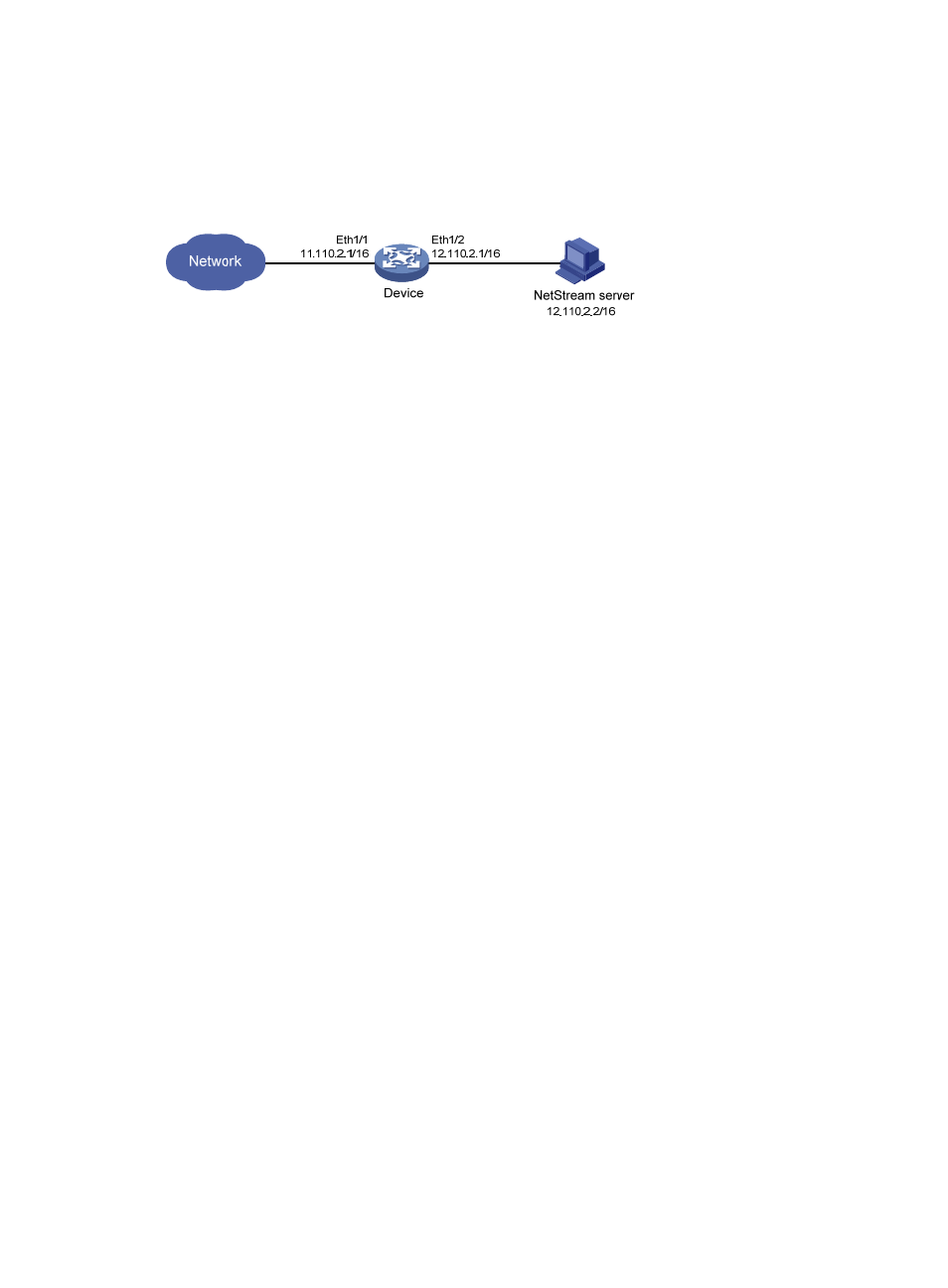
Figure 51 Network diagram
Configuration procedure
# Create sampler 100 in fixed sampling mode, and set the rate to 100. The first packet of 100 packets
is selected.
<Device> system-view
[Device] sampler 100 mode fixed packet-interval 100
# Create sampler 200 in random sampling mode, and set the sampling rate to 200. One packet from
among 200 packets is selected.
[Device] sampler 200 mode random packet-interval 200
# Configure Ethernet 1/2, enable IPv4 NetStream to collect statistics about the incoming traffic, and then
configure the interface to use sampler 100.
[Device] interface ethernet 1/2
[Device-Ethernet1/2] ip address 11.110.2.1 255.255.0.0
[Device-Ethernet1/2] ip netstream inbound
[Device-Ethernet1/2] ip netstream sampler 100 inbound
# Configure Ethernet 1/2, enable IPv4 NetStream to collect statistics about outgoing traffic, and then
configure the interface to use sampler 200.
[Device-Ethernet1/2] ip netstream outbound
[Device-Ethernet1/2] ip netstream sampler 200 outbound
[Device-Ethernet1/2] quit
# Configure the address and port number of the NetStream server as the destination for the NetStream
data export. Use the default source interface for the NetStream data export.
[Device] ip netstream export host 12.110.2.2 5000
Verifying the configuration
# Execute the display sampler command on the device to view the configuration information about
sampler 100 and sampler 200.
[Device] display sampler 100
Sampler name: 100
Mode: Fixed; Packet-interval: 100
[Device] display sampler 200
Sampler name: 200
Mode: Random; Packet-interval: 200