Verifying the configuration, 1x authentication configuration example, Network requirements – H3C Technologies H3C MSR 50 User Manual
Page 57: Configuration procedure
48
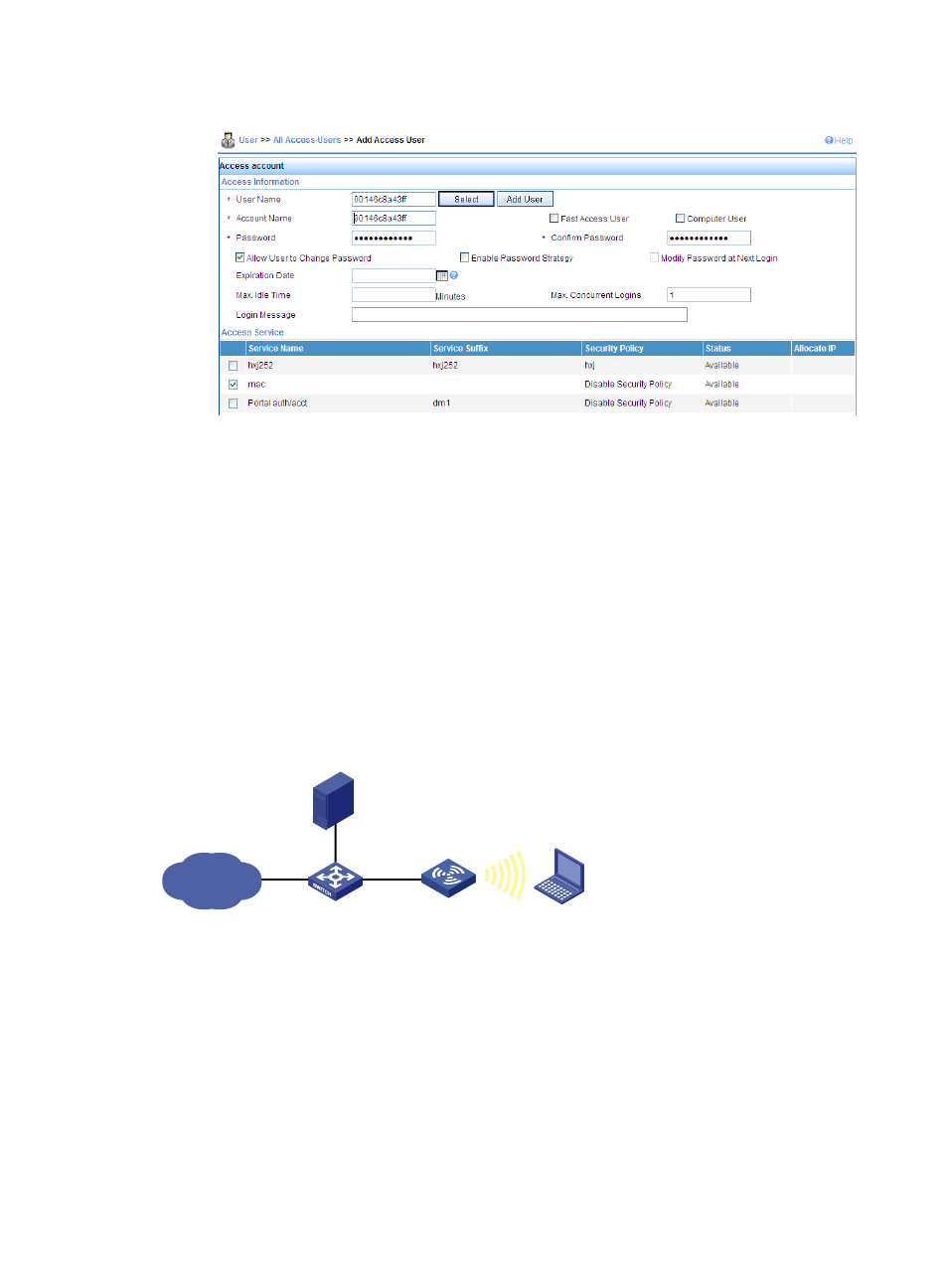
Figure 20 Adding an account
Verifying the configuration
•
After the client passes the MAC address authentication, the client can associate with the AP and
access the WLAN.
•
You can use the display wlan client command, the display connection command, and the display
mac-authentication command to view the online clients.
802.1X authentication configuration example
Network requirements
As shown in
, configure the FAT AP to perform 802.1X authentication on the client.
Figure 21 Network diagram
Configuration procedure
1.
Configure the fat AP:
# Enable port security.
<Sysname> system-view
[Sysname] port-security enable
# Configure the 802.1X authentication mode as EAP.
[Sysname] dot1x authentication-method eap
# Create a RADIUS scheme rad, and specify the extended RADIUS server type.
[Sysname] radius scheme rad
IP network
L2 switch
FAT AP
Client
10.18.1.88/24
RADIUS server
10.18.1.1/24