Adding new events from compusat – Grass Valley Aurora Ingest v.6.5.2 User Manual
Page 117
Advertising
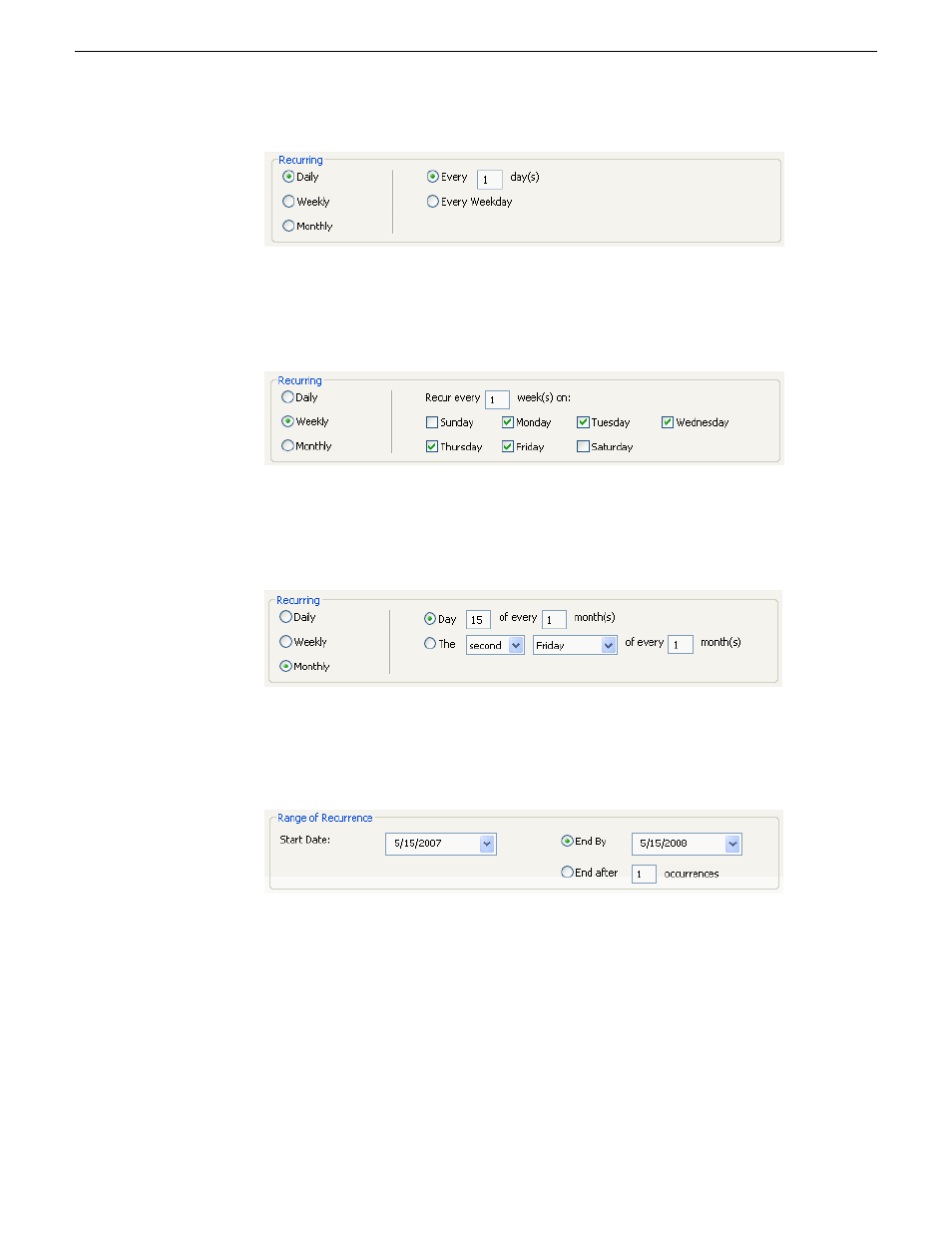
•
For Weekly occurrence, check the boxes for the day or days you want the entry
to record.
•
For Monthly occurrence, select a specific day each month to record, or select
a specific day of the week, such as the second Friday, to record.
4. Select the range of occurrence, by selecting a Start date, and either an End by date
or an End after a certain number of occurrences.
5. Click
Add
.
The recurring events are added to Aurora Ingest - Scheduler with a
Ready
status.
Adding New Events from CompuSat
To record events from a CompuSat-controlled satellite dish, you have to configure
the CompuSat system to connect to Aurora Ingest Server.
13 August2009
Aurora Ingest System Guide
117
Using Aurora Ingest - Scheduler
Advertising
This manual is related to the following products: