Grass Valley Aurora Ingest v.6.5.2 User Manual
Page 73
Prompt for tape ID - this feature lets you give the disk and all of the clips useful
names right up front. By this way, you can differentiate clips from different
disks.
•
•
Use Global Tape ID for P2 - select this if you want to use global tape ID when
ingesting from Panasonic P2. With the global tape ID, you can have a single
ID to represent multiple Panasonic P2 cartridges.
•
Automatically select clips upon disk discovery - use this feature if it’s better
for your workflow to select all clips automatically, then select or de-select
individual clips.
5. Click
Apply
.
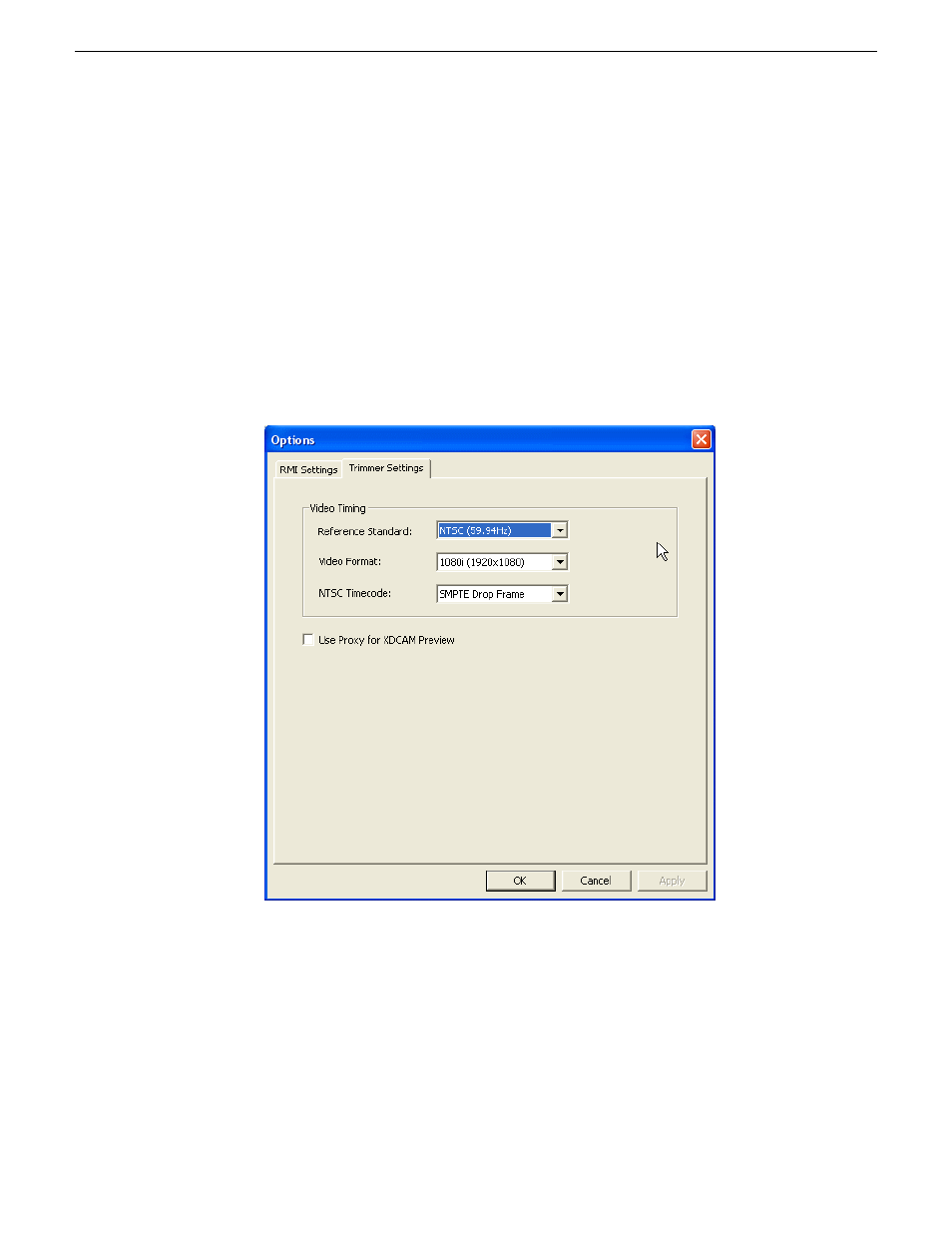
6. Click the Trimmer Settings tab to proceed configuring the RMI application.
7. Select Video Timing settings from drop-down lists within the Trimmer Settings
tab.
•
Reference Standard - select either NTSC or PAL for your video reference
standard.
•
Video Format - select 1080i, 720p or 480i video format from the drop-down
list.
13 August2009
Aurora Ingest System Guide
73
Configuring Aurora Ingest