10 anchoring the camcorder, Anchoring the camcorder – Grass Valley DMC 1000 v.12.4 User Manual
Page 34
Advertising
34
DMC 1000 Digital Media Camcorder User’s Guide (v4.0)
Chapter 2 - Attaching parts
2.10 Anchoring the camcorder
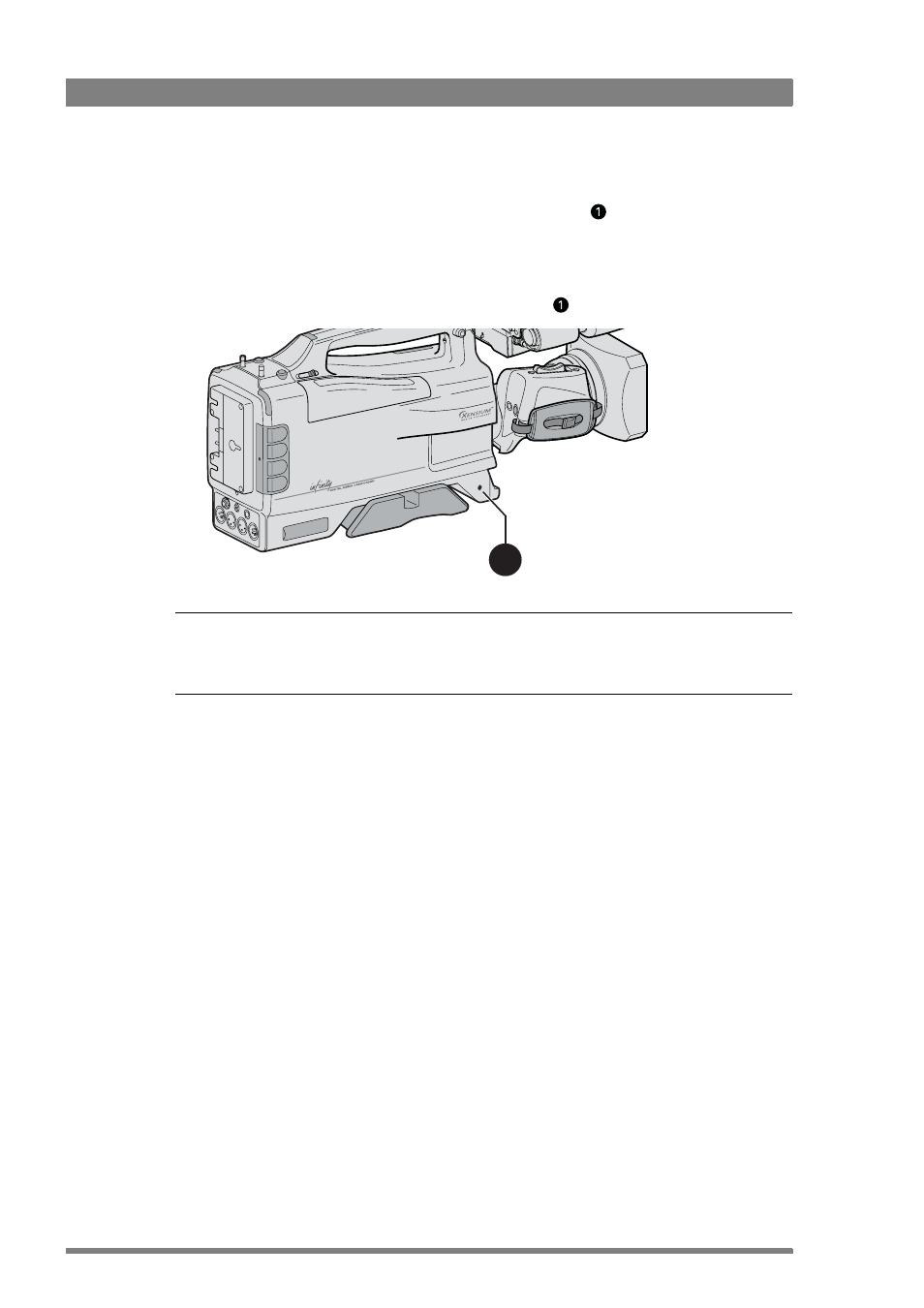
The DMC 1000 is equipped with a security slot anchoring point
to fit an anti-theft device.
These devices normally consist of a plastic-coated steel cable with a lock. Attach the device as
follows:
1.
Attach one end of the anti-theft device to a securely anchored fixture.
2.
Insert the other end in the opening in the camcorder
and lock it with the supplied key.
☞
Note
☞
Note
Grass Valley does not assume any responsibility for the security of your camcorder. The
anchor point is only an aid to help you protecting your camcorder.
1
Advertising
This manual is related to the following products: