4 assignable buttons, 1 operation panel, 2 lens – Grass Valley DMC 1000 v.12.4 User Manual
Page 40: Assignable buttons 3.4.1, Operation panel, Lens, 1 operation panel 3.4.2 lens
40
DMC 1000 Digital Media Camcorder User’s Guide (v4.0)
Chapter 3 - General set-up
3.4 Assignable buttons
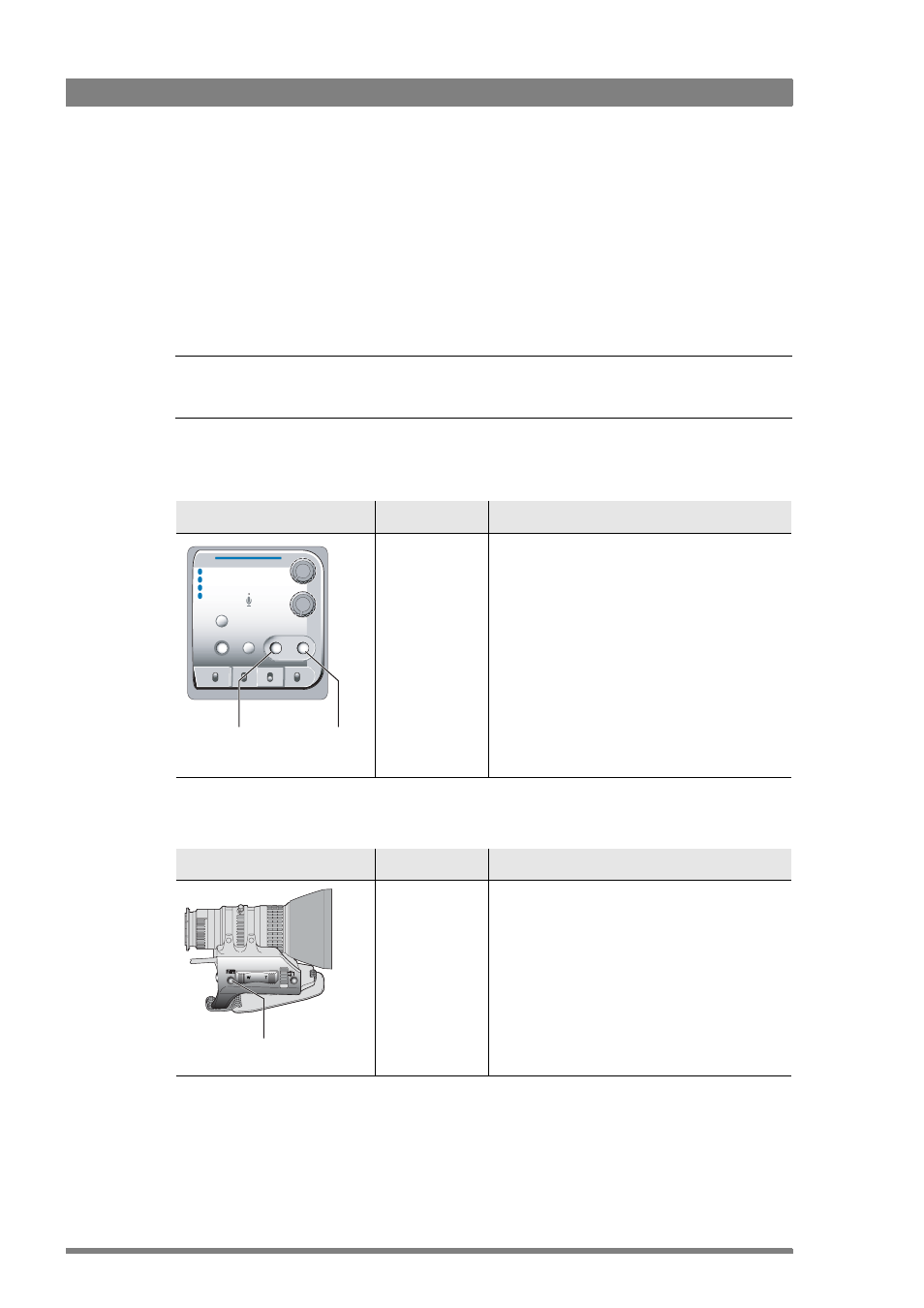
There are several assignable buttons on the camcorder:
•
user buttons 1 and 2 on the control panel,
•
the RET button on the lens,
•
the zoom and record switch on the handgrip.
The assignments are set in the SYSTEM
>
HARDWARE
>
BUTTONS
menu.
☞
Note
☞
Note
In menu paths, buttons along the bottom of the side panel display are shown in bold.
3.4.1 Operation panel
3.4.2 Lens
Location
Control
Possible assignments
User button 1 and
user button 2
• Disable (default)
• Ext Iris
• Mark out
• Mark in
• Record
• Forward
• Rewind
• Pause play
• Stop play
• Start play
Operate
Gain
Output
White Bal
User 1
User 2
Monitor
Warning
Save
Std.
Recall
Marker
Stby
+
-
Cam
Bars
Clear
ND 1/4
ND 1/16
ND 1/64
1
2
3
4
+
-
Contrast
User
button 1
User
button 2
Location
Control
Possible assignments
RET button
• Playback (default)
• Ext. signal
The playback function shows the last 5 seconds of
the last recorded clip.
The Ext. signal function displays the external SDI or
HD-SDI video signal.
Note: the location of the RET button can vary
depending on the type and make of your lens.
RET
button