8 camera status display, Camera status display – Grass Valley DMC 1000 v.12.4 User Manual
Page 49
DMC 1000 Digital Media Camcorder User’s Guide (v4.0)
49
Chapter 3 - General set-up
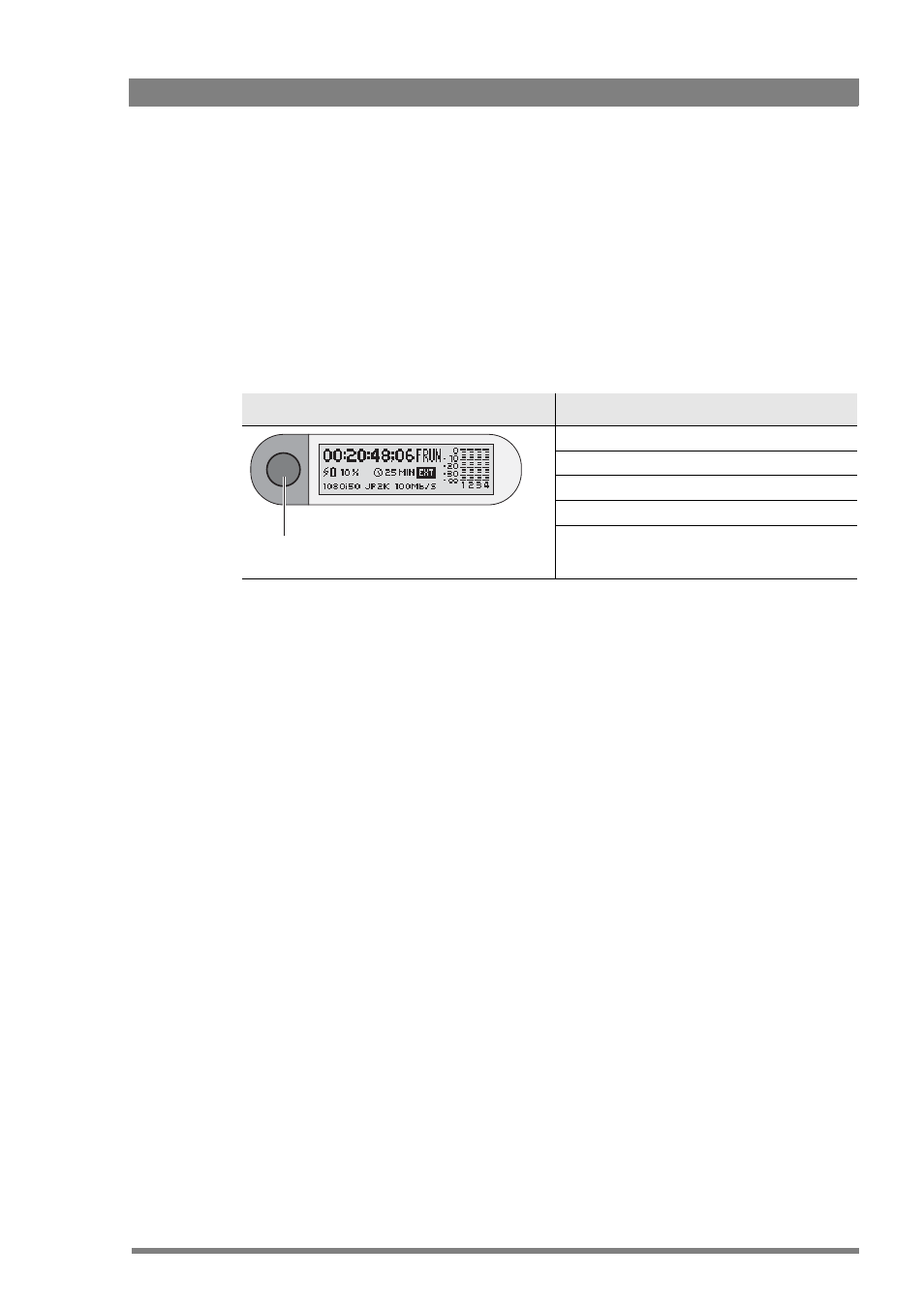
3.8 Camera status display
The status display on the top left of the camcorder provides basic information about the
camcorder status (timecode, video standard, compression and audio, active media). When a
battery is attached it gives active information about the health of the battery.
1.
Push the display button to switch on the status display backlight.
–
The blue light on the control panel below also lights.
2.
Observe the display.
3.
Push and hold the display button for two seconds to scroll through the status screens.
–
The blue light switches off automatically after a few seconds of non-activation.
The blue backlight of the display flashes when the camcorder is shutting down or when
battery level is low. It also flashes when a software update is in progress.
When the camcorder is switched off the display is still active as long as a battery is attached.
Even when the camcorder battery is removed the display continues to work for some time.
Status screens
1. Timecode screen
2. Timecode/User bits screen
3. Real time screen
4. Power status screen
5. Software version, PID and serial number screen
Backlight + control panel light /
display button