Defining a new k2 san – Grass Valley K2 Summit Storage Area Network Installation User Manual
Page 188
Advertising
•
Software installed, as from the factory, including QuickTime 7
•
Control network IP address assigned
•
Power on for all servers
K2 RAID chassis
•
Fibre Channel cable(s) connected
•
Ethernet cable(s) connected
•
Power on
K2 RAID Expansion chassis (optional)
•
Fibre channel cable(s) connected
•
Power on
Defining a new K2 SAN
If you import a SiteConfig system description file, you do not need to define a new K2 SAN. You
can skip this task and instead start by configuring the first K2 Media Server.
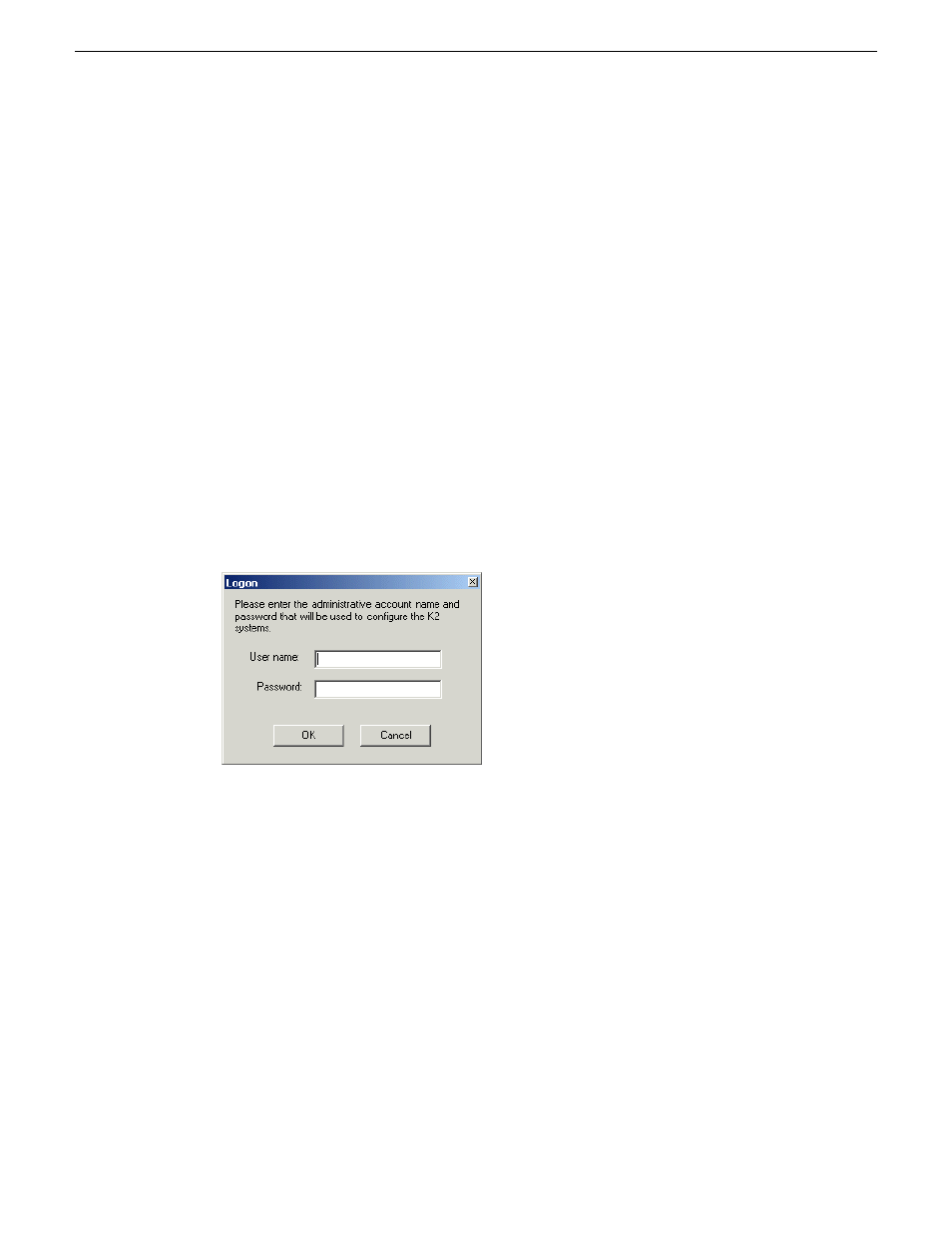
1. On the control point PC, open the K2Config application.
A login dialog box opens.
188
K2 SAN Installation and Service Manual
18 November 2010
Configuring and licensing the K2 SAN
Advertising