Grass Valley K2 Summit Storage Area Network Installation User Manual
Page 69
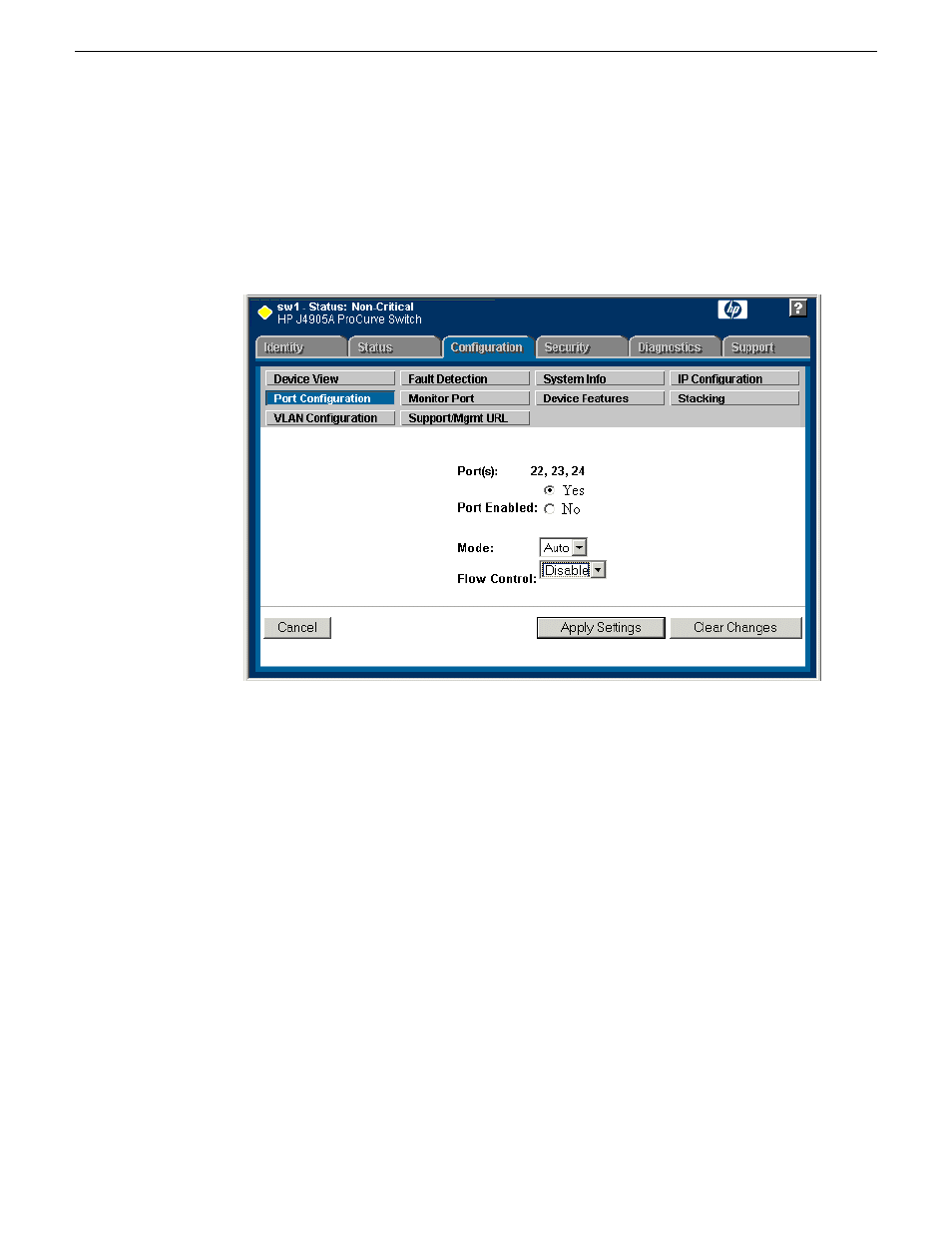
8. If you do not need trunks, such as on a one-switch system, skip to the next step in this procedure.
If you need trunks, such as on a two-switch system with ISLs, do the following:
a) Select (Ctrl + Click) the trunked ports. Typically the trunked ports are at the bottom of the
list and are labeled Trk1.
b) Click
Modify Selected Ports
.
If prompted, log in as administrator.
c) For the trunked ports, set Port Enabled to
Yes
. On some switch models, some ports are disabled
by default, so make sure you enable them. Leave Mode as default of
Auto
.
d) Set Flow Control as follows:
Set to
Disable
.
e) Click
Apply Settings
.
9. On the Port Configuration page, do one of the following:
•
If you do not have trunks, select all ports.
•
If you have trunks, select the remaining ports (the ports not trunked).
18 November 2010
K2 SAN Installation and Service Manual
69
Setting up the K2 SAN infrastructure