Casio E-125 Mobile Picture & Video Player V.1.0 User Manual
Page 34
Advertising
- 34 -
Mobile Picture & Video Player with Camera
Editing and deleting nicknames
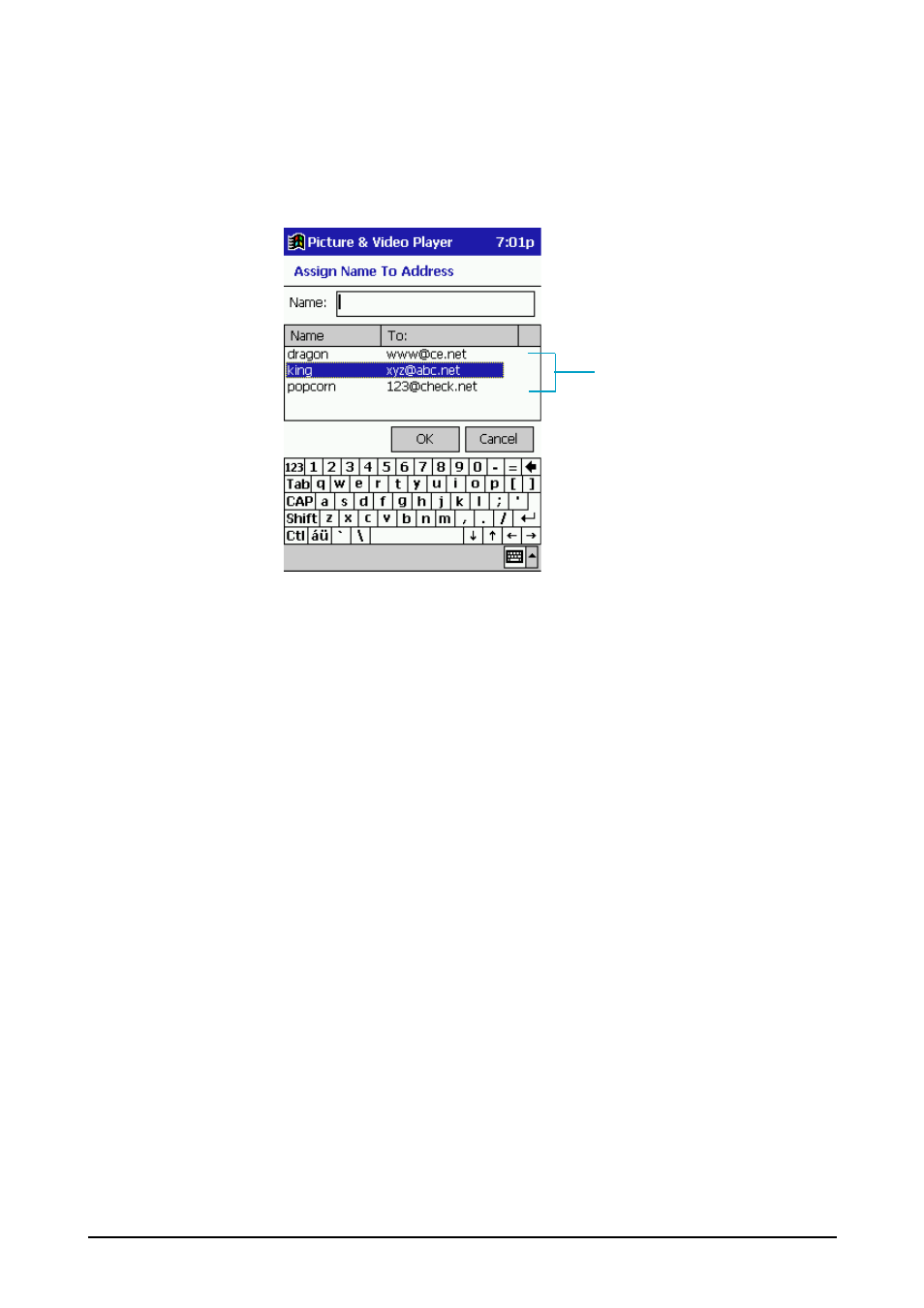
1. On the Edit menu, tap Assign name To Address.
•
This causes the dialog box shown below to appear.
2. On the nickname list, tap and hold the nickname you want to edit or delete.
•
To edit the nickname, tap "Rename", make the changes you want, and then
store the new nickname.
•
To delete the nickname, tap "Delete".
///// Note /////
•
A nickname cannot include the colon (:) character.
•
You can edit the nickname only. You cannot edit the e-mail address.
Nickname list
Advertising
This manual is related to the following products: