Casio E-125 Mobile Picture & Video Player V.1.0 User Manual
Page 5
Advertising
- 5 -
Mobile Picture & Video Player with Camera
To start up Mobile Picture & Video Player with Camera
1. Install the Digital Camera Card into the card slot of your CASSIOPEIA.
•
See the separate documentation that comes with the Digital Camera Card
for details about installation.
2. Turn on your CASSIOPEIA.
3. Tap
, Programs, and then Picture & Video Player.
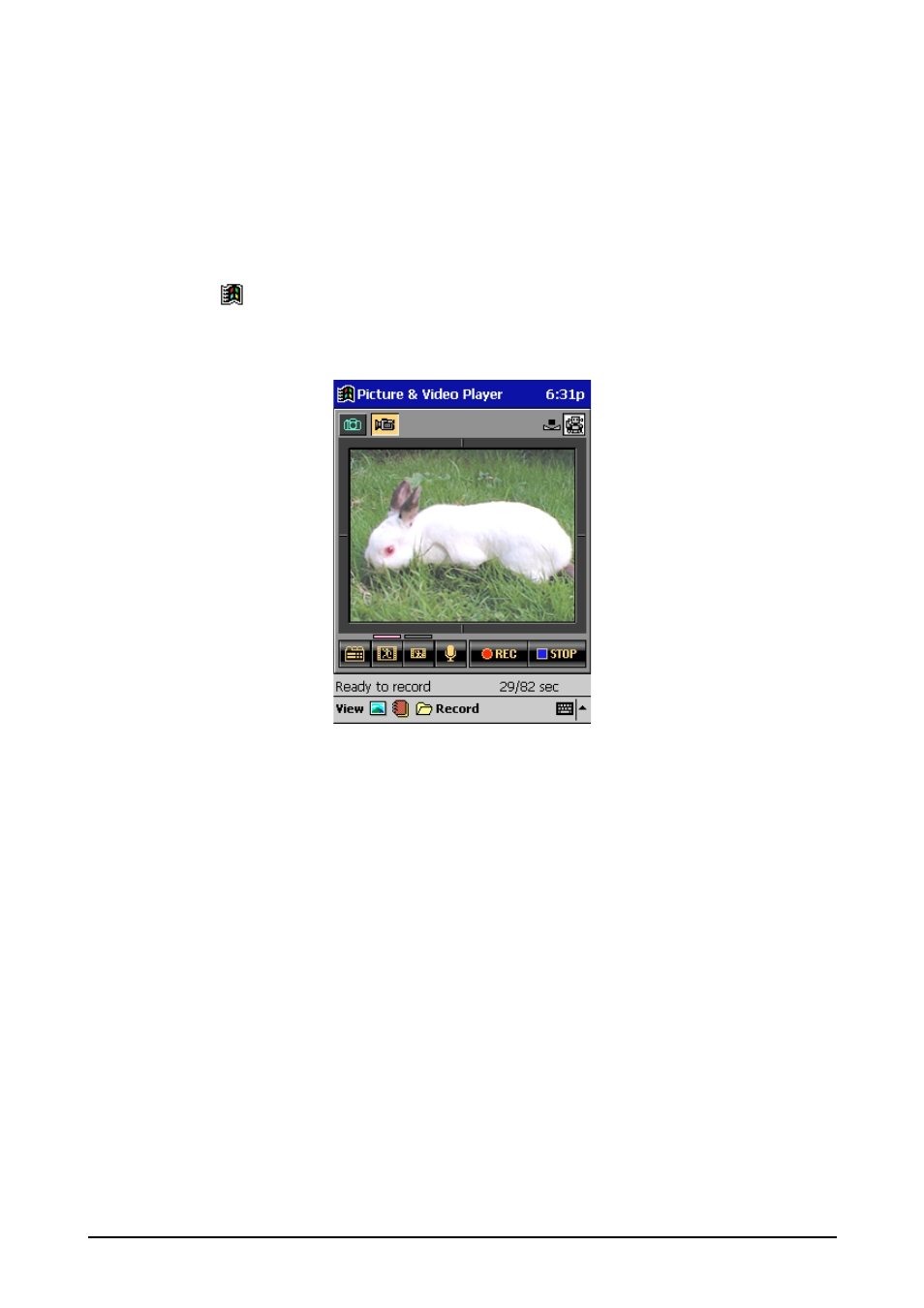
The movie camera screen appears the first time you start up Mobile Picture &
Video Player with Camera.
Movie camera screen
•
The screen you were using last (camera screen, image display screen, album
index screen) appears the next time you start it up.
•
The movie index appears if you start up Mobile Picture & Video Player with
Camera. while the Digital Camera Card is not installed on the CASSIOPEIA.
Advertising
This manual is related to the following products: