Casio LK-170 User Manual
Page 14
EN-12
Sampling a Sound and Playing it on the Keyboard
(Sampling)
You can use the digital keyboard’s built-in microphone to
record a sound and then play it with the keyboard keys. The
sampling feature is a great way to create your own original
sounds.
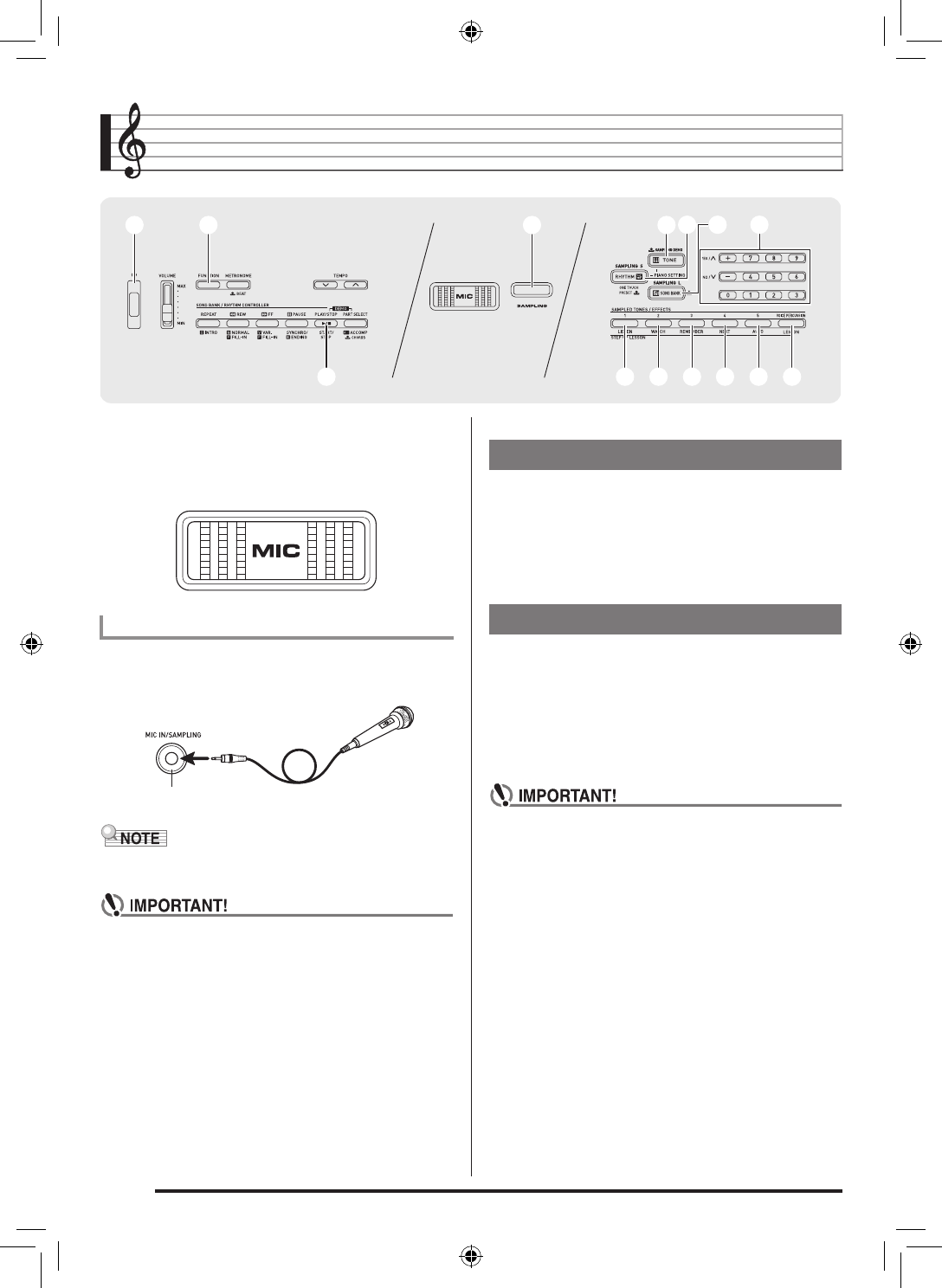
Connect a microphone. When connecting a microphone, be
sure to first adjust the
MIC VOLUME knob to a low setting.
Keyboard jack connector : Standard plug (monaural)
• Use of a commercially available microphone also is
supported.
• Turn off the microphone and the Digital Keyboard
before connecting them.
• It will take a few seconds before you can use the
microphone after you turn on the Digital Keyboard.
• Sampled sounds are recorded in monaural.
• The built-in microphone is only for inputting and
recording external sounds for use with the sampling
function. Sounds input with the built-in microphone are
not output through the speakers.
• You cannot sample sounds input from through the
AUDIO IN jack.
• The built-in microphone automatically becomes
disabled whenever an external microphone is
connected to the MIC IN/SAMPLING jack.
Use the procedure below to play a demo tune that features
sampled sounds.
1.
Hold down
bm
(SAMPLING DEMO).
This starts playback.
2.
To stop demo play, press
bm
or
bk
.
There are two sampling methods: long sampling and short
sampling. Long sampling is used for sampling in the Song
Bank Mode, while short sampling is use for sampling in the
Rhythm Mode.
■
Long Sampling
This method allows sampling of a single sound with a duration
of two seconds.
• Sampling a new sound overwrites all previously
recorded data (including data recorded with short
sampling).
1.
Press
bo
(SONG BANK).
1
1
cq
cq
bq
bq br
br bs
bs bt
bt ck
ck cl
cl
bo
bo
bm
bm
bp
bp
3
3
bn
bn
bk
bk
Connecting a Microphone
MIC IN/SAMPLING jack
Playing the SAMPLING DEMO
Sampling a Sound and Playing It
LK260_A5_x1a_EN_ES.indd 14
2014/02/21 15:07:00