Applying an effect to a sound sample – Casio LK-170 User Manual
Page 17
English
Sampling a Sound and Playing it on the Keyboard (Sampling)
EN-15
Use the procedure below to apply effects to a sample that was recorded using either long sampling or short sampling.
1.
Press one of the five
bq
-
ck
(SAMPLED TONES/EFFECTS) buttons to cycle through available effects.
Example: Button 1 (tone number 412)
Original tone
3 Loop 1 3 Loop 2 3 Original tone 3
See the “Sampled Sound Tone Numbers” table below for details about the effects that are assigned to each button.
■
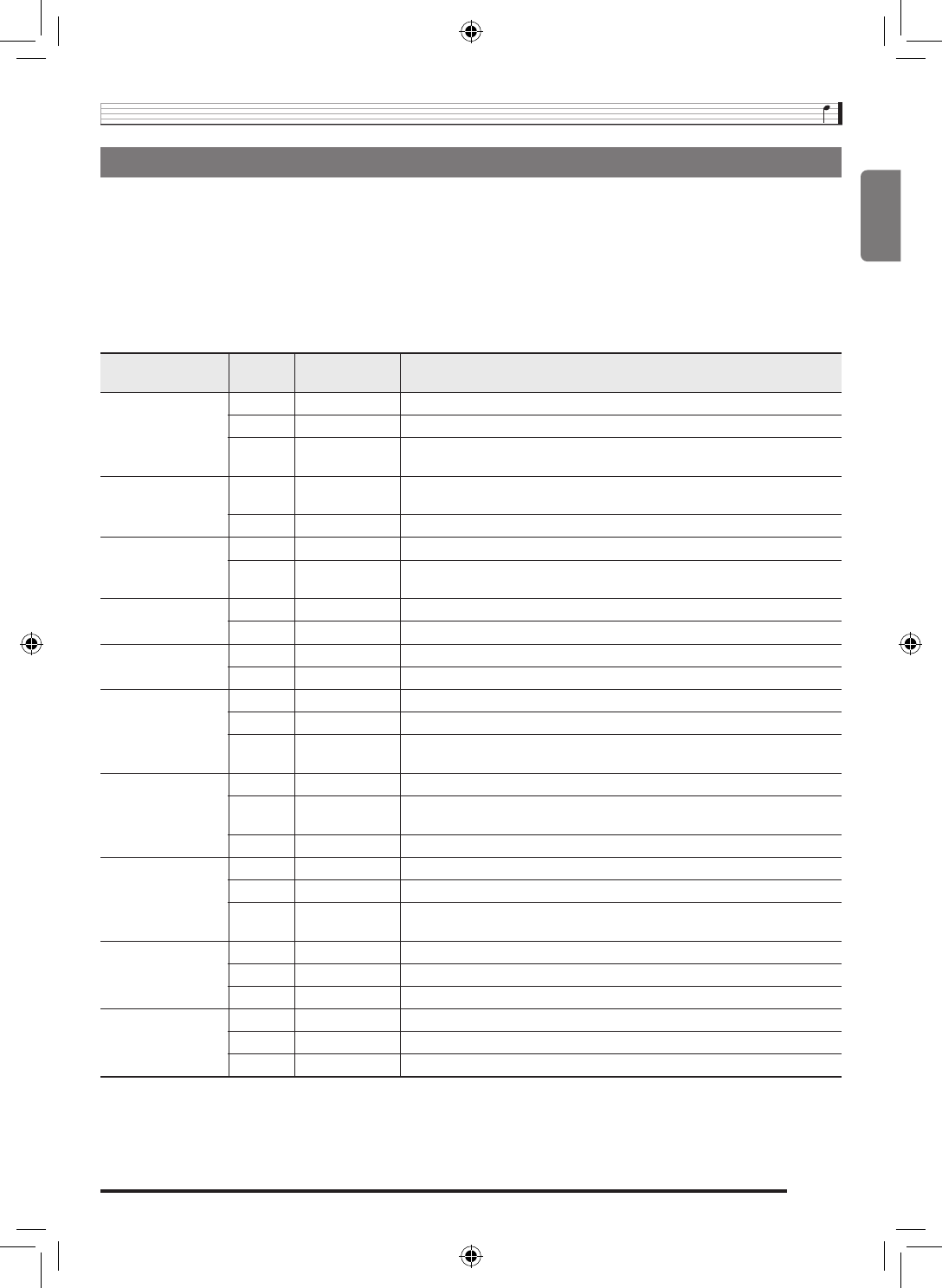
Sampled Sound Tone Numbers
The original sampled sound and its modified (by effects) versions are assigned to sequential tone numbers (the same as built-
in tones). This makes it easy to select a version of a sampled sound using the 10-key pad
bp
.
Applying an Effect to a Sound Sample
SAMPLED TONES/
EFFECTS button
Tone No.
Effect Name
Description
1
401
Original Long
–
402
Loop 1 Long
Loops the sampled sound.
403
Loop 2 Long
Loops the sample sound and raises the pitch of the resonating sound when
the keyboard key is released.
2
404
Loop 3 Long
Loops the sample sound and lowers the pitch of the resonating sound when
the keyboard key is released.
405
Pitch 1 Long
Changes the pitch from low to high, at an increasing rate.
3
406
Pitch 2 Long
Changes pitch from high to low, at a decreasing rate.
407
Pitch 3 Long
Changes pitch from high to low, at a decreasing rate, and then raises the
pitch when the key is released.
4
408
Tremolo Long
Alternates volume between high and low.
409
Funny 1 Long
Adds vibrato and changes pitch by a gradually increasing amount.
5
410
Funny 2 Long
Alternates between high pitch and low pitch.
411
Funny 3 Long
Adds vibrato and changes pitch from low to high.
1
412
Original Short 1
–
413
Loop 1 Short 1
Loops the sampled sound.
414
Loop 2 Short 1
Loops the sample sound and raises the pitch of the resonating sound when
the keyboard key is released.
2
415
Original Short 2
–
416
Loop 3 Short 2
Loops the sample sound and lowers the pitch of the resonating sound when
the keyboard key is released.
417
Pitch 1 Short 2
Changes the pitch from low to high, at an increasing rate.
3
418
Original Short 3
–
419
Pitch 2 Short 3
Changes pitch from high to low, at a decreasing rate.
420
Pitch 3 Short 3
Changes pitch from high to low, at a decreasing rate, and then raises the
pitch when the key is released.
4
421
Original Short 4
–
422
Tremolo Short 4 Alternates volume between high and low.
423
Funny 1 Short 4 Adds vibrato and changes pitch by a gradually increasing amount.
5
424
Original Short 5
–
425
Funny 2 Short 5 Alternates between high pitch and low pitch.
426
Funny 3 Short 5 Adds vibrato and changes pitch from low to high.
LK260_A5_x1a_EN_ES.indd 17
2014/02/21 15:07:00