2 calculation operation precaution, 3 capturing the calculator screen – Casio fx-CG Series Screen Receiver User Manual
Page 18
E-17
3-2 Calculation Operation Precaution
The way figures are drawn and the cursor moves on the Screen Receiver screen may not
•
exactly match what appears on the calculator screen.
Attention Windows Vista, Windows 7 and Windows 8 users
•
The calculator does not support the operations below while there is a connection between the
calculator and Screen Receiver.
File delete
-
Folder create or rename
-
Backup
-
Optimization
-
Reset operations (Add-In, Storage Memory, Add-In&Storage, Main&Storage, Initialize All,
-
Language File)
Screen Receiver will not display the calculator screen while the calculator is performing a file
save operation. The calculator screen will appear after the file save is complete.
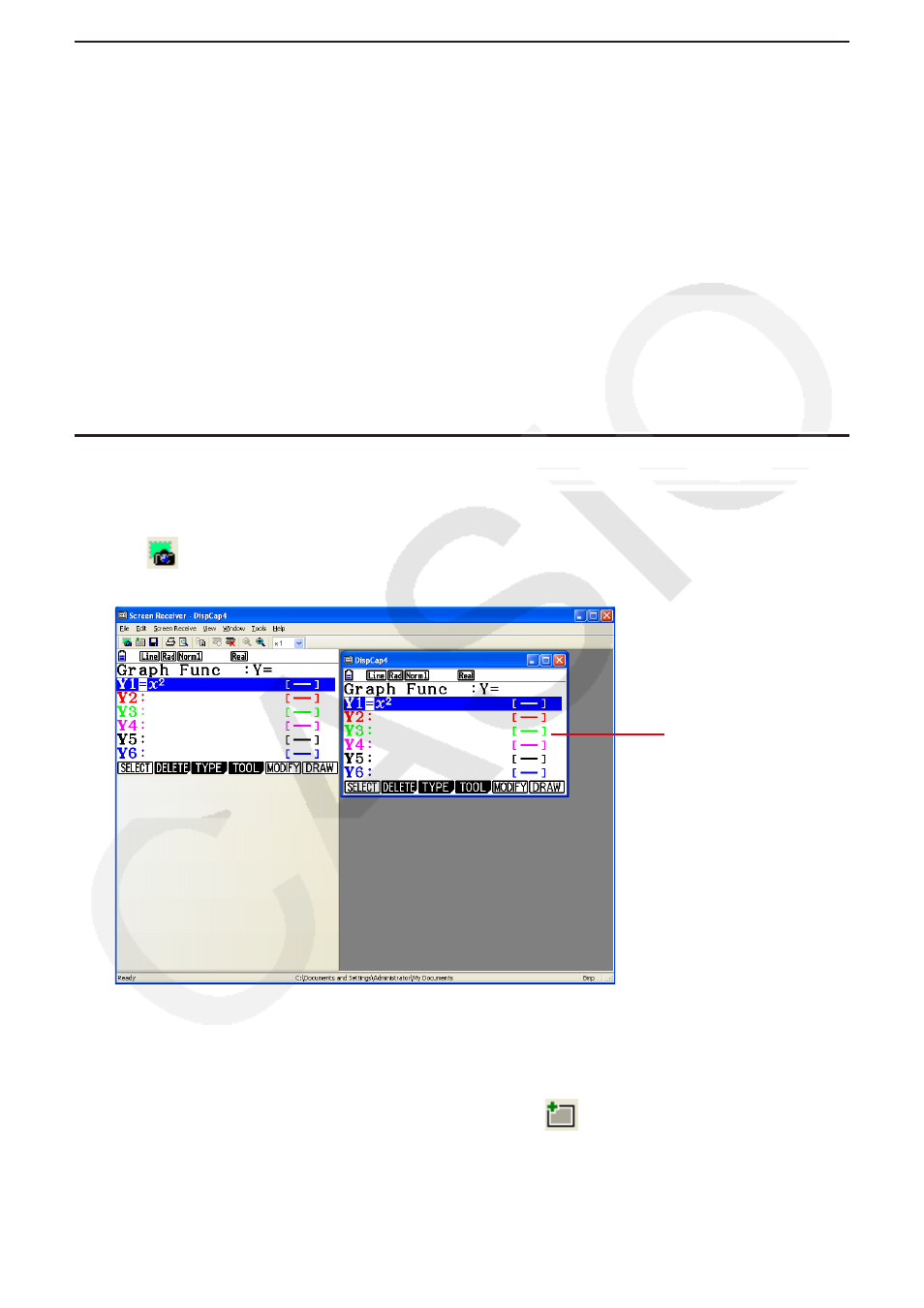
3-3 Capturing the Calculator Screen
1.
Perform the required operation on the calculator to display the screen you want to capture.
2.
Click
.
This displays the captured data.
•
3.
Repeat steps 1 and 2 to capture other screens, if you want.
Note
You can put a frame around the captured data by clicking
•
. Each click toggles between
framed and unframed data. For more information, see “4-2 Capture Settings” (page E-25).
Captured data