Mode "timer – Amprobe Multitest-1000 Continuity-Tester User Manual
Page 23
4.2.1.2. Mode
"TIMER"
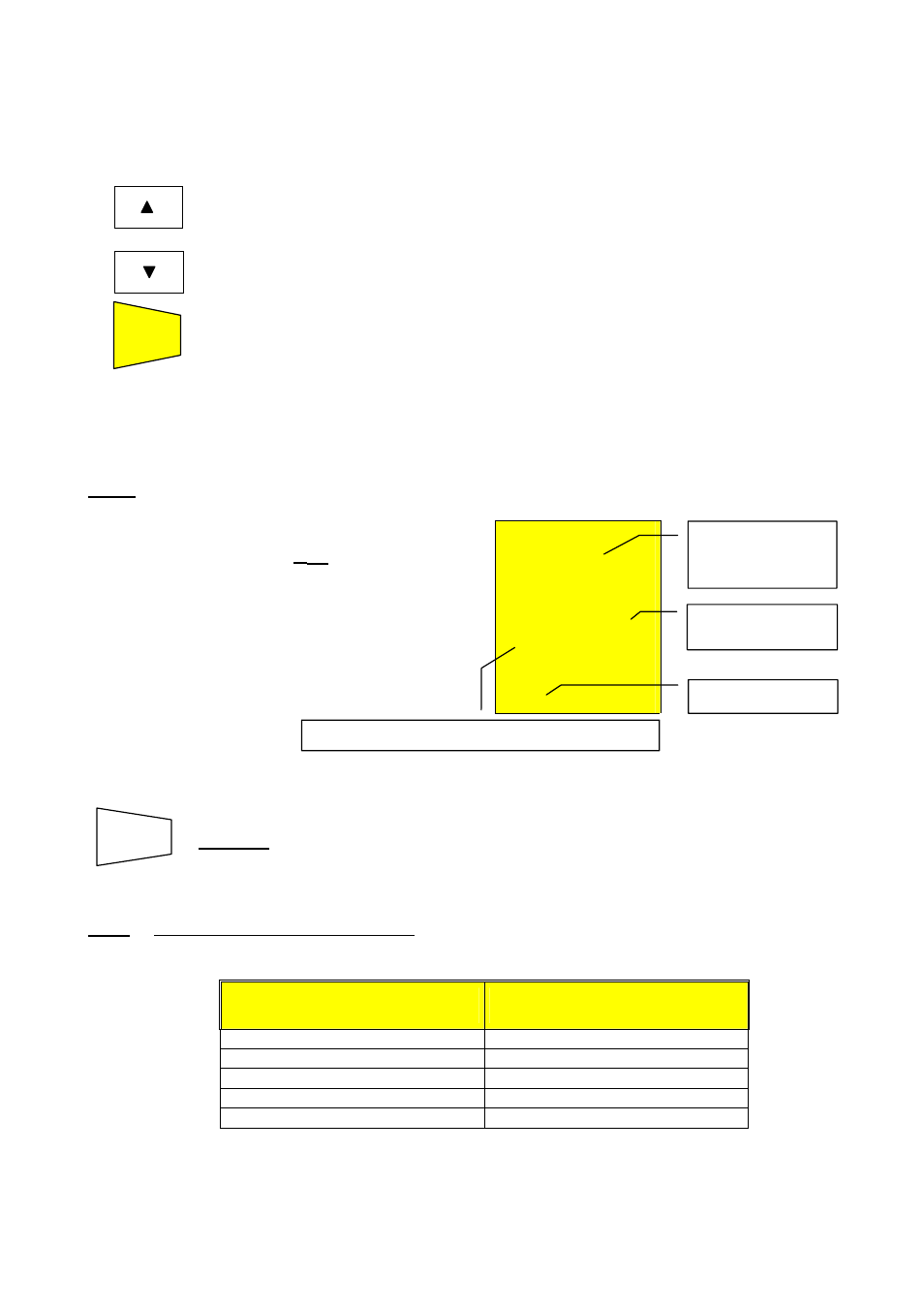
6. Use the following keys to set the duration time of the test:
Press this key to increase the duration time of the test (Tmax=999 seconds).
Press this key to decrease the duration time of the test (Tmin=10 seconds).
7. Press
the
START/STOP key.
START
STOP
The instrument completes the measurement when the set time has elapsed.
999 seconds
→ Maximum value of the test duration.
10
seconds
→ Minimum value of the test duration.
Note: Pressing the START/STOP key again the test gets immediately interrupted.
)
R
ISO
.07
M
Ω
500 V 20
s
TIMER
At the end of the test, in case the
resistance value R
ISO
detected is
lower than R
MAX
(depending on the
selected voltage see following table) and
the test is performed at the selected
rated voltage value, the instrument
emits a double beep indicating the
positive outcome of the test displays
one screen similar to the screen
alongside.
Insulation
resistance value
R
ISO.
Rated voltage value selected for the Timer test.
SAVING:
The test can be stored pressing the SAVE key twice (refer to
paragraph 5.1).
Note: The maximum resistance value R
MAX
that can be measured in mode M
Ω depends
on the rated voltage selected for the test. In particular:
Rated voltage selected
for the test
R
MAX
= Maximum resistance
value
50VDC
99.9M
Ω
100VDC
199.9M
Ω
250VDC
499M
Ω
500VDC
999M
Ω
1000VDC
1999M
Ω
Timer mode.
Duration of the
test.
SAVE