Picture – VIEWSONIC 55" 4K Wireless Presentation Display Bundle with Wall Mount User Manual
Page 50
50
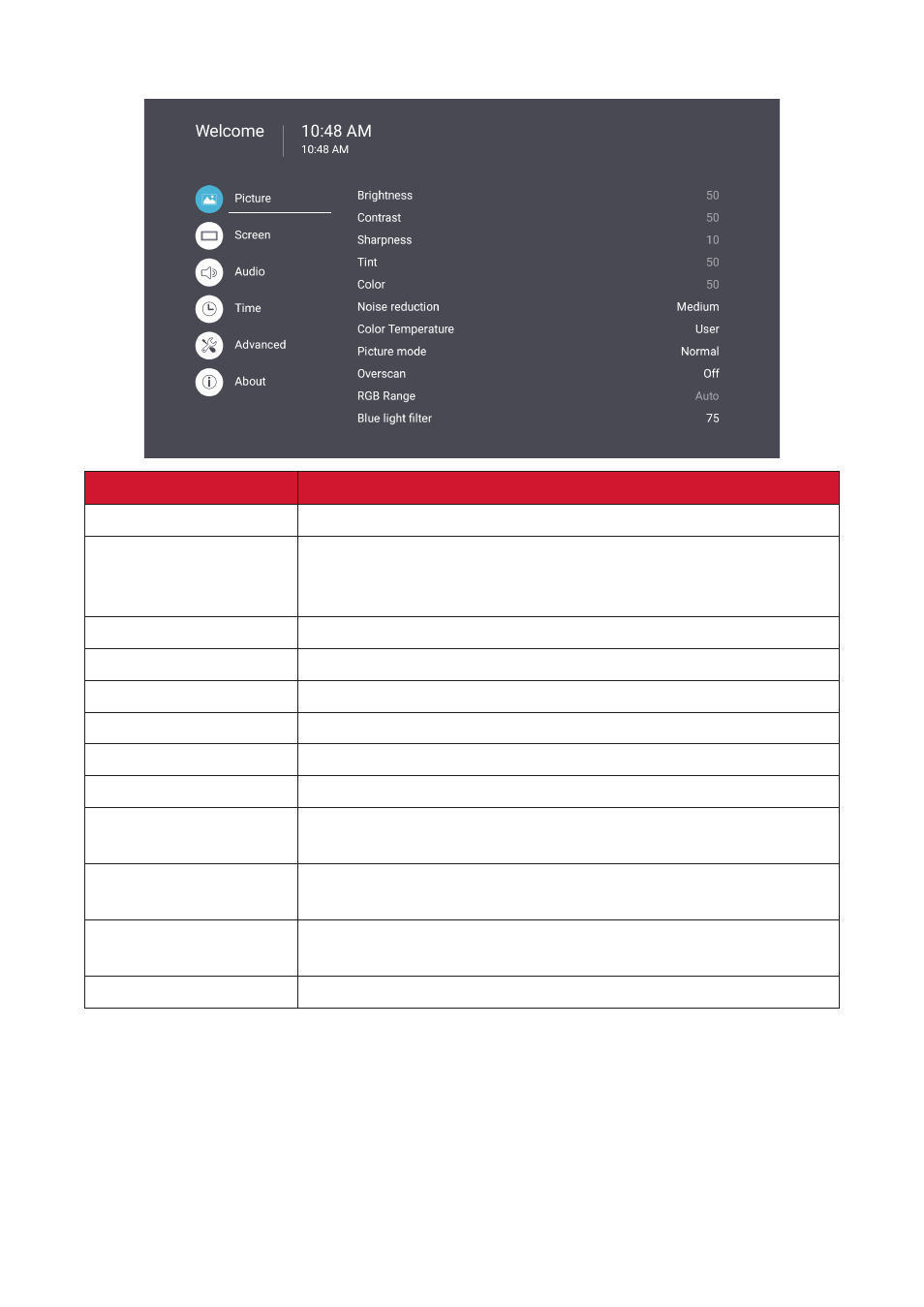
Picture
Item
Description
Brightness
Adjust the background black levels of the screen image.
Contrast
Adjust the degree of difference between the lightest and
darkest parts of the picture and change the amount of black
and white in the image.
Sharpness
Adjust the picture quality.
Tint
Adjust the lightness or darkness of the color shade.
Color
Adjust the amount of color present.
Noise Reduction
Reduce image noise and distortion.
Color Temperature
Adjust the color temperature.
Picture Mode
Select a predefined picture setting.
Overscan
Automatically enlarge the original picture horizontally and
vertically to an equal aspect ratio that fills the screen.
RGB Range
Manually change the color format options to fit the correct
color format range if the colors are not displayed correctly.
Blue Light Filter
Adjusts the filter that blocks high-energy blue light for a more
comfortable viewing experience.
Picture Reset
Reset all Picture menu settings to default.