Advanced – VIEWSONIC 55" 4K Wireless Presentation Display Bundle with Wall Mount User Manual
Page 54
Advertising
54
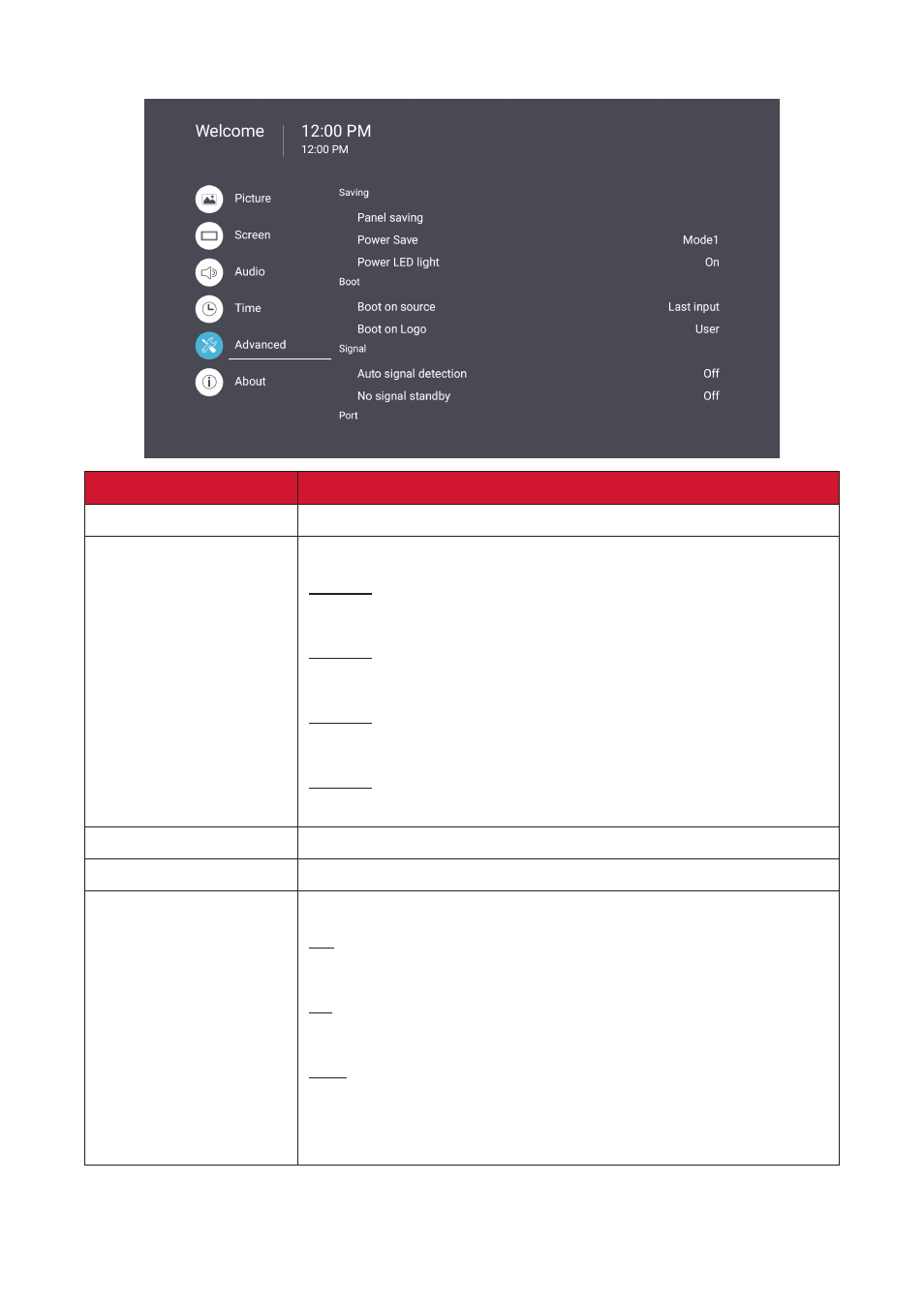
Advanced
Item
Description
Panel Saving
Reduces the risk of Image Burn-in when enabled.
Power Save
Reduce power consumption.
Mode 1
TCP off, WOL on.
Mode 2
TCP off, WOL on.
Mode 3
TCP on, WOL off, wake up by video signal resume.
Mode 4
TCP on, WOL off, no wake up by video signal resume support.
Power LED Light
Turn On/Off the Power LED indicator.
Boot on Source
Select the input source after boot up.
Boot on Logo
Enable/Disable a logo when the display is turned on.
Off
Neither the ViewSonic nor animation logo will show.
On
The ViewSonic logo and animation will show.
User
If a custom logo option is set in
General Settings
, then the
custom logo will show. If there is no custom logo set then no
logo will show. For more information, see page 36.
Advertising