Av settings: input menu tree – Barco PDS-4K HDMI Presentation Switcher User Manual
Page 36
Advertising
R5912621 /01 PDS–4K
36
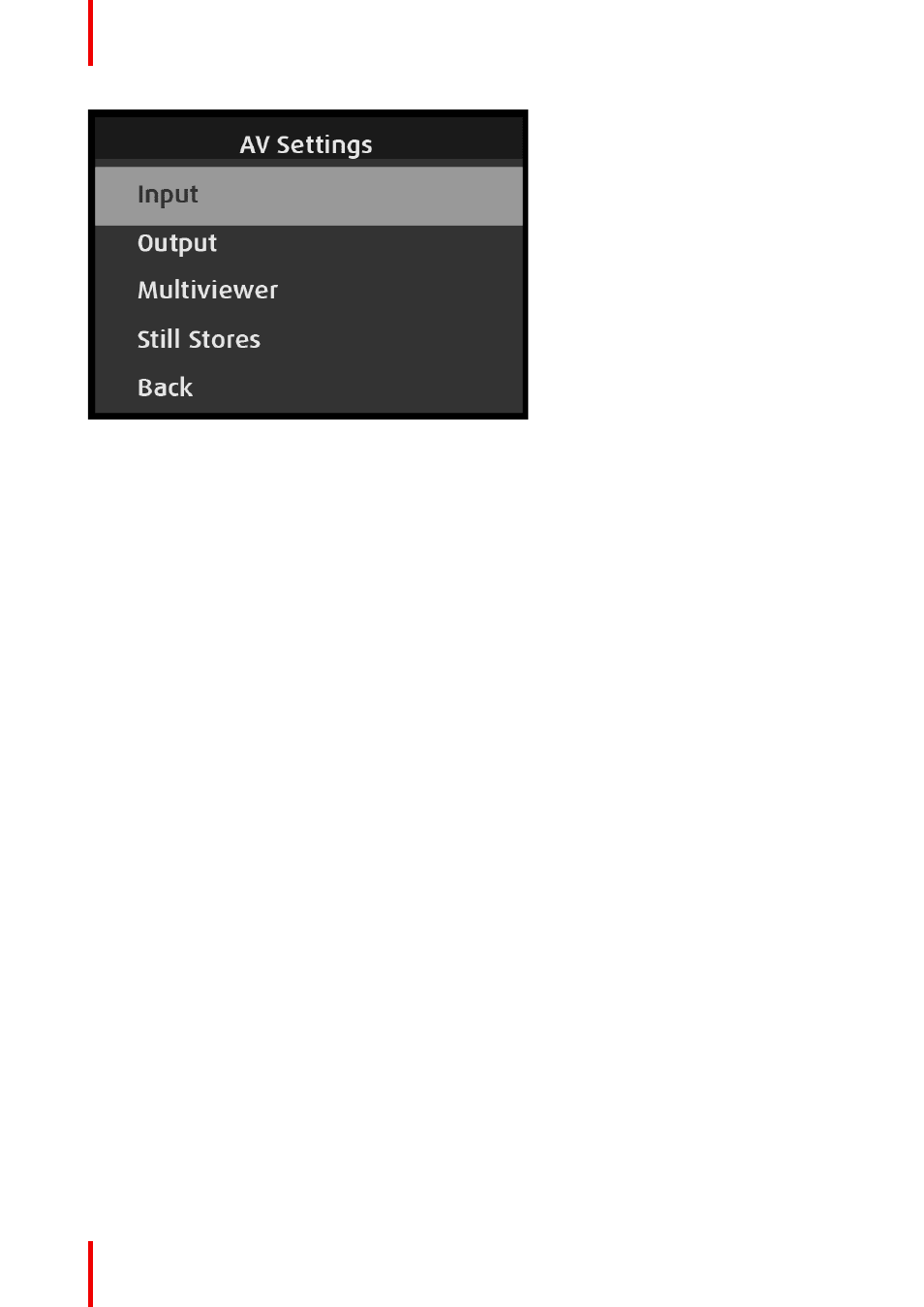
Image 6–8 AV Settings: Input menu
Use the Input menu to adjust all parameters related to inputs.
The Input menu has the following submenus:
•
Format
•
Format Adjustment
•
Adjust Row
•
Source Name
•
Auto Acquire
•
Film Mode
•
Audio (if Audio Option card installed)
•
Sizing & Aspect Ratio
•
Color Adjustment
•
EDID
•
HDCP
•
Capture New Still
•
Save Input
•
Back
AV Settings: Input menu tree
Refer to
for an illustration of the AV Settings: Input menu tree.
Advertising