6 av settings: output, Av settings: output, General – Barco PDS-4K HDMI Presentation Switcher User Manual
Page 63: Av settings: output menu tree
63
R5912621 /01 PDS–4K
6.6 AV Settings: Output
General
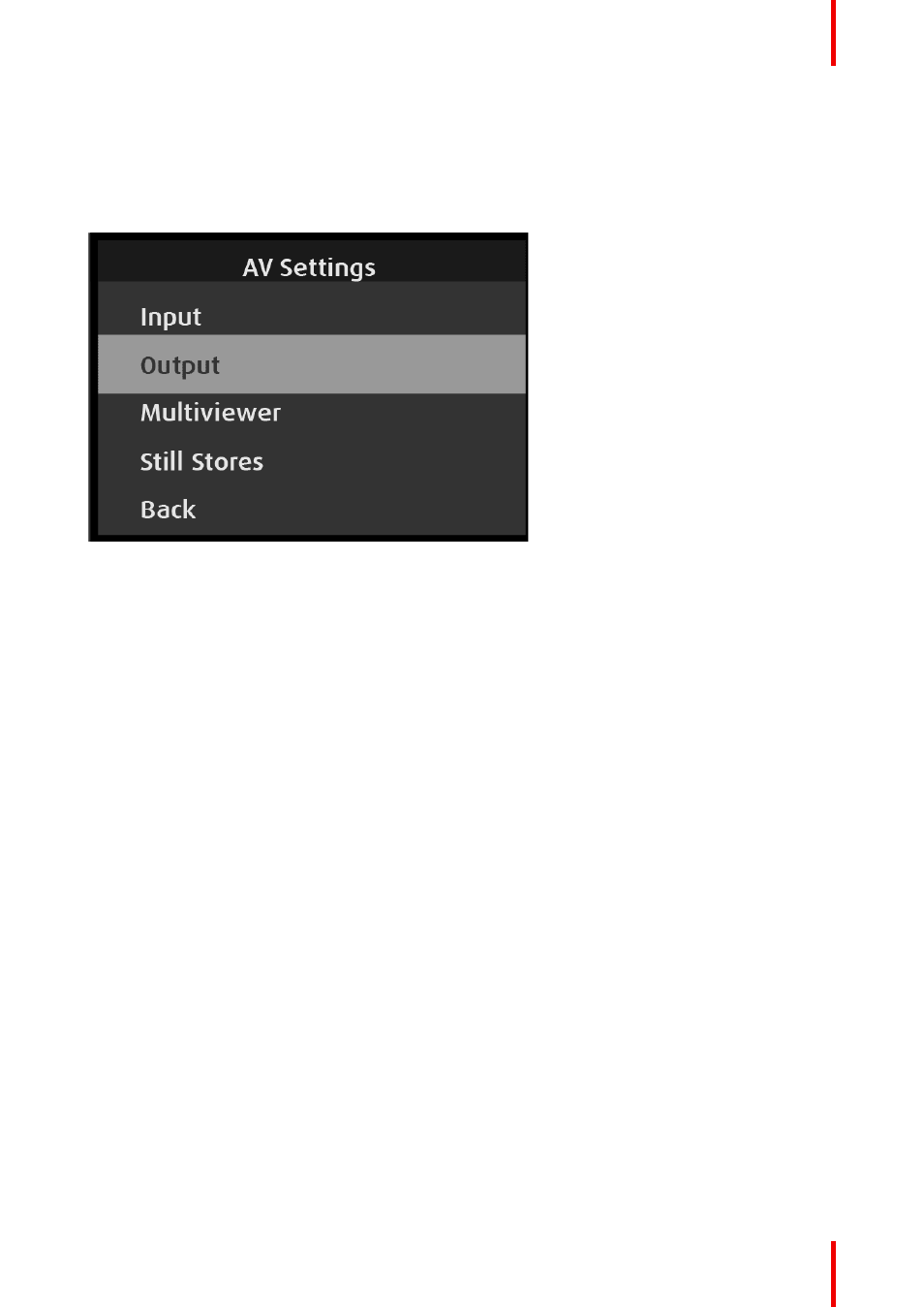
Use the AV Settings: Output menu to set up and use outputs. To enter the Output menu from the AV Setup
menu, scroll to and select
Output
.
Image 6–64 AV Settings: Output menu
Use the Output menu to adjust all parameters relating to outputs. Using this menu, you can set all of the
configuration options for the selected output.
The AV Settings: Output menu has the following submenus:
•
Screen
•
Format
•
Transition Time
•
Auto Configure Output Format
•
Layer Scaling Mode
•
Test Pattern
•
Area of Interest
•
Color Adjustment
•
Logo/Matte
•
Background
•
HDCP
•
Color/Sample/Bit
•
HDMI Soft Reset
•
SDI Setup
•
Audio (if Audio Option card installed)
•
Back
AV Settings: Output menu tree
Refer to
and
for an illustration of the AV Settings: Output menu tree.