Leica fotos, Selecting a wi-fi band – LEICA M11 Monochrom Rangefinder Camera User Manual
Page 150
LEICA FOTOS ▸ SELECTING A WI-FI BAND
150
LEICA FOTOS
The camera can be controlled remotely using a smartphone/tablet
PC. This will require an installation of the Leica FOTOS app on the
mobile device.
Leica FOTOS furthermore offers a variety of other useful functions:
– Geotagging for images (see p. 83)
– File transfer
– Downloading firmware updates
– Self-timer delay time selection via remote control, e.g. for group
photographs
A list of available functions and instructions for their use can be found
in the Leica FOTOS app. Please read the legal notes on page 7.
▸
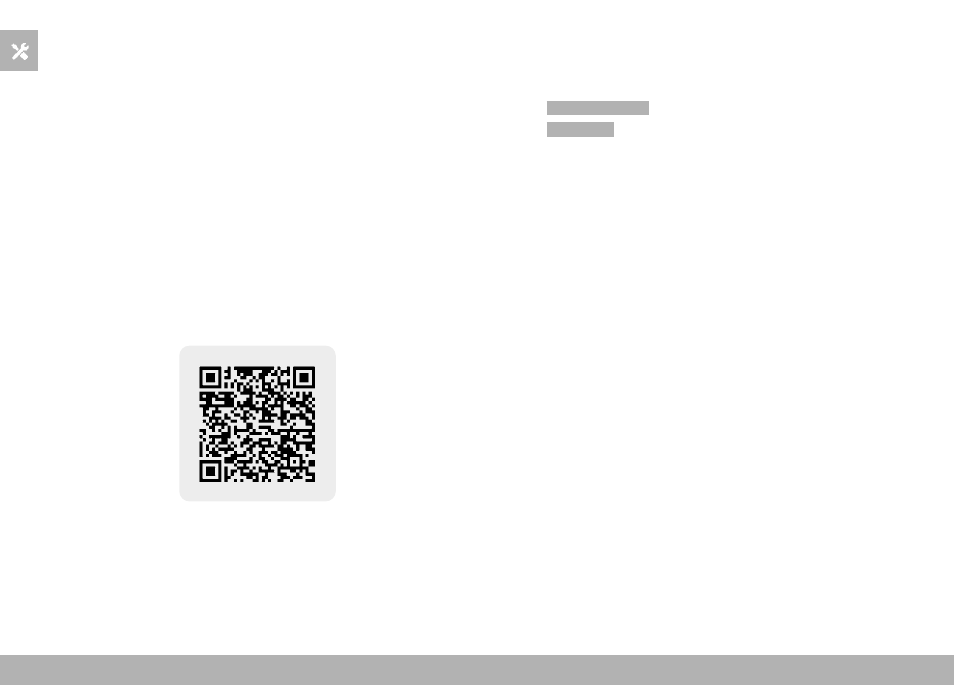
Scan the following QR code with the mobile device
or
▸
The app is available from Apple App Store™/Google Play Store™
SELECTING A WI-FI BAND
Leica M11 Monochrom supports the use of various Wi-Fi frequencies
in a number of regions.
▸
Select
Camera Settings
in the main menu
▸
Select
Wi-Fi band
▸
Select the desired setting
Note
• The menu item will appear grayed out, where this option is un-
available.