P127) – Panasonic Lumix GH5S Mirrorless Camera User Manual
Page 127
127
5. 4K Photo and Drive Settings
∫
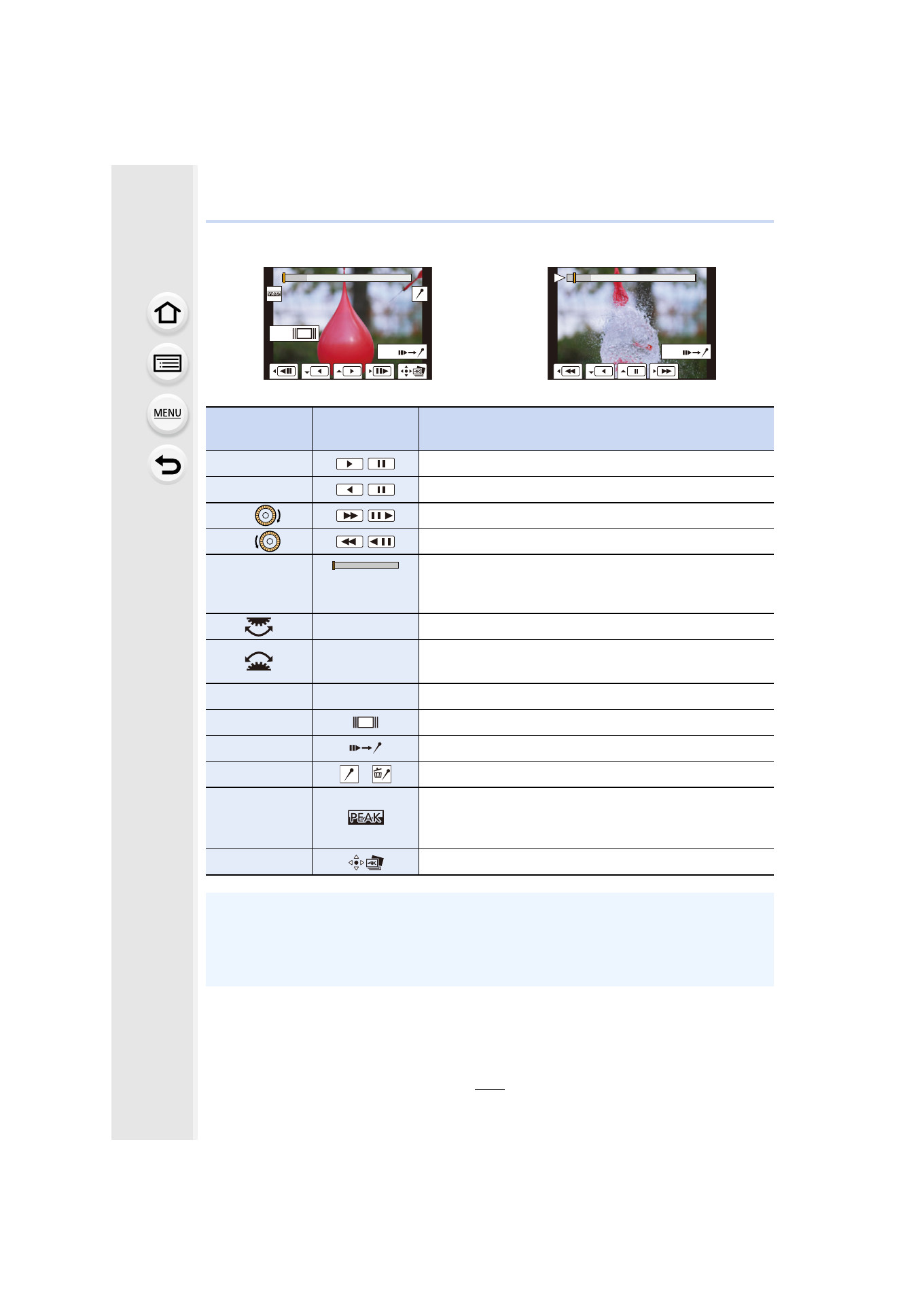
Navigating the 4K burst playback screen
During pause
During continuous playback
Button
operation
Touch
operation
Description of operation
3
/
Continuous playback/Pause (during continuous playback).
4
/
Continuous rewind/Pause (during continuous rewind).
1
/
/
Fast forward/Frame-by-frame forward (during pause).
2
/
/
Fast rewind/Frame-by-frame rewind (during pause).
s
Touching/
Dragging
Selects the frames to be displayed (during pause).
Pinching out/in Enlarges/reduces the display (during pause).
s
Selects a frame while maintaining the enlarged display
(during enlarged display).
3
/
4
/
2
/
1
Dragging
Moves the enlarged area (during enlarged display).
[Fn1]
Displays the slide view screen (during pause).
[Fn2]
Switches to marker operation.
s
/
Adds/deletes a marker.
s
In-focus portions are highlighted with color. ([Peaking])
• Switches in order of [OFF]
>
[ON] ([LOW])
>
[ON]
([HIGH]).
[MENU/SET]
Saves the picture (during pause).
• Each time you touch the screen twice, the display switches between enlarged and normal
view.
• To select and save pictures from 4K burst files on a PC, use the software
“PHOTOfunSTUDIO”.
Please note that it is not possible to edit a 4K burst file as a motion picture.
Fn2
Fn1
Fn2