Taking pictures using the touch function – Panasonic Lumix GH5S Mirrorless Camera User Manual
Page 52
Advertising
2. Getting Started/Basic Operations
52
Applicable modes:
Just by touching the subject you want as your point of focus, the camera will focus on the
subject and take the picture automatically.
∫
To cancel the Touch Shutter function
Touch [
].
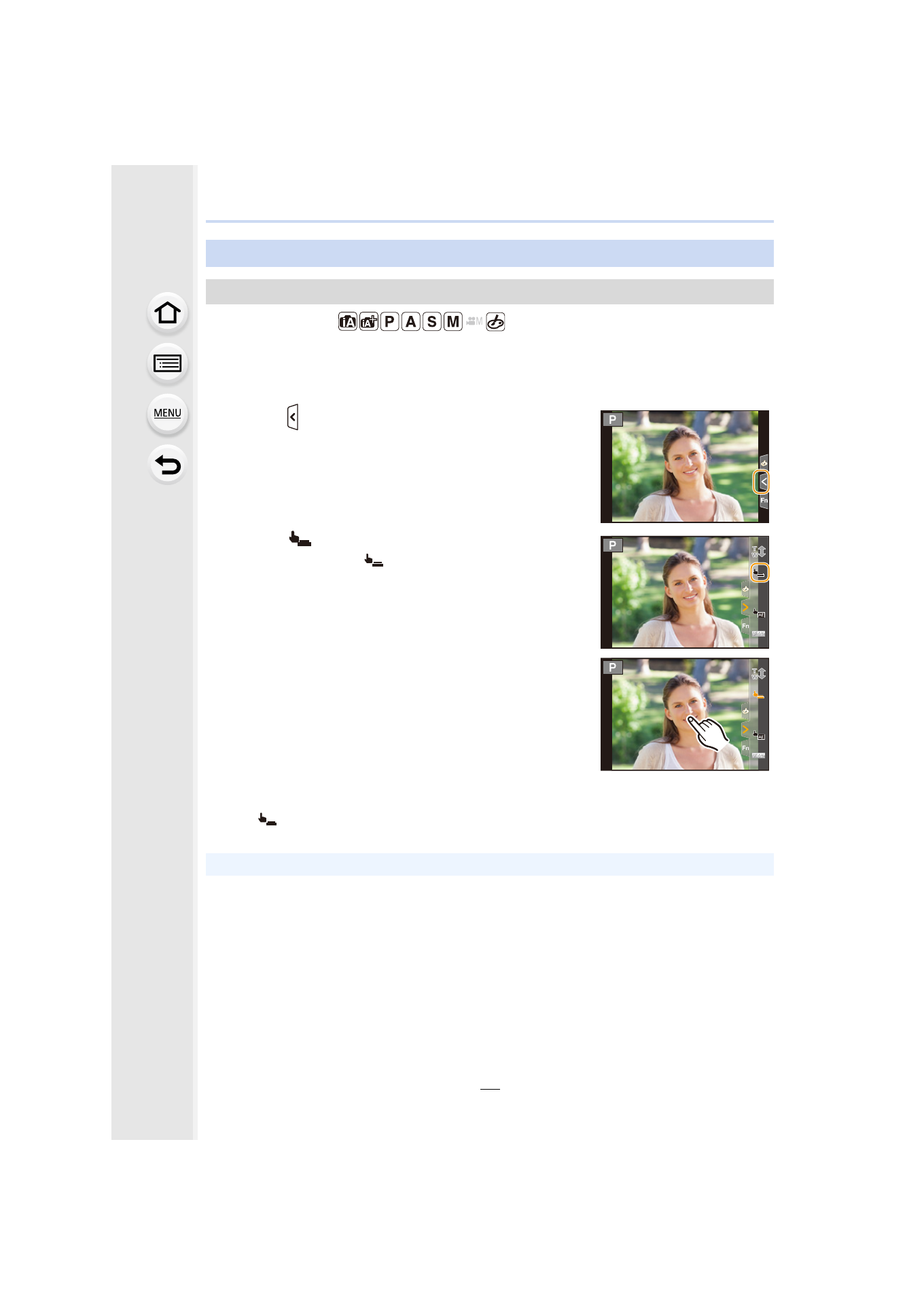
Taking Pictures Using the Touch Function
Touch Shutter function
1
Touch [ ].
2
Touch [
].
• Icon will change to [
], and taking a picture with the
Touch Shutter function becomes possible.
3
Touch the subject you wish to focus on, and then
take a picture.
• The picture is taken when the focus is achieved.
• If shooting with the touch shutter fails, the AF area turns red and disappears.
Advertising