Calling up a registered set of custom settings, Mode, P84) – Panasonic Lumix GH5S Mirrorless Camera User Manual
Page 84: Set the mode dial to [ ], [ ] or
3. Recording Modes
84
Set the mode dial to [
], [
] or [
].
• The corresponding custom set will be called up. If you set the mode dial to [
], the last used
custom set will be called up.
∫
To change a custom set in [
] ([Custom Mode] menu)
1
Set the mode dial to [
].
2
Select the menu.
3
Press
3
/
4
to select the custom setting you want to use, and then press [MENU/
SET].
• Saving of the selected custom settings is displayed on the screen.
∫
Changing the registered content
Registered contents do not change when the menu setting is changed temporarily with the
mode dial set to
,
or
. To change the registered settings, overwrite the
registered content using [Cust.Set Mem.] on the [Setup] menu.
Calling up a registered set of custom settings
>
[Custom Mode]
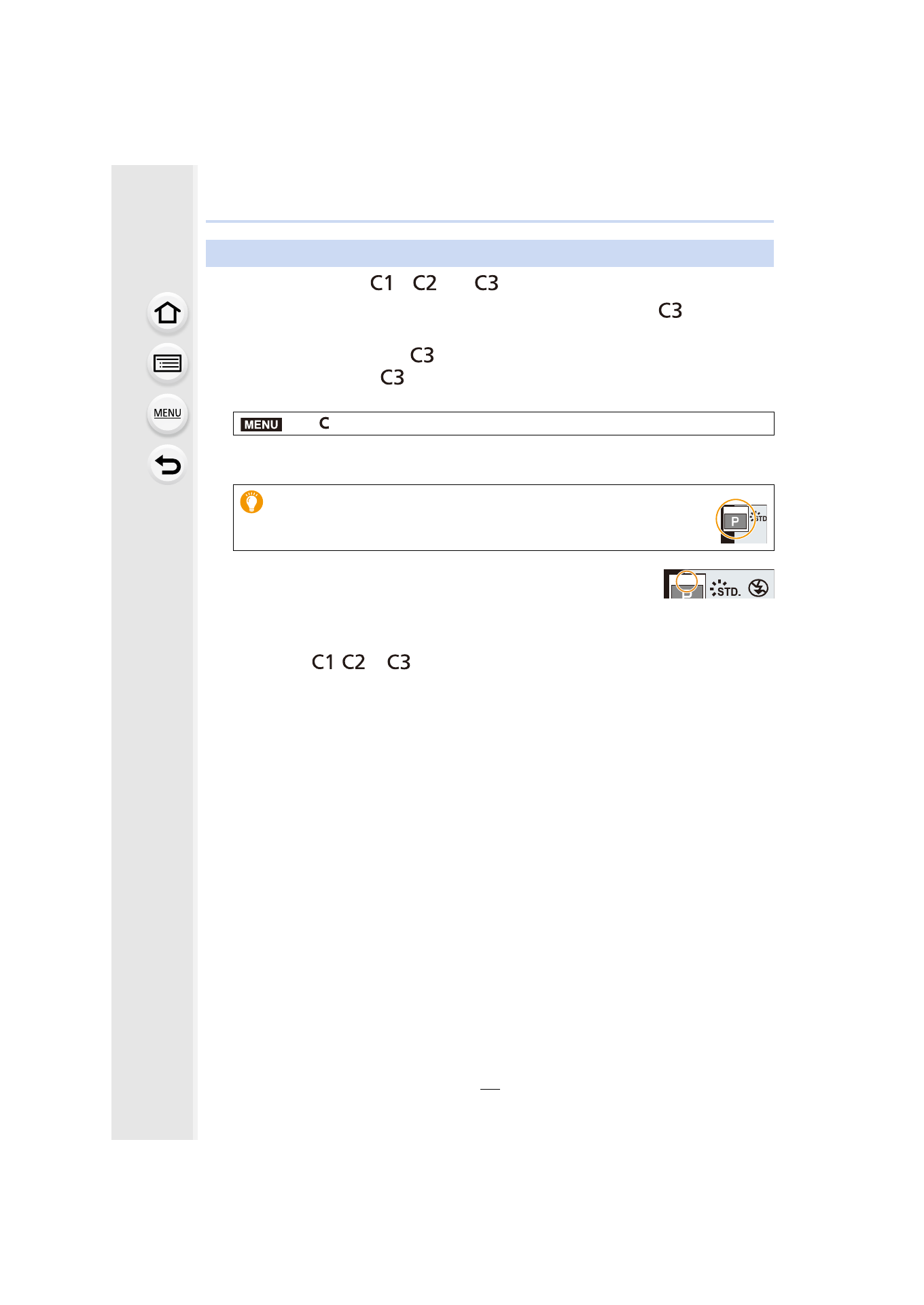
It is also possible to display the selection screen by touching the
Recording Mode icon in recording screen.
MENU
C 3 - 1
C 3 - 1
C 3 - 1
C 3 - 1
C 3 - 1
C 3 - 1