Kodak PIXPRO AZ528 Digital Camera (Black) User Manual
Page 107
Advertising
106
3. Press the
A
C
/
C
A
button to
select the number of copies for the
currently displayed photo.
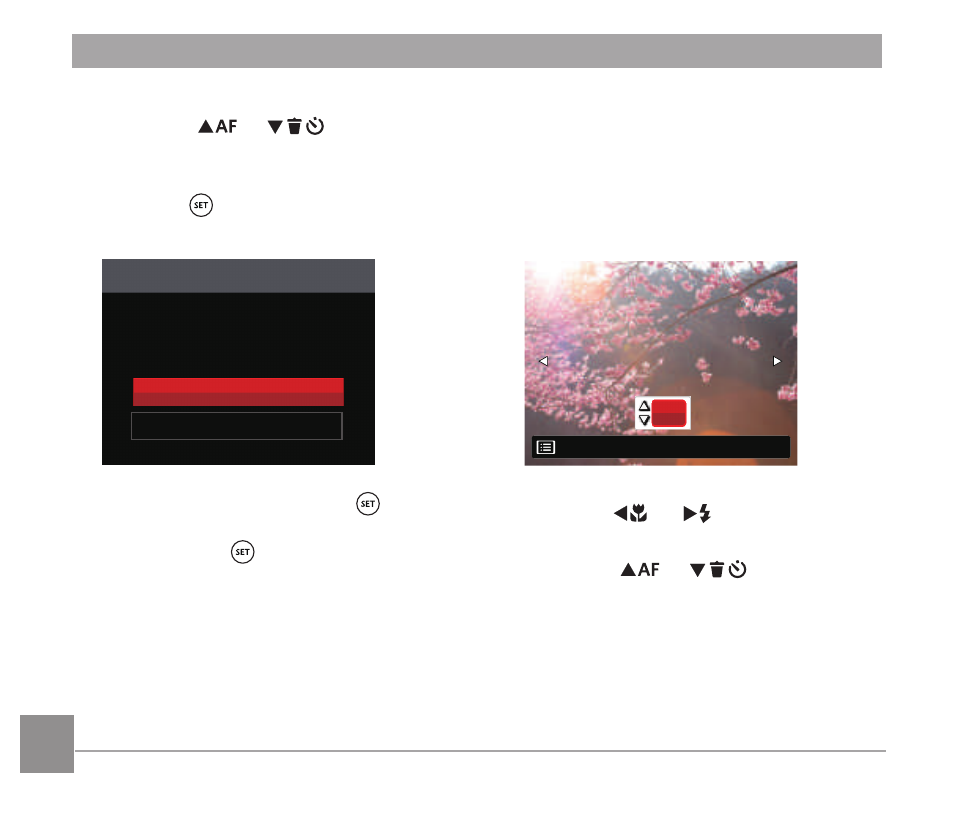
4. Press the button and the following
screen will appear.
Print (with Date)
Cancel
Yes
5. Select
「
Yes
」
and press the button
to confirm printing; select
「
Cancel
」
and
press the button to cancel
printing.
Print (without Date)
Use this setting to print the photos
without dates on them.
1. In the PICTBRIDGE™ menu,
select
「
Print (without Date)
」
and the
screen as shown below appears.
01
Back
2. Press the
A
C
/
C
A
button to select
a photo to be printed.
3. Press the
A
C
/
C
A
button to
select the number of copies for the
currently displayed photo.
Advertising