Kodak PIXPRO AZ528 Digital Camera (Black) User Manual
Page 109
Advertising
108
109
108
Print DPOF Images
To use DPOF printing, you must select
your photos for printing using the DPOF
settings beforehand. See “DPOF” section
on page 92.
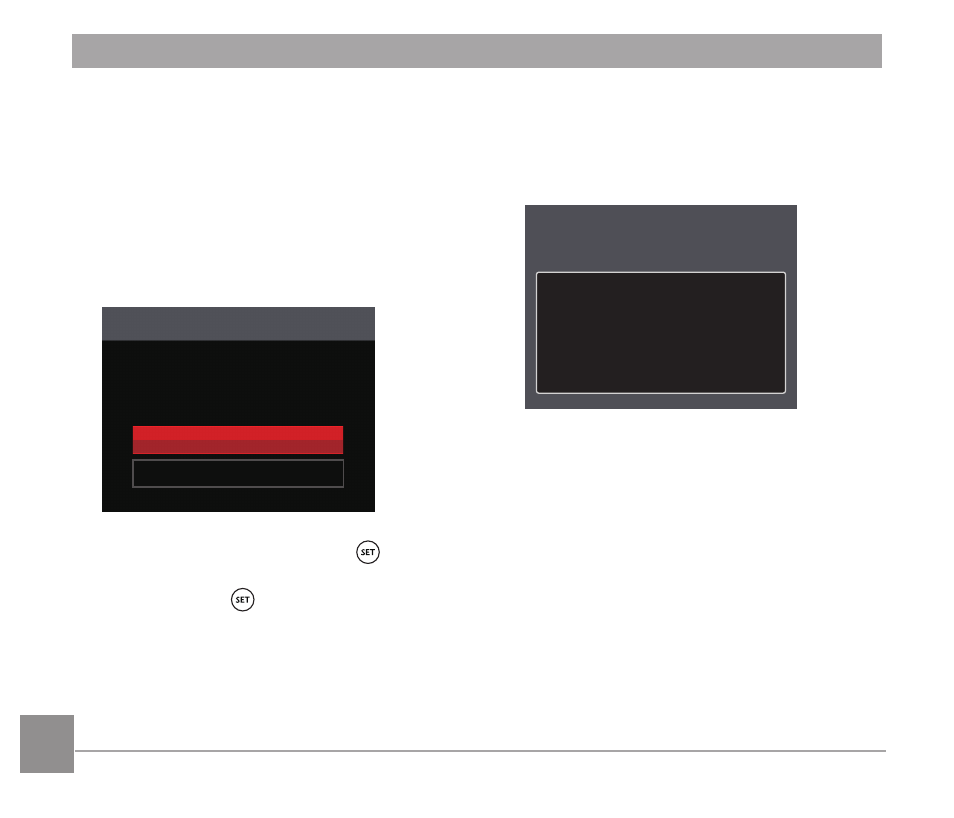
1. In the PICTBRIDGE™ menu,
select
「
Print DPOF Images
」
and the
screen as shown below appears.
Print DPOF Images
Cancel
Yes
2. Select
「
Yes
」
and press the button
to confirm printing; select
「
Cancel
」
and
press the button to cancel
printing.
Exit
Select
「
Exit
」
to exit the PICTBRIDGE™
menu. At this time, the message
「
Remove
USB Cable!
」
appears on the screen.
Remove USB Cable!
Disconnect the Micro USB cable from the
camera and printer.
Advertising
See also other documents in the category Kodak Cameras:
- LS753 (73 pages)
- LS753 (64 pages)
- DX7590 (82 pages)
- CX7220 (72 pages)
- CX7220 (60 pages)
- C533 EN (67 pages)
- CX7330 (61 pages)
- LS443 (122 pages)
- Z760 (91 pages)
- Z760 (79 pages)
- DX3900 (105 pages)
- Z700 (78 pages)
- CD40 (79 pages)
- Z7590 (118 pages)
- Z7590 (104 pages)
- Z612 (101 pages)
- Z612 (90 pages)
- DC3400 (156 pages)
- CX4200 (106 pages)
- Z650 (94 pages)
- Z650 (77 pages)
- DX7440 (67 pages)
- LS755 (83 pages)
- LS755 (80 pages)
- V610 (87 pages)
- V610 (106 pages)
- Z740 (70 pages)
- CX7530 (83 pages)
- CX7530 (66 pages)
- CX7530 (67 pages)
- CX7525 (66 pages)
- CX7525 (83 pages)
- V530 (95 pages)
- V530 (73 pages)
- C643 (83 pages)
- EASYSHARE C603 (72 pages)
- EasyShare C340 (74 pages)
- C340 (83 pages)
- C340 (74 pages)
- V603 (91 pages)
- V603 (76 pages)
- DX3500 (92 pages)
- C663 (85 pages)
- EasyShare C663 (74 pages)
- Z730 (97 pages)