Function button quick-reference, Power, Power on – APC Power-Saving Back-UPS Pro 1500 International Version (230V) User Manual
Page 6: Power off, Display, Status inquiry, Full-time/power- saving mode, Mute, Event specific, Disable any audible alarms caused by an event
Back-UPS Pro 1200 & 1500 230 V Installation and Operation
6
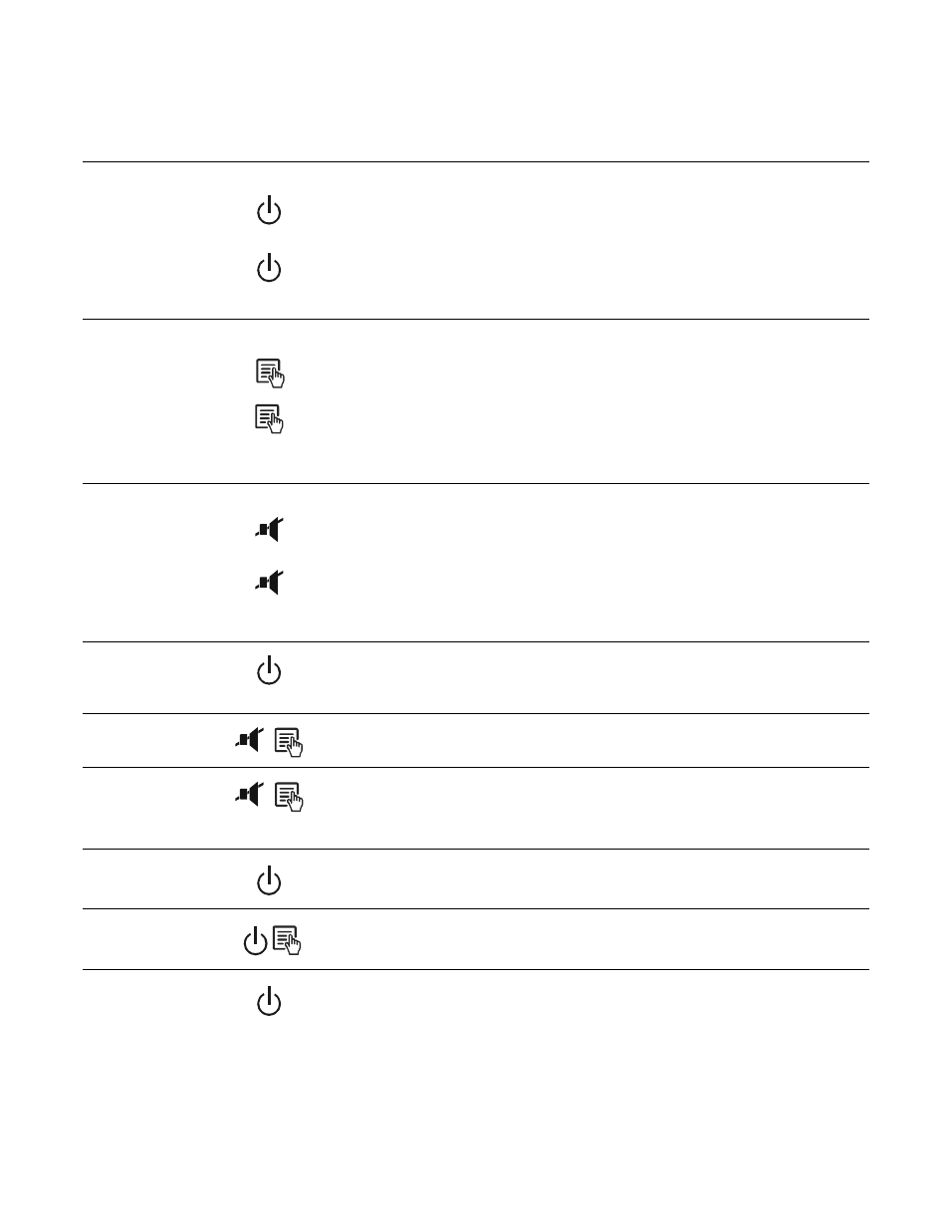
Function Button Quick-Reference
Function
Button
Timing
(seconds)
UPS
Status
Description
Power
Power On
0.2
Off
Press
P
OWER
to start receiving input utility power. If A/C input
power is not available, the Back-UPS will run on battery power.
Power Off
2
On
The Back-UPS is not receiving input utility power, but is providing
surge protection.
Display
Status Inquiry
0.2
On
Verify the status or condition of the Back-UPS. The LCD will
illuminate for 60 seconds.
Full-Time/Power-
Saving mode
2
On
The LCD will illuminate and the Back-UPS will beep to confirm the
Full-Time mode. The LCD will darken and the Back-UPS will beep
to confirm the Power-Saving mode. While in Power-Saving Mode,
the LCD will illuminate if a button is pressed, then darkens after 60
seconds of no activity.
Mute
Event Specific
0.2
On
Disable any audible alarms caused by an event.
General Status Enable/
Disable
2
On
Enable or disable the audible alarms. The Mute icon will illuminate
and the Back-UPS will beep one time. The Mute function will not
activate unless the Back-UPS is operating on battery power.
Sensitivity
6
Off
The Load Capacity icon will blink, indicating that the Back-UPS is
in programming mode. Use the
P
OWER
button to scroll through
Low, Medium, and High, stop at selected sensitivity. The Back-
UPS will beep to confirm selection. See Configuration for details.
Master/Controlled
outlet Enable/Disable
2
On
The leaf icon will darken indicating that the Master Outlet feature is
disabled or illuminate to indicate the Master Outlet feature is
enabled. The Back-UPS will beep once.
Master/Enable
Threshold Calibration
6
On
While calibrating the threshold setting, the device connected to the
Master Outlet should be turned off or placed in Standby or Sleep
mode. Upon completion, Power-Saving icon will flash 3 and beep
3 times.
Self-Test (manual)
6
On
The Back-UPS will perform a test of the internal battery. Note: This
will happen automatically when the Back-UPS is turned ON.
Event Reset
0.2
On
When the Event screen is visible, press and hold
D
ISPLAY
, then
press
POWER
,
to clear the utility failure event counter.
Fault Reset
2
Fault
After a fault has been identified, press
P
OWER
to remove the
visual indication and return to standby status.