The molex tab, Status, Port – Altera Transceiver Signal Integrity User Manual
Page 40: The molex tab –16, Status –16 port –16
Advertising
6–16
Chapter 6: Board Test System
Using the Board Test System
Transceiver Signal Integrity Development Kit,
February 2013
Altera Corporation
Stratix V GT Edition User Guide
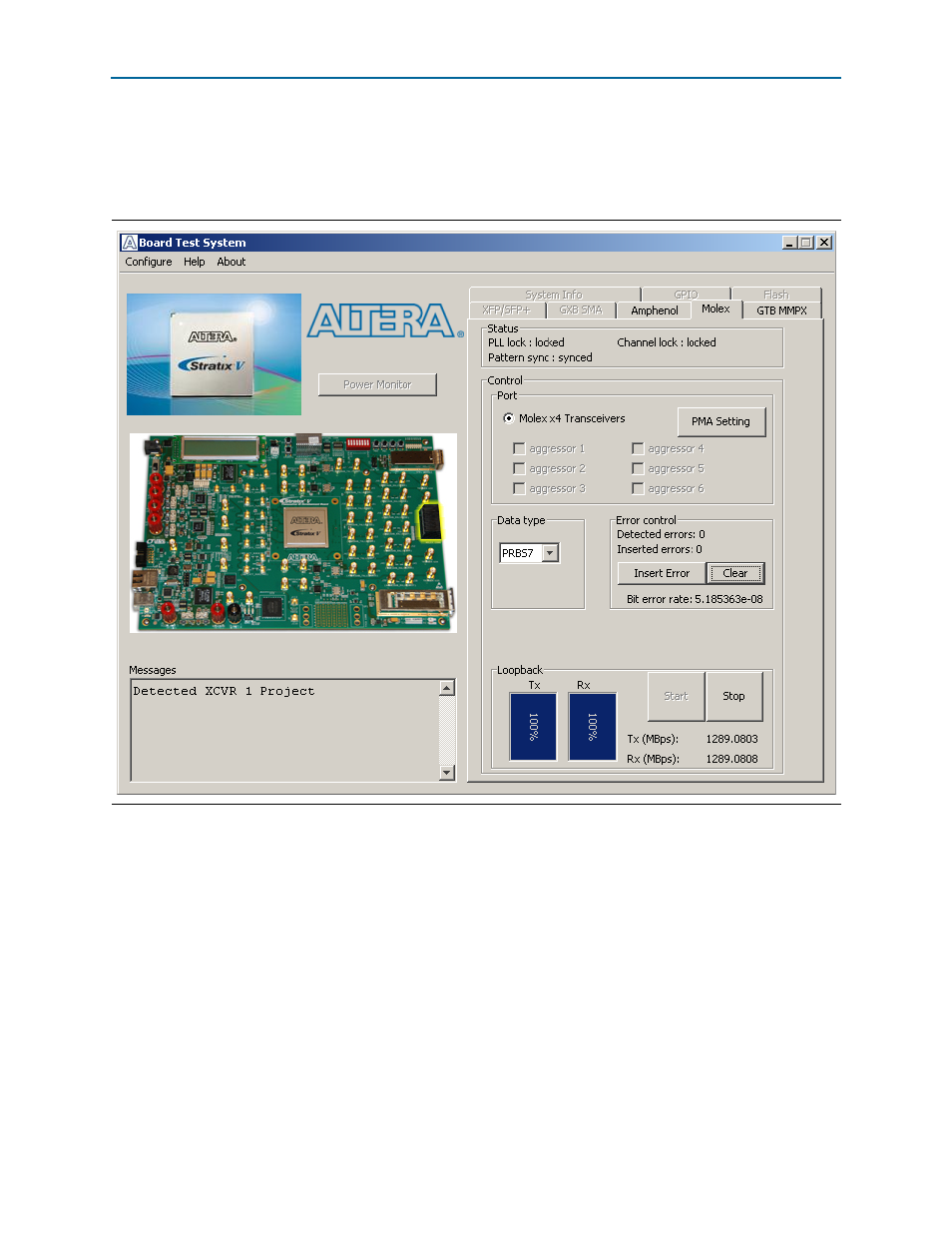
The Molex Tab
The Molex tab allows you to run a x4 backplane loopback test through the Molex
connector.
shows the Molex tab.
1
No external loopback board is provided. A loopback backplane can be purchased
from Molex.
The following sections describe the controls on the Molex tab.
Status
■
The Status control displays status information during the loopback test. For
details on this control, refer to
.
Port
The Port control allows you to specify the type of test to run on the Molex port. The
following Molex port test is available:
■
Molex x1 Transceivers
Figure 6–8. The Molex Tab
Advertising
This manual is related to the following products: