Drylam Fujipla PLS3311 User Manual
Page 26
Advertising
AL-MEISTER PLS3311 INSTRUCTION MANUAL <Rev.3>
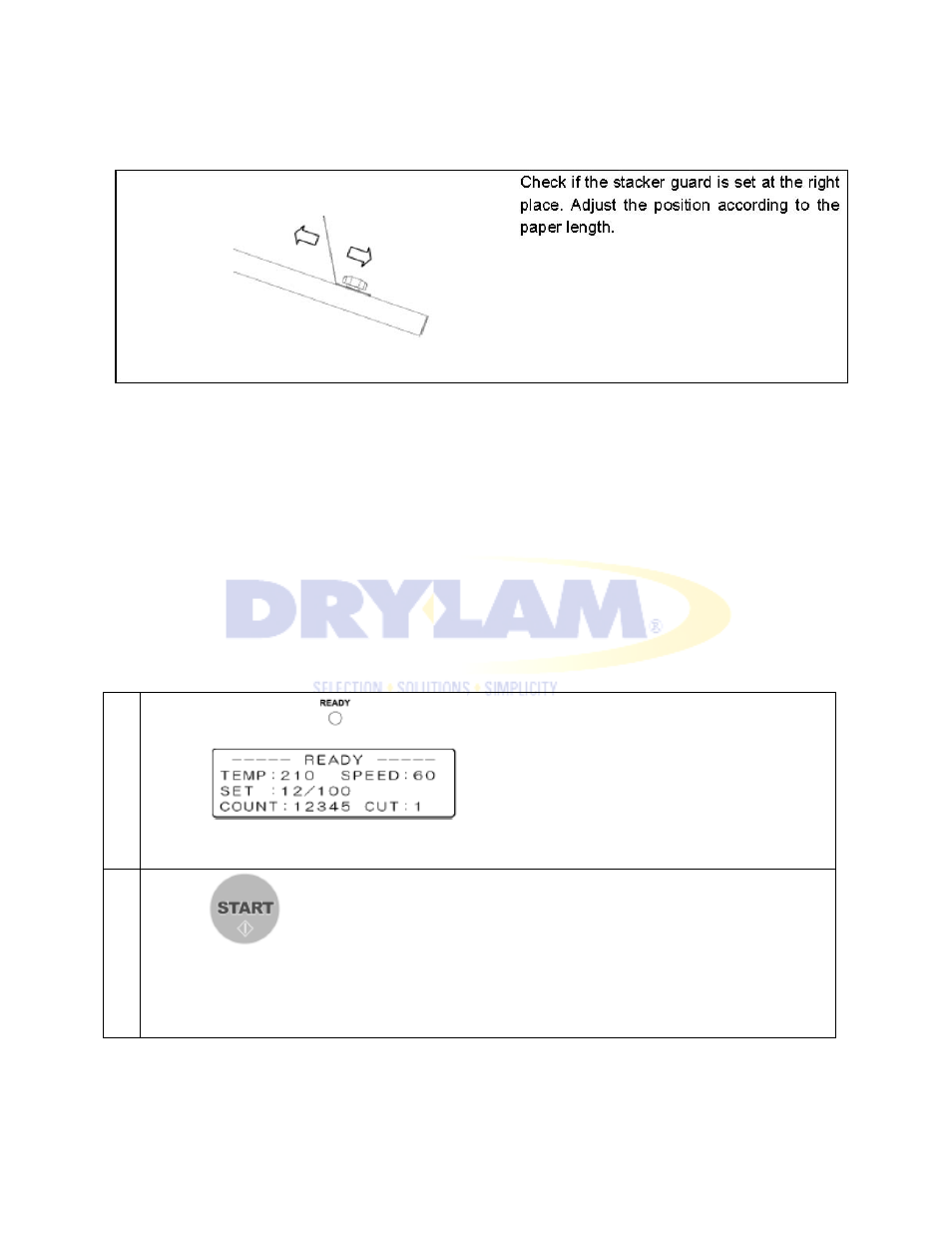
4-4. ADJUST REAR EXIT TRAY
4-5. START LAMINATION
CAUTION
・
Open the front cover. Check that the heating roller lever and the pull roller lever are both in the
down position.
・
Check that the feeder cover, film cover, and cutter cover are closed.
1
Check settings. Check that the READY lamp lights. Check that the display shows “READY”.
2
Press START key. Lamination starts.
NOTE: To adjust curling, refer to 5-12 ADJUST CURLING.
Advertising