Vlan – Signamax 10/100/1000BaseT/TX to 100/1000Base SFP OAM Managed Switching Media Converter User Manual
Page 25
Advertising
Signamax
OAM Managed Dual Rate Media Converter
User’s Manual
23
VLAN
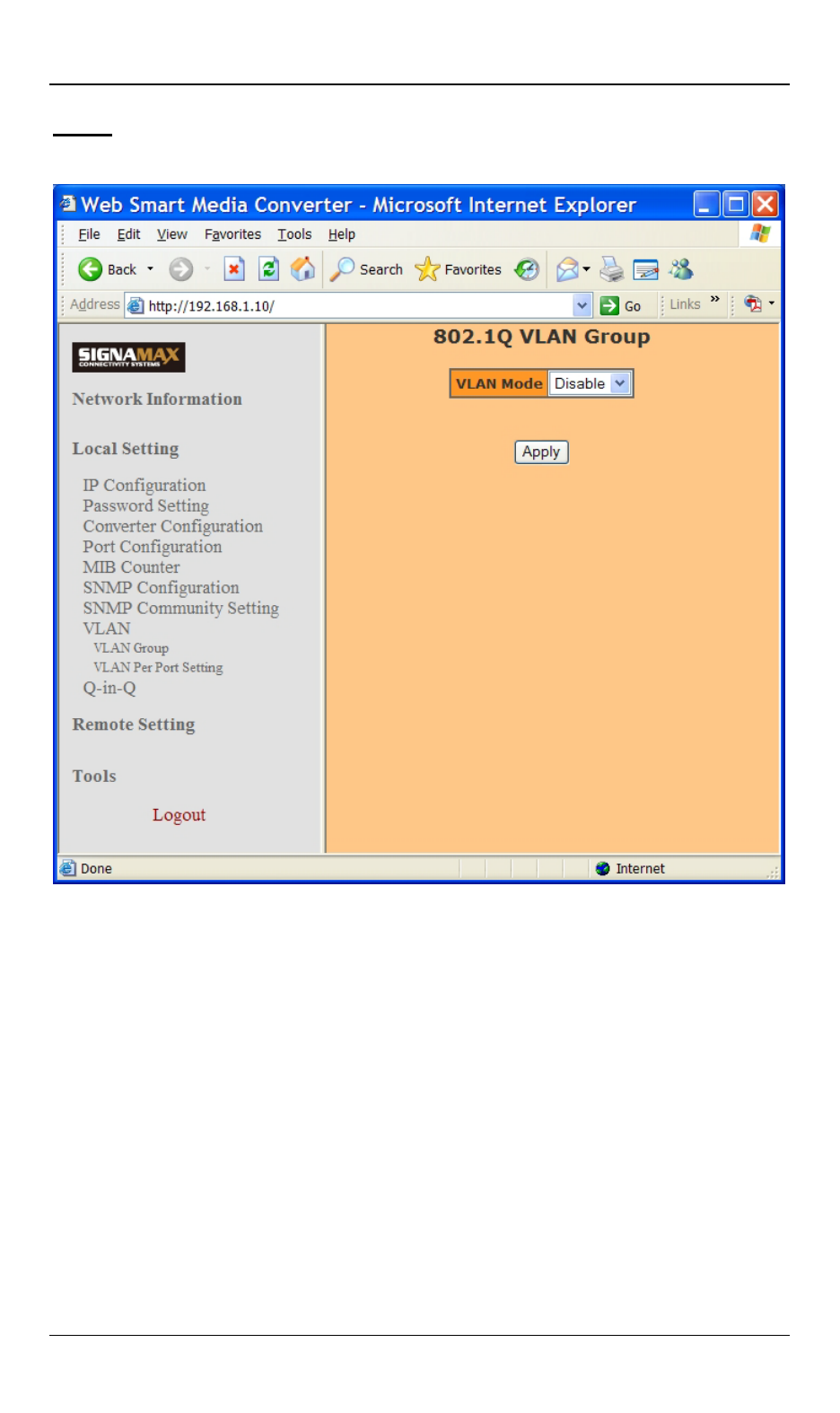
VLAN Group:
• VLAN Mode: Click “VLAN Mode” drop-down menu to
choose “Disable” or “Enable” from the “VLAN Mode”
drop-down list to disable or enable 802.1Q VLAN Group.
User could set 16 VLAN entries if enable 802.1Q VLAN
Group functions. Each VLAN entry could set VID and
member port. The VID should be 1~4094.
• Apply: Click “Apply” button when you finished VLAN
Group setting.
VLAN Per Port Setting:
Advertising
This manual is related to the following products: