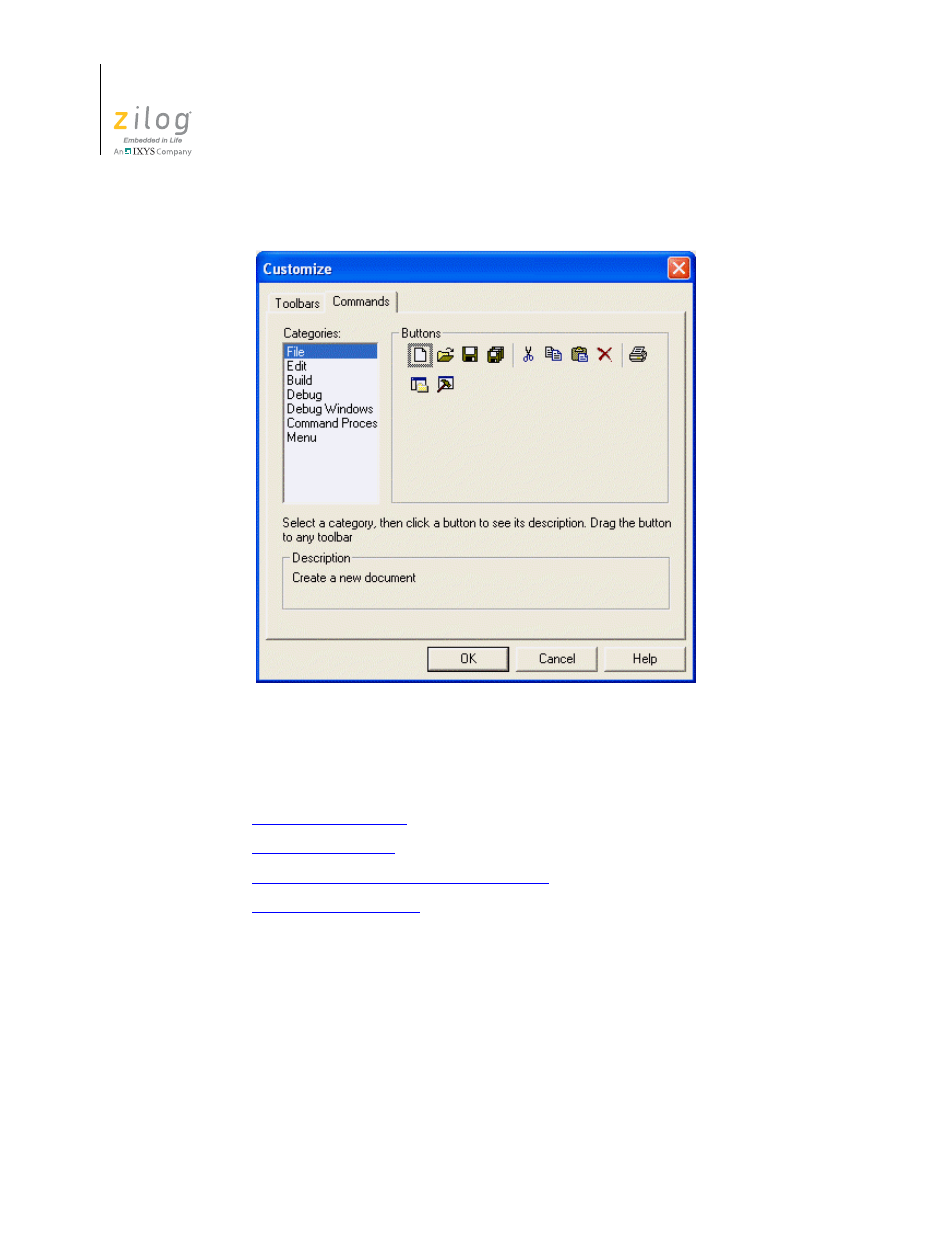
Figure 77. customize dialog box–commands tab, Options—general, Options – Zilog ZUSBOPTS User Manual
Page 124: Figure 77
Advertising
Menu Bar
UM017105-0511
96
Zilog Developer Studio II – ZNEO™
User Manual
Options
The
Options
dialog box contains the following tabs:
•
•
•
Options—Editor—Advance Editor Options
•
Options—General Tab
The
General
tab has the following checkboxes:
•
Select the
Save Files Before Build
checkbox to save files before you build. This
option is selected by default.
•
Select the
Always Rebuild After Configuration Activated
checkbox to ensure that
the first build after a project configuration (such as Debug or Release) is activated
results in the reprocessing of all of the active project’s source files. A project configu-
Figure 77. Customize Dialog Box–Commands Tab
Advertising