Pc connection – Argox PT-90 User Manual
Page 79
User’s Manual
73
8.3.13 PC Connection
You can set up a PC Connection to synchronize the device with a desktop PC. You can set
desktop USB and serial port connections. The following is the procedure required for changes
in PC Connection.
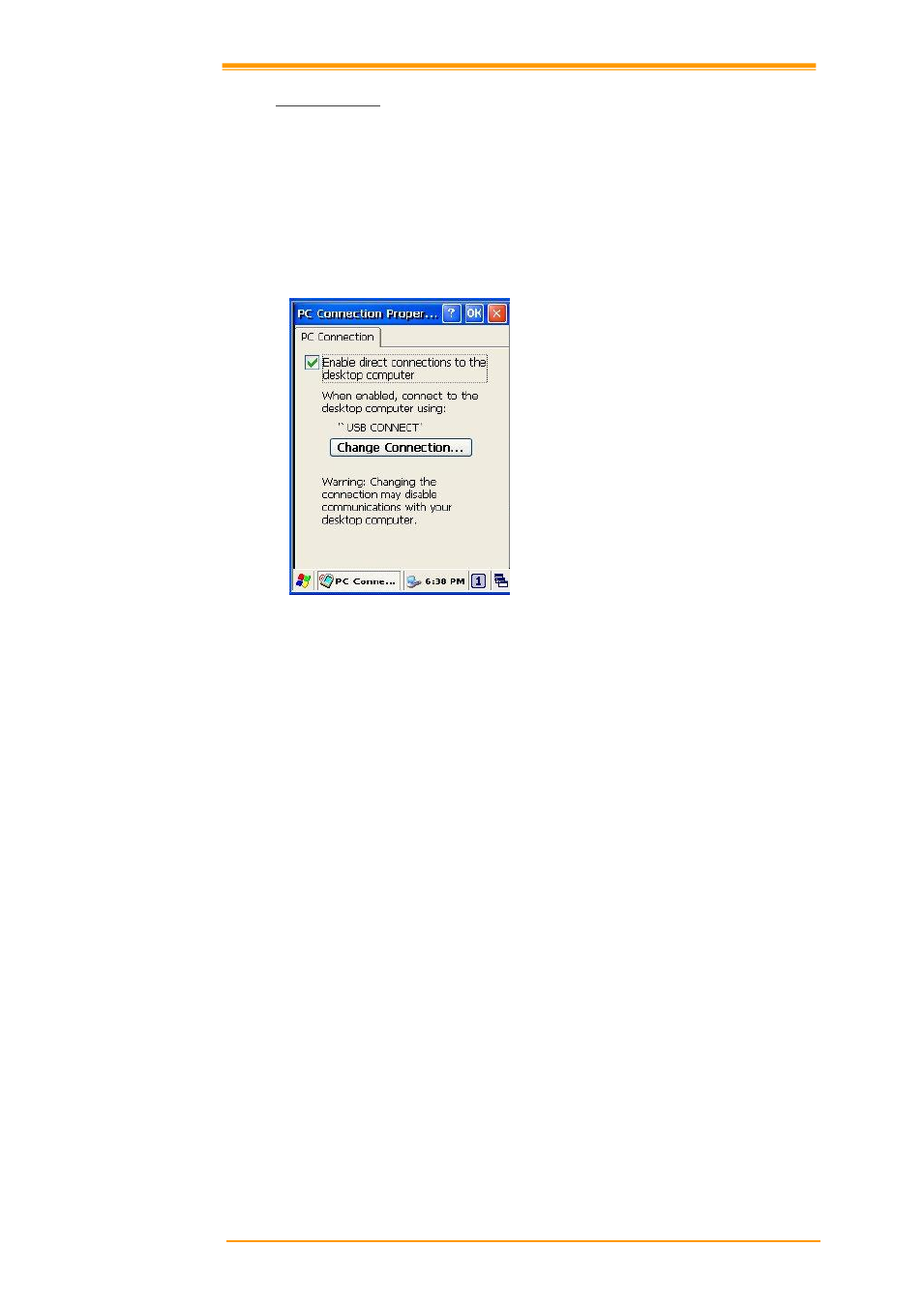
Begin with Windows CE 6.0. The PT-9X30 basically supports the Internet functions via USB.
If you set up a partnership with PC during ActiveSync, it provides `USB CONNECT link
items that enable an Internet connection through the USB connection:
Figure 8-26 PC Connection
1. Create a new connection in Go to Start → Settings → Network and Dial-up
Connections. Choose the direct connection as connection type. For detailed information,
refer to the < Network and Dial-up Connections > section. (
Page 57)
2. Select Go to Start → Settings → Control Panel → PC connection.
3. Select Change Connection icon.
4. Select the connection mode.
5. Click OK to save the setting.
To connect the PT-9X30 to a desktop PC, you must have Microsoft ActiveSync 4.5 for
Windows 2000/XP or Microsoft Mobile Device Center 6.1 for Windows Vista/7 on your
desktop PC.