Accessing the configuration interface – ARRIS WTM552 User Guide User Manual
Page 28
Advertising
Touchstone® WTM552 Telephony Modem User’s Guide
28
Getting
Battery
Wireless
Ethernet
Accessing the Configuration Interface
Follow these steps to access the configuration interface. You should have already
set up the WTM552 as described in
Installing and Connecting Your Telephony Mo-
.
1 Use the connection utility for your operating system to connect to the wire-
less LAN arris54g (this is the Telephony Modem’s factory default
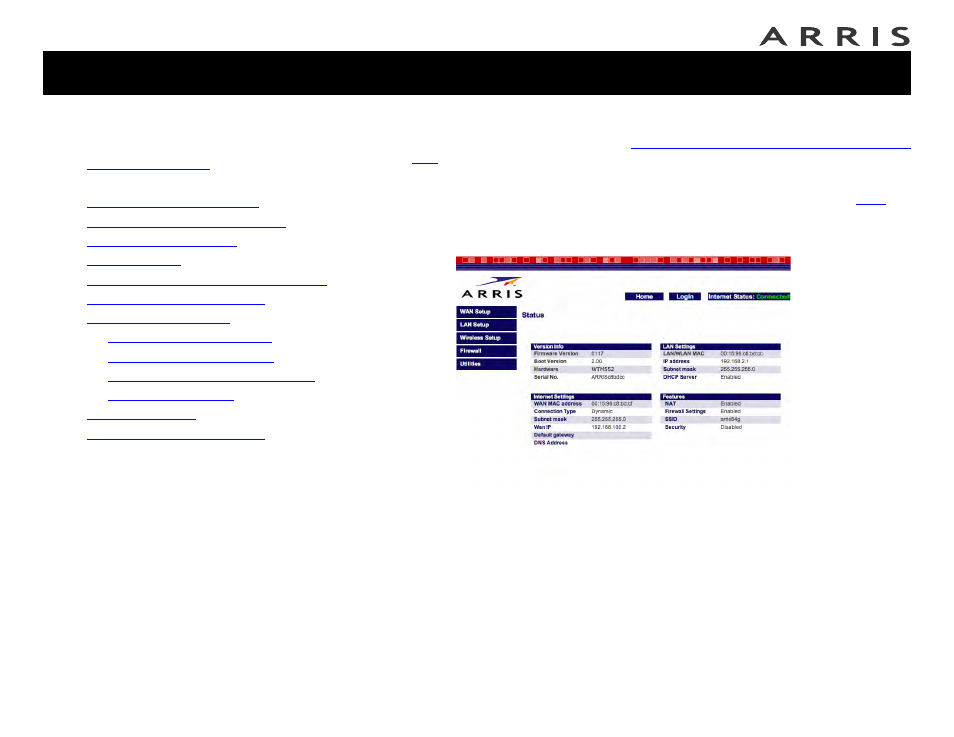
2 In your web browser, open the page http://192.168.2.1/ to display the
Status screen:
Jump directly to one of the following topics:
•
•
Accessing the Configuration Interface
•
•
Setting Up Your WAN Connection
•
•
•
Configuring the LAN Channel and Name
•
•
—
—
—
Configuring MAC Address Filtering
—
•
•
Advertising