S-96 – Baby Lock Crescendo (BLCR) Instruction and Reference Guide User Manual
Page 170
USING THE MEMORY FUNCTION
S-96
Saving Stitch Patterns in the
Machine’s Memory
You can save often used stitch patterns in the
machine’s memory. A total of about 1 MB of stitch
patterns can be saved in the machine’s memory.
a
Press .
b
Press .
*
Press
to return to the original screen without
saving.
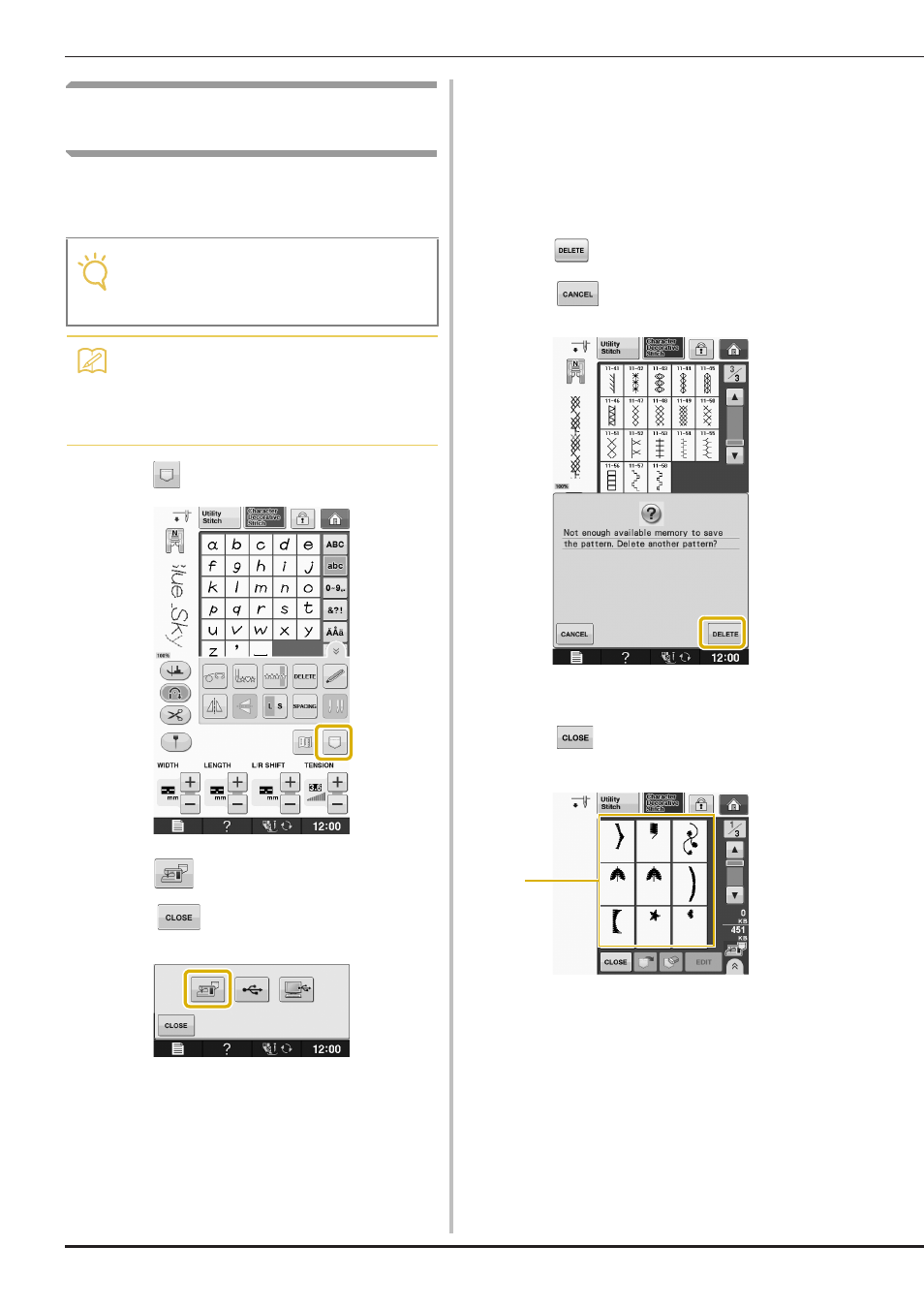
→ The “Saving” screen is displayed. When the pattern
is saved, the display returns to the original screen
automatically.
■ If the Memory is Full
If the following screen appears while you are trying
to save a pattern on the machine’s memory, the
memory is too full to hold the currently selected
stitch pattern. To save the stitch pattern in the
machine’s memory, you have to delete a previously
saved stitch pattern.
a
Press .
*
Press
to return to the original screen without
saving.
b
Choose a stitch pattern to delete.
*
Press
if you decide not to delete the stitch
pattern.
a Pockets holding saved stitch patterns
Note
• Do not turn the main power to OFF while the
“Saving” screen is displayed. You will lose
the stitch pattern you are saving.
Memo
• It takes a few seconds to save a stitch
pattern.
• See page S-99 for information on retrieving
a saved stitch pattern.
a