Working with pictures – ZTE Blade V6 User Manual
Page 69
Advertising
69
Working With Pictures
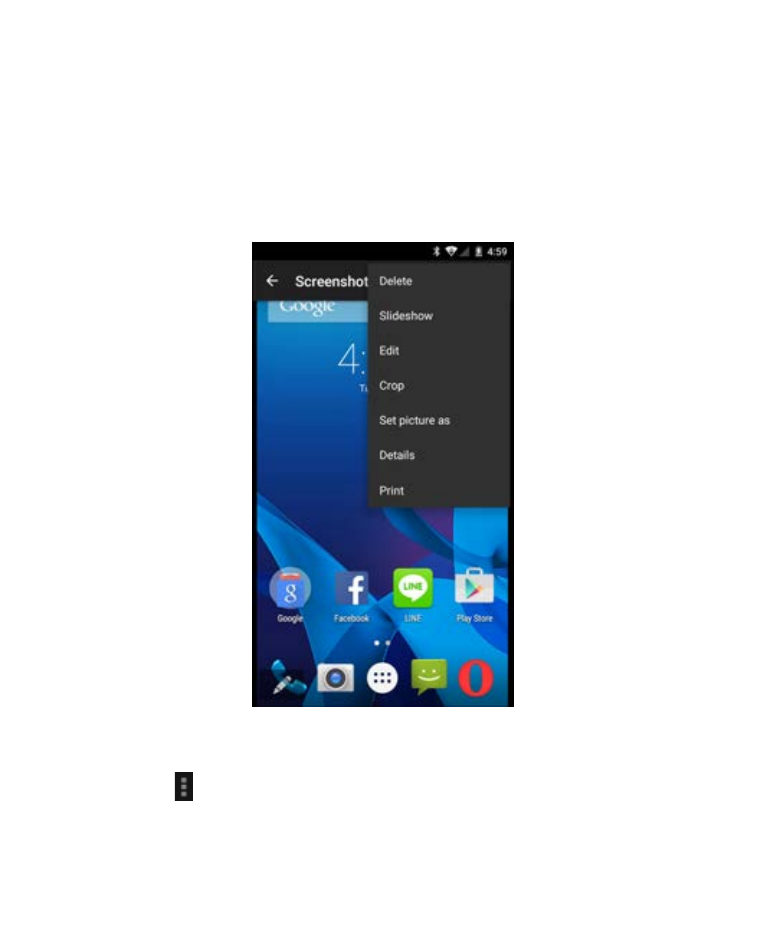
Touch a picture in an album to view the picture in full screen.
Double-touch the picture, or pinch two fingers together or
spread them apart to zoom out or in. Slide left or right to view
other pictures in the album.
•
Touch the Gallery icon in the upper left corner to return to
the album.
•
Touch
>Slideshow to browse the album contents in a
slideshow.
Advertising