Setting the format – MBM Corporation 352S User Manual
Page 19
Operator's Manual
multipli 35
Air Feeder S 32
22
Mathias Bäuerle GmbH
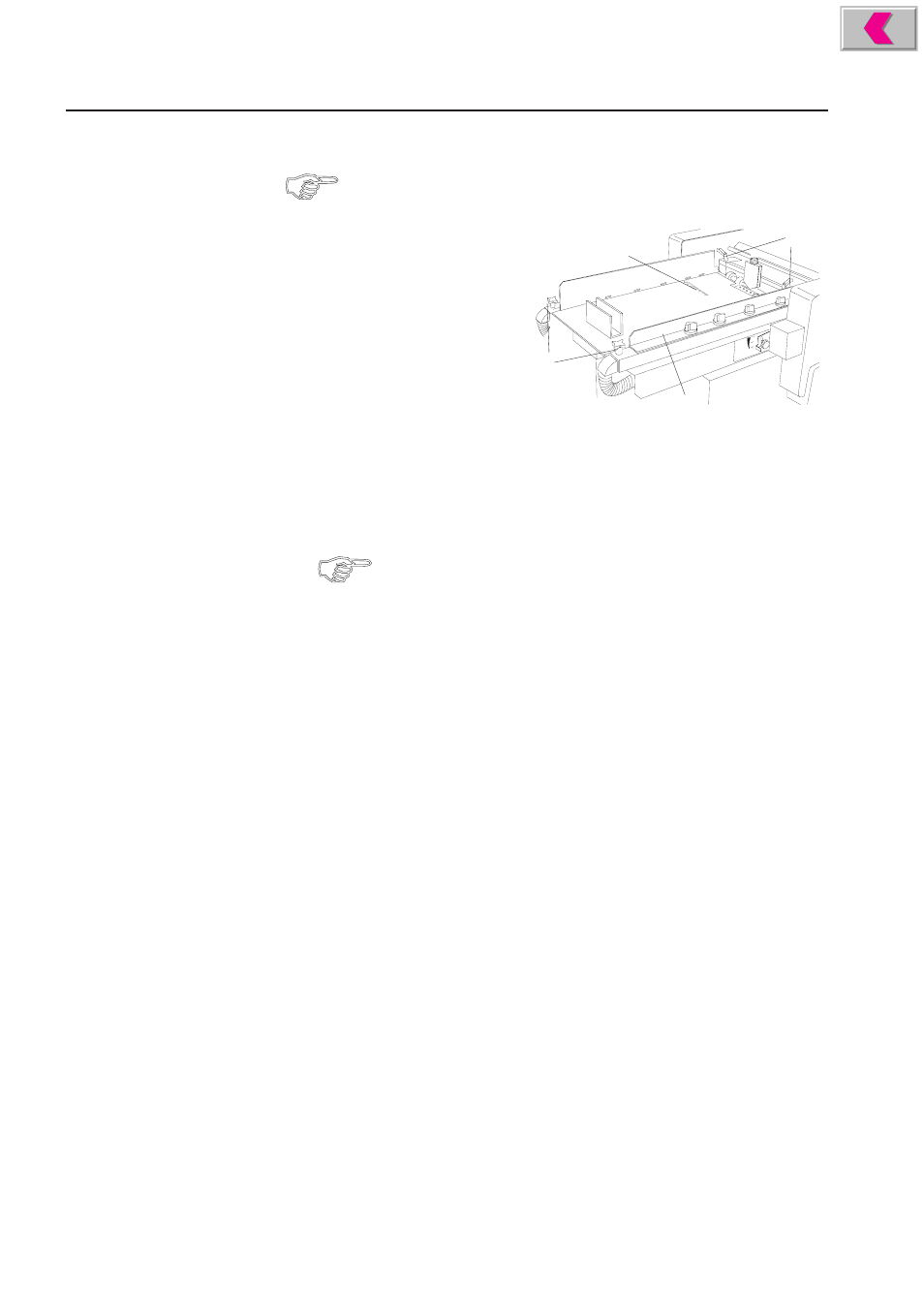
Setting the Format
The paper should be positioned in such a way that it is fed approximately
from the center.
•
Loosen the knobs (1) by turning
them counter-clockwise.
•
Loosen the lock levers (2) by
turning them counter-clockwise.
They can be moved to a con-
venient position for tightening
by lifting and then turning them.
•
Set the left air guide to half the
paper width with the help of the
scale (3).
•
Tighten the knob and the lock lever of the left air bracket.
•
Place a paper stack of about 50 sheets on the feed table.
•
Slide the right feed guide (4) against the stack.
Do not pinch the stack, leave at least 0.5 mm between paper stack and
guide.
•
Tighten the knob and the lock lever of the right air guide.