Grass Valley KXO-HDM Dec 20 2012 User Manual
Page 10
Advertising
6
KXO-HDM Installation
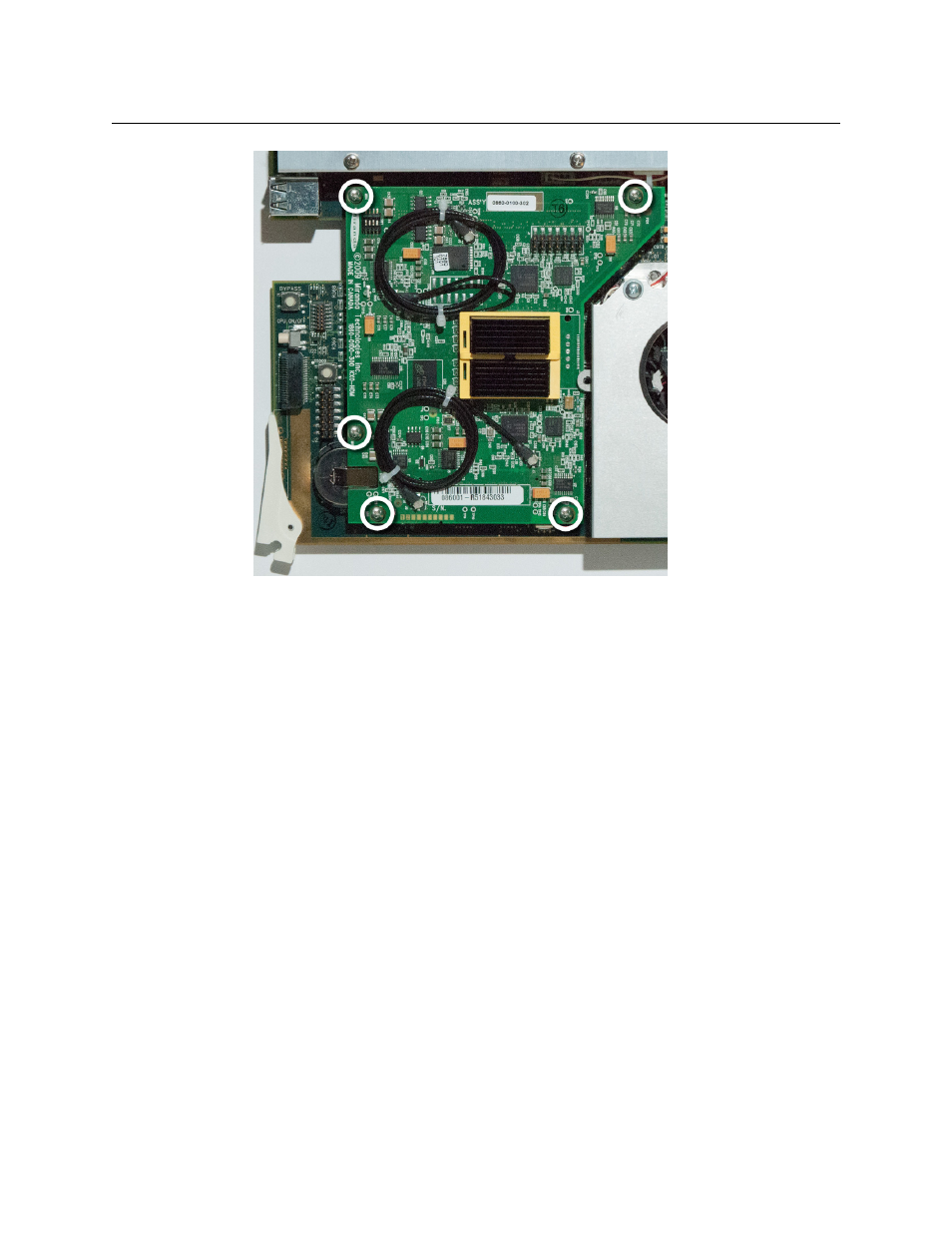
Replacing the KXO-HDM on a First-Generation KXO-Dual
4 Carefully lift the KXO-HDM mezzanine to separate the connectors.
5 Place the new KXO-HDM mezzanine carefully unto the KXO-Dual card connectors.
The mezzanine fits underneath the large heatsink mounting bracket shown below.
6 While supporting the underside of the main board, apply pressure in the connector
areas until the mezzanine is fully connected.
Advertising
This manual is related to the following products: