页 26 – Curtis PLEDV2213A-C User Manual
Page 26
25
TV
【Change Password】
Enter a new 4-digital password then re-enter it to confirm.
Press
butt on to ente r.
【System Lock】
Lock or unlock the buttons on the TV.
Press
butt on to select(O ff / On).
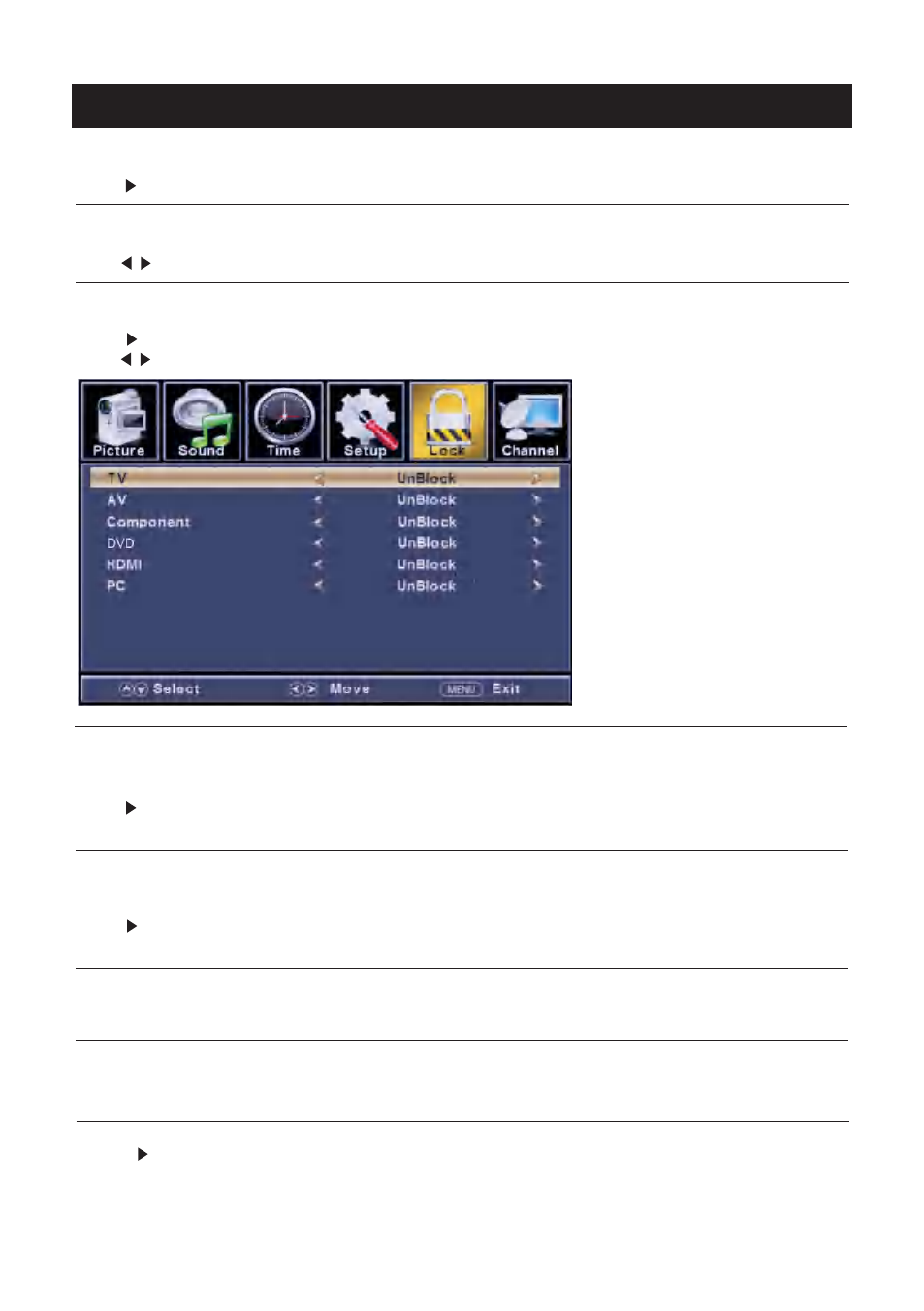
【Input Block】
Block or unblock the input sources.
Press button to enter.
Press
butt on to select(U nblock / Block).
【
Restri ct movie and TV programs by US Ratings.
Only available when "System Lock" is "on".
Press button to enter.
For detail please refer to page 26~27.
【
Restri ct movie and TV programs by Canadian Ratings..
Only available when "System Lock" is "on".
Press button to enter.
For detail please refer to page 27.
【RRT Settin g】
Display an advance V-Chip rating table for digital channels.
The ite m is available only When curre nt stre am has downloadable ra ti ng data .
【Reset RRT】
Reset the RRT to default.
The ite m is available only When curre nt stre am has downloadable ra ti ng data .
>
</ >
>
</ >
>
>
US Ratin g】
Canada Ratin g】
【
Press
button to enter.
For detail please refer to page 28.
Hotel Menu】
>