页 32 – Curtis PLEDV2213A-C User Manual
Page 32
Advertising
【
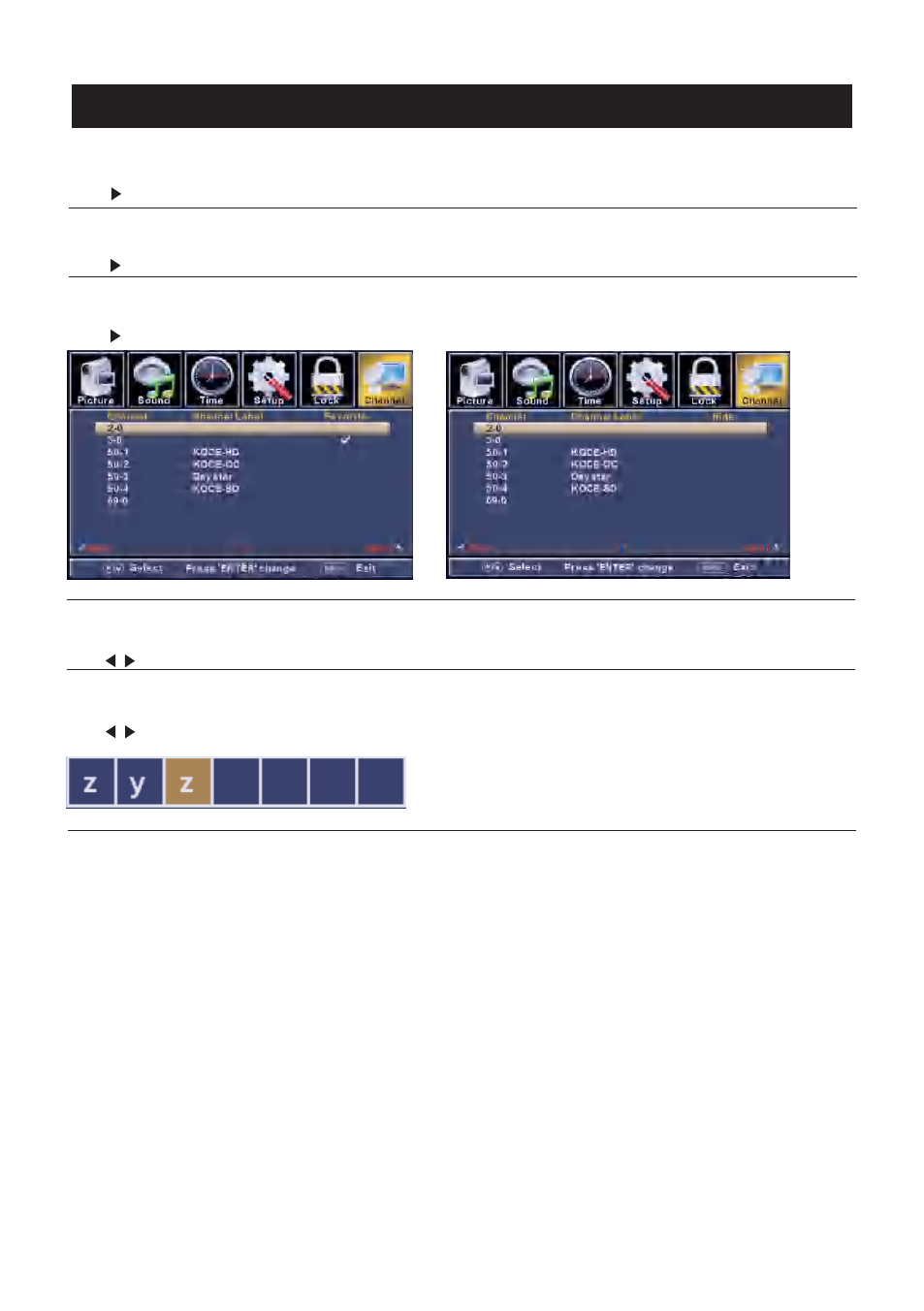
Favorite s
】
Add channels to create a favorite list.
Press button to enter.
【
Channel Number
】
.
Press
butt on to adjust.
【
Channel Label
】
.
Press
butt on to adjust.
>
>
>
</ >
</ >
【
Channel Lis t
】
Display your program list.
Press button to enter.
【
Show/H id e
】
Show or hide the channels in your program list.
Press button to enter.
Show th e channel number
Cre ate labels fo r channels ,u p to 7 chara cte rs
TV
31
Advertising
This manual is related to the following products: