页 30 – Curtis PLEDV2213A-C User Manual
Page 30
Advertising
TV
29
【Boot Channel】
【Channel Select】
Set boot default on what channels.After channel searching,channels in the list can be selected.
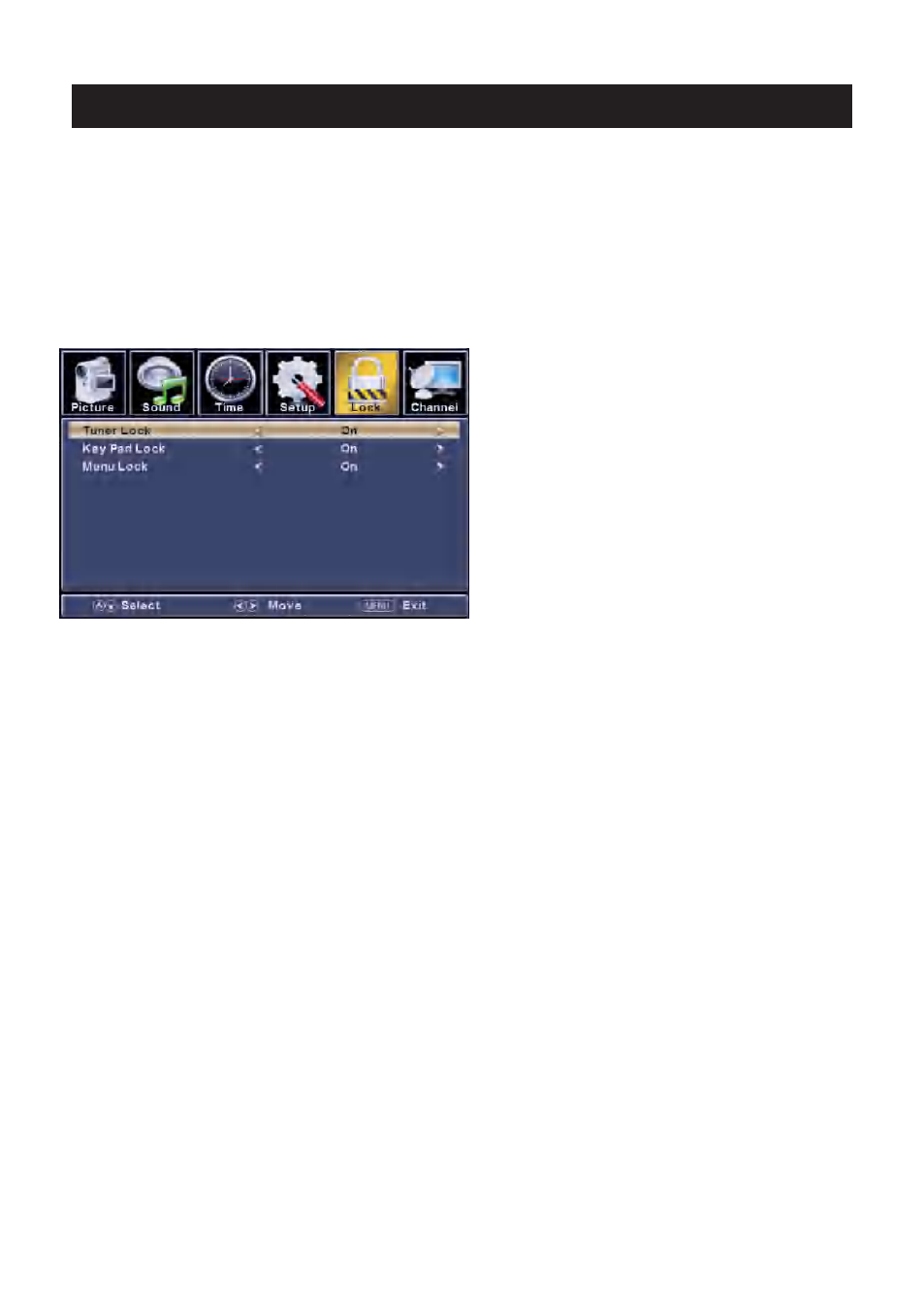
【Hotel Lock】
Set boot channel On or Off.
Note:Channel Select is available when Boot Channel is set to be On.
To lock the Tuner/Key Pad/Menu Lock that you want.
Channel searching is invalid when Tuner Lock is set to be On
【Power Save】
Set a timer for the TV to turn off automatically.
Timer:60Min,120Min,180Min,240Min,Off
【TV to USB】
【USB to TV】
【Reset Hotel Setting 】
Available
Backup data to USB.
Restore data from USB.
Recall the default settings of Hotel menu.
Advertising
This manual is related to the following products: