To set up the utility system, To set up the utility system -67 – RIGOL DS1000D User Manual
Page 97
Advertising
RIGOL
© 2008 RIGOL Technologies, Inc.
User’s Guide for DS1000E, DS1000D Series
2-67
To Set up the Utility System
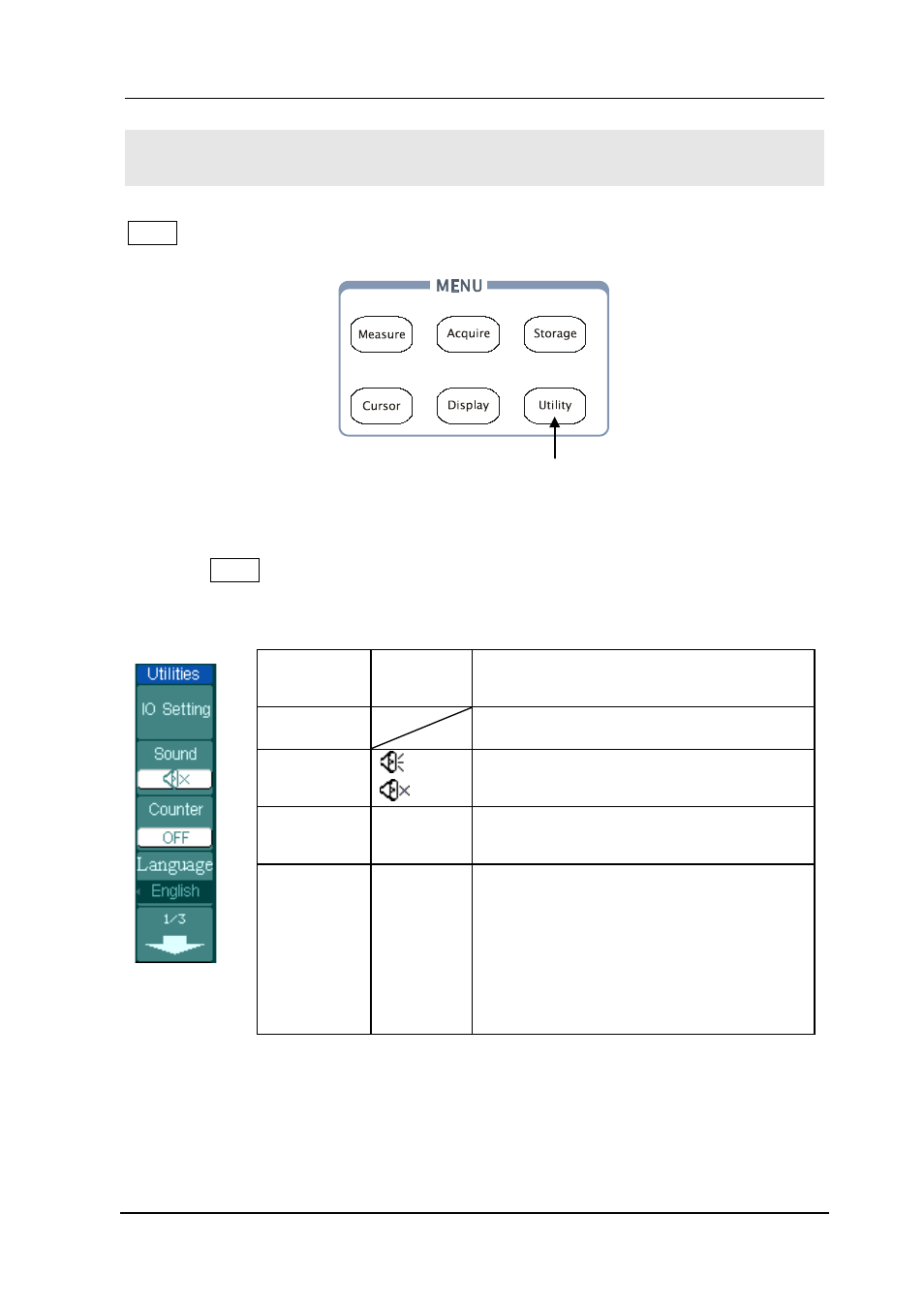
Utility shows the menu button for the Utility on the front panel.
Figure 2- 88
Utility setup button
Press the Utility button to pop up the menu for the settings of the Utility system.
Figure 2- 89 Table 2- 54 The Utility Menu (Page 1/3)
Menu
Setting
Comments
I/O setting
Setup I/O configuration
Sound
(ON)
(OFF)
Switch beeper sound on/off
Counter
OFF
ON
Turn off Frequency Counter
Turn on Frequency Counter
Language
简体中文
繁体中文
English
日本語
François
…
Select languages
(More languages may be added in later
firmware versions)
Utility setup button
Advertising
This manual is related to the following products: