RIGOL DG1000Z Series User Manual
Page 50
RIGOL
6
DG1000Z Quick Guide
10. Direction Keys
—
Used to move the cursor to select the digit to be edited when setting
parameter using knob.
—
Used to delete the number at the left of the cursor when inputting
parameter using numeric keyboard.
—
Used to unfold or fold the selected directory when storing or reading file.
—
Used to move the cursor to select the desired character in filename input
area when editing filename.
11. Knob
—
Used to increase (clockwise) or decrease (counterclockwise) the value
marked by the cursor when setting parameter using knob.
—
Used to select the storage location when storing a file or used to select the
file to be read when reading file.
—
Used to select a character from the virtual keyboard when editing filename.
—
Used to select a desired built-in arbitrary waveform from Arb Select
Wform BuiltIn.
12. Numeric Keyboard
The numeric keyboard consists of number keys (0 to 9), decimal point (.) and
sign key (+/-) and is used to set the parameters.
Note:
The sign key is used to switch between uppercase and lowercase inputs.
Press the decimal point twice to save the content displayed in the user
interface in the USB storage device in *.Bmp format.
13. Waveform Keys
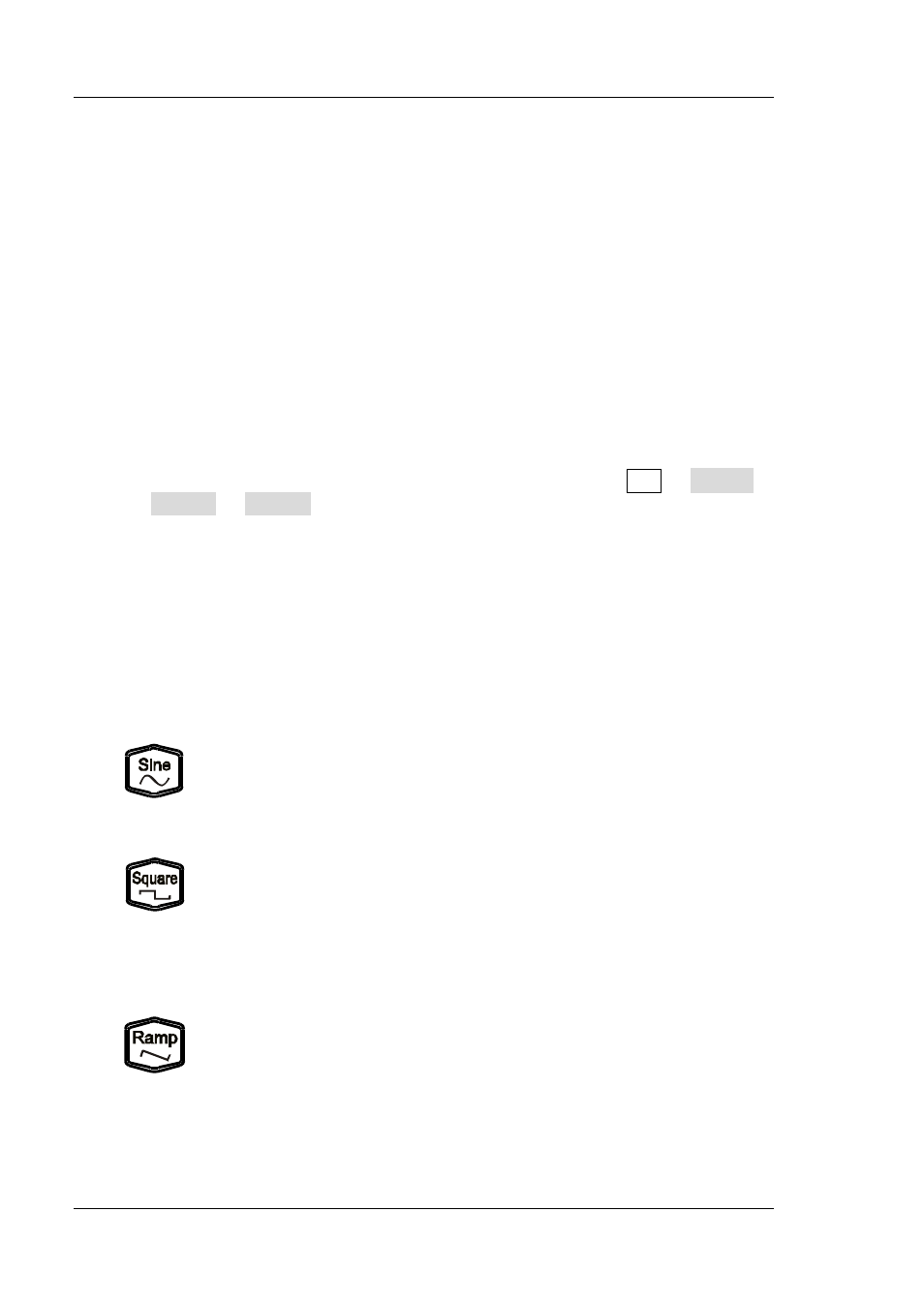
Output Sine with frequency from 1μHz to 60MHz.
—
The backlight goes on when this function is selected.
—
You can set the parameters for sine waveform including
Freq/Period, Ampl/HiLevel, Offset/LoLevel and Start Phase.
Output Square with frequency from 1μHz to 25MHz and variable
duty cycle.
—
The backlight goes on when this function is selected.
—
You can set the parameters for square waveform including
Freq/Period, Ampl/HiLevel, Offset/LoLevel, Duty Cycle and
Start Phase.
Output Ramp with frequency from 1μHz to 1MHz and variable
symmetry.
—
The backlight goes on when this function is selected.
—
You can set the parameters for ramp waveform including
Freq/Period, Ampl/HiLevel, Offset/LoLevel, Symmetry and
Start Phase.