Epson WorkForce Pro WF-M5799 Workgroup Monochrome Multifunction Printer with Replaceable Ink Pack System User Manual

Page 206
Advertising
background image

206

4.

Select

Scan Settings

from the Scan Setting Name list (or select

Scan

>

Scan Settings

from the

menu bar).

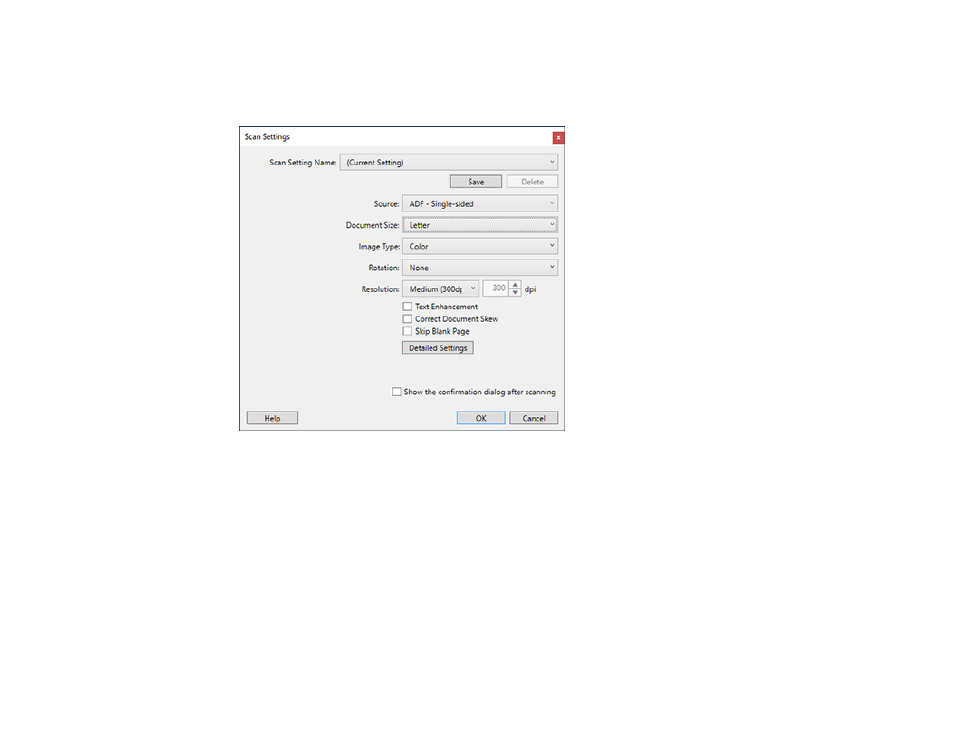
You see a window like this:

5.

Select any displayed settings you want to use and click

OK

.

Note:

See the help information in Document Capture Pro for details.

6.

Click

Scan

.

Advertising
This manual is related to the following products: