Panasonic NAMPS HH950 User Manual
Page 54
Attention! The text in this document has been recognized automatically. To view the original document, you can use the "Original mode".
NOTE:
To recall,
en/erffl^ and
the 2-digit number as
described later on page 3-28.
ST005 —
Stored
ST0 5_ =<=<===
Vacant
0 1 2 . . 5 . . 8 9
Auto Memory Location
Auto Memory Location, as its name implies, automatically
selects the lowest available vacant memory location slot
and stores your number there.
1. To automatically store a number on the lowest available
memory slot, enter the desired phone number and
press (sfo) and Q .
2. To store on the lowest vacant memory location within a
block of ten locations, enter the desired phone number,
press (W), to , and H • For example, to
store on the lowest vacant memory location in the
series from 50 to 59 (50 on the left), press (W),
,
and Q .
3. To escape from this mode, press (
clr
) .
STO 5 =====
User's Mem Full
NOTES:
•
When the message User's Mem Full appears on the
display, memory capacity is exhausted and will not accept
any additional information.
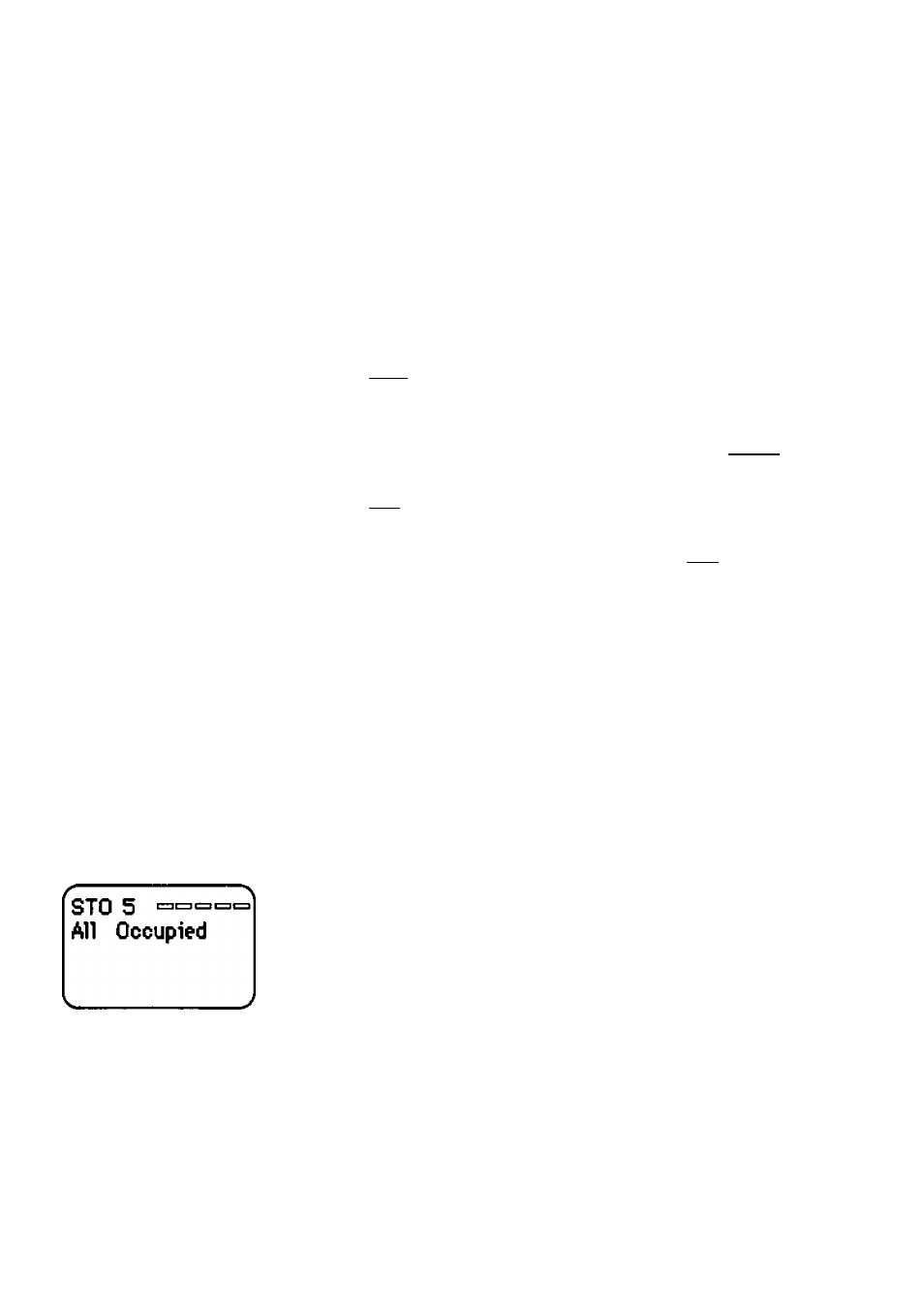
When the message All Occupied appears on the display, all
memory location slots in a block of ten locations are full.
You may replace an occupied location with your new name
and number (see Override Protection, page 3-23).
Operation
Speed-Dial Memory 3-21