Dispenseposition – Avery Dennison Monarch 9864 Info Printouts and Parameters User Manual
Page 84
06/08 Rev. AB
USER MANUAL
Info-Printouts & Parameters
9844 - 9854 - 9864
84
Batch Mode
•
The printer can print the entire label surface.
•
The label dispenses while printing. The next label prints after the previous
label is removed.
•
The output volume is at the maximum.
¯
Batch mode is optimized for printing and dispensing at high speeds. It is
not possible to use all features available in modes Normal 1:1 or Real 1:1.
¯
Do not use the following Job/Parameter combinations:
•
Jobs with counter fields
•
Jobs with variable fields
•
SYSTEM PARAMETER > Dispensing mode
must be set to fast.
•
The USI reprint function is not supported.
DP INTERFACE > Reprint signal
must be
set to deactivated.
•
Foil save
P
A graphic can be found under
PRINT PARAMETERS > Cut mode > Batch mode
.
Real 1:1 Mode
(Default setting)
•
The printer can print the entire label surface.
•
After dispensing a label, the beginning of the next label is backed up under
the printhead.
•
The output volume is lower than in Batch Mode or Normal 1:1 Mode.
P
A graphic can be found under
PRINT PARAMETERS > Cut mode > Real 1:1 mode
.
Dispenseposition
9854
¯
Only if
SYSTEM PARAMETER > Periph. device
= Dispenser.
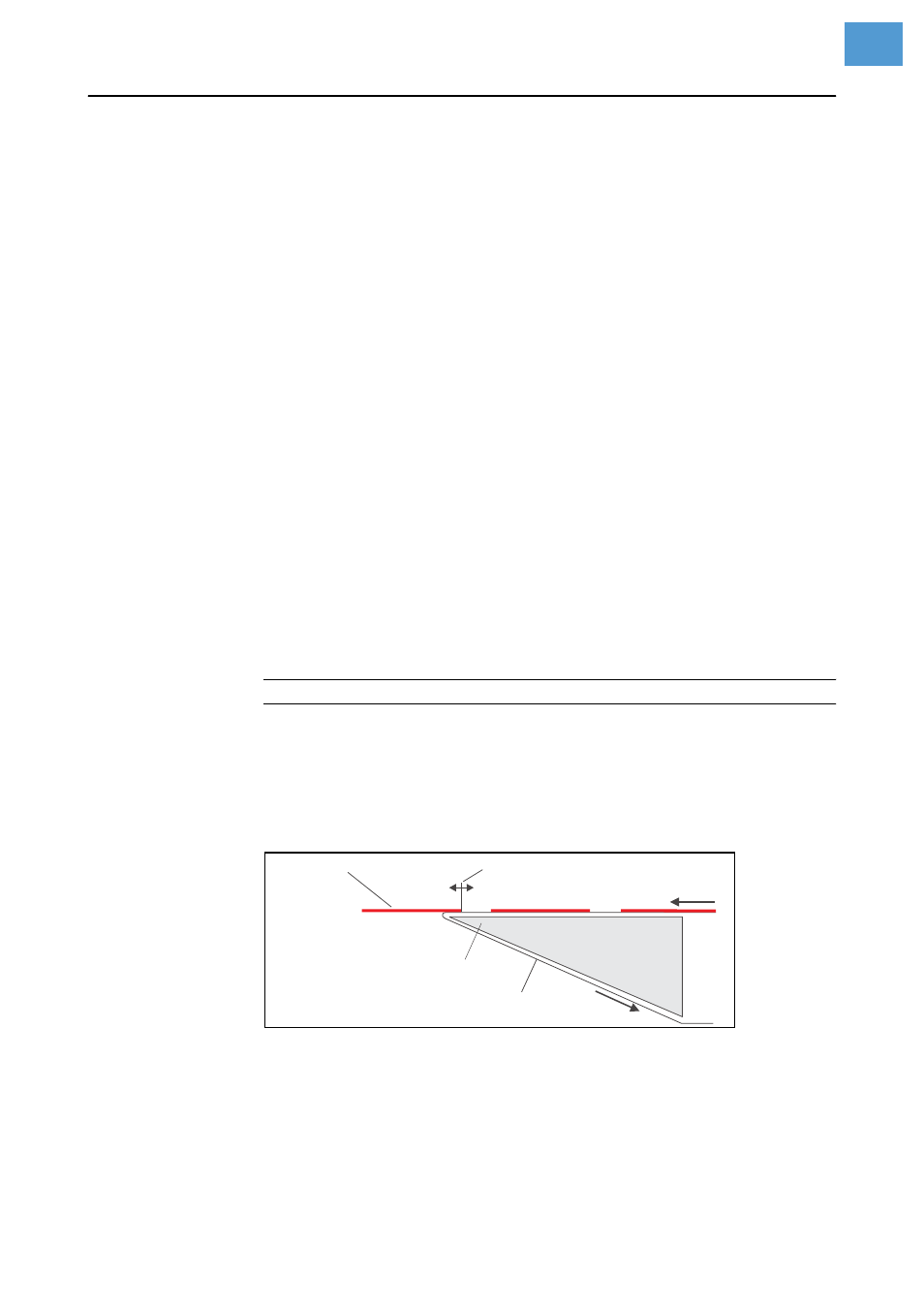
Dispense position
Adjusts the dispense (peel) position in or out against the feed direction.
Labels stick to more or less of the backing paper based on the setting
(Fig. 11).
[18] Dispense position (stop position) of the dispensed label.
x.x mm
Setting range: -30.0 to +20.0 mm; Unit interval: 0.1 mm; Default
setting: depends on the setting of the parameter
SYSTEM PARAMETERS >
Application mode
Dispensed label
Dispense position
Dispensing edge
Backing paper
Z0040E
.cdr