Assigned for the cbl/sat / dvd / blu-ray / game – Marantz NR1504 User Manual
Page 107
104
Setting items
Setting details
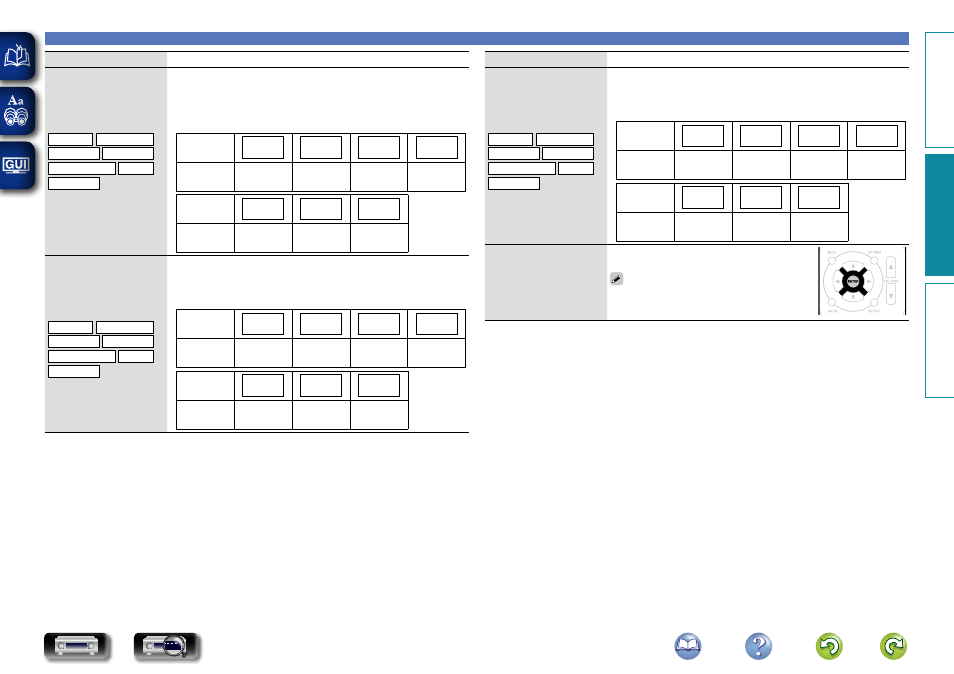
DIGITAL
Set this to change the digital
audio input connectors
assigned to the input
sources.
CBL/SAT Blu-ray/DVD
GAME
AUX
MEDIA PLAYER CD
TV AUDIO
Coax (Coaxial) / Opt (Optical) : Assign a digital input connector to the
selected input source.
– : Do not assign a digital input connector to the selected input source.
• At time of purchase, the settings of the different input sources are as
shown below.
Input
source
CBL/SAT
Blu-ray/
DVD
GAME
MEDIA
PLAYER
Default
setting
Coax
–
–
–
Input
source
TV AUDIO
AUX
CD
Default
setting
Opt
–
–
ANALOG
Set this to change the
analog audio input
connectors assigned to the
input sources.
CBL/SAT Blu-ray/DVD
GAME
AUX
MEDIA PLAYER CD
TV AUDIO
1 / 2 / 3 : Assign a analog input connector to the selected input source.
– : Do not assign a analog input connector to the selected input source.
• At time of purchase, the settings of the different input sources are as
shown below.
Input
source
CBL/SAT
Blu-ray/
DVD
GAME
MEDIA
PLAYER
Default
setting
1
2
–
–
Input
source
TV AUDIO
AUX
CD
Default
setting
–
–
3
Inputs
Setting items
Setting details
VIDEO
Set this to change the
composite video input
connectors assigned to the
input sources.
CBL/SAT Blu-ray/DVD
GAME
AUX
MEDIA PLAYER CD
TV AUDIO
1 / 2 / 3 : Assign the video input connector to the selected input source.
– : Do not assign a video input connector to the selected input source.
• At time of purchase, the settings of the different input sources are as
shown below.
Input
source
CBL/SAT
Blu-ray/
DVD
GAME
MEDIA
PLAYER
Default
setting
1
2
–
3
Input
source
TV AUDIO
AUX
CD
Default
setting
–
–
–
Set Defaults
The “Input Assign” settings
are returned to the default
settings.
Reset : Reset to the defaults.
Cancel : Do not reset to the defaults.
If you select “Set Defaults” and press
ENTER
,
the message “Reset all input assignments
to the factory default?” is displayed. Select
“Reset” or “Cancel”, and then press
ENTER
.
Basic instructions
Advanced instructions
Information
Advanced instructions
DVD